Troubleshooting
© 2019 Twinhead International Corp and/or its affiliates. All rights reserved.
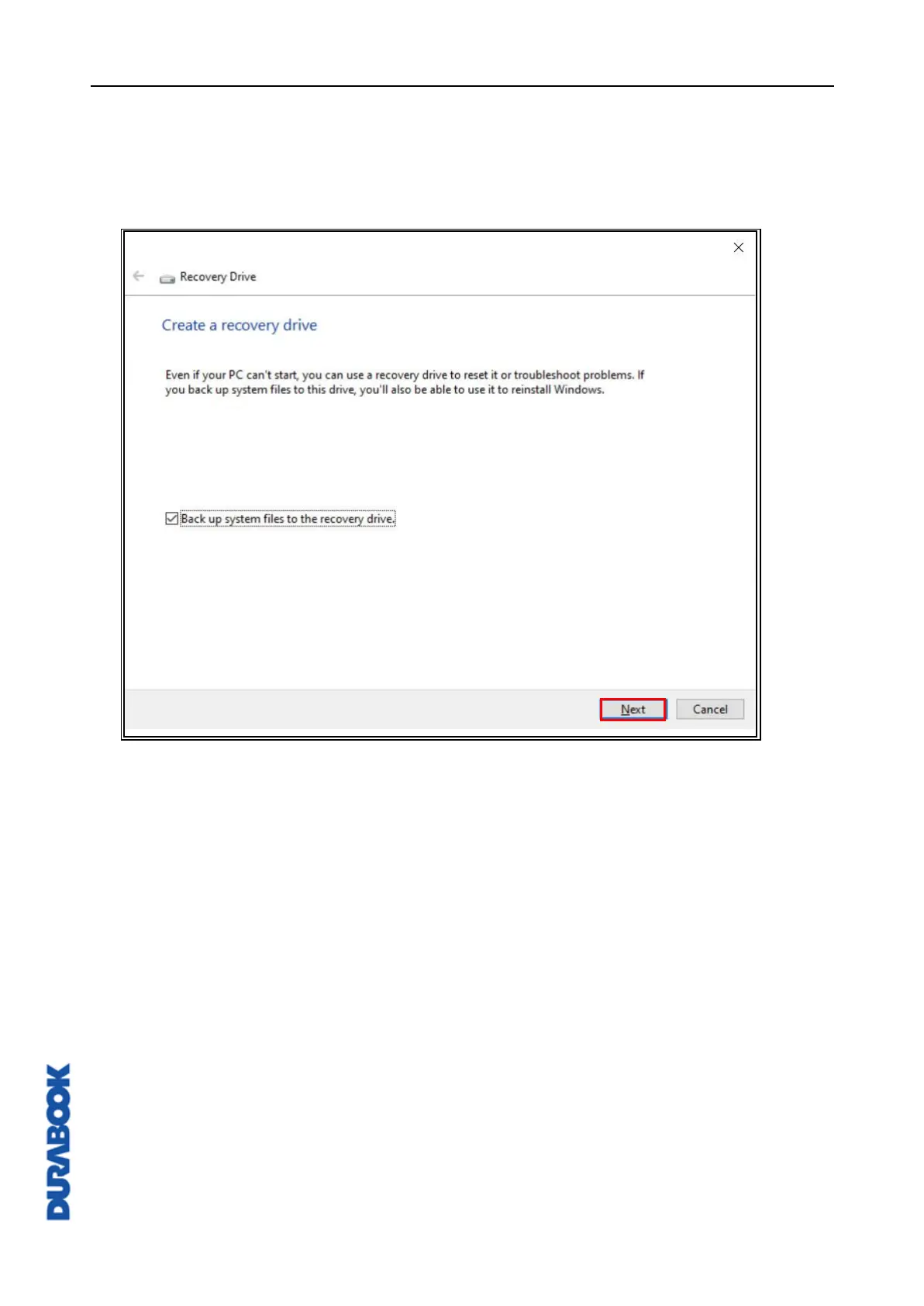
To create a recovery media, open Control Panel (View by: Large icons or
Small icons) > Recovery > Create a recovery drive. If prompted, click
Yes to “Do you want to allow this app to make changes to your device?”
message. Check Back up system files to the recovery drive. option and
then click Next. Follow the on-screen instructions to back up system files.



 To Next Page