6
DYMO MobileLabeler
User Guide
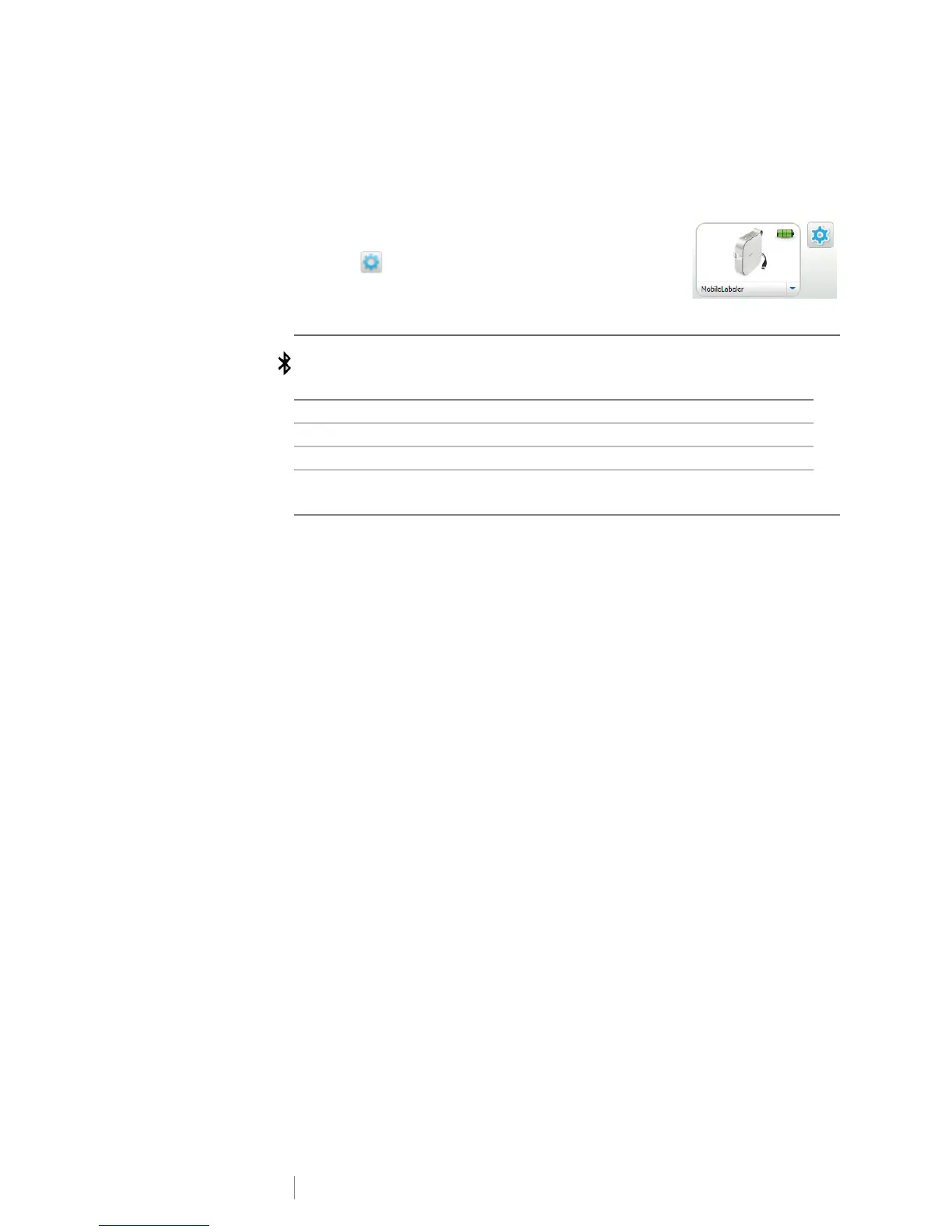
To change the discovery mode
1 Connect the MobileLabeler label maker to the computer where you have
DYMO Label software installed.
2 From DYMO Label software, select the MobileLabeler
label maker as the current printer.
3 Click to open MobileLabeler Options.
4 Select the desired discovery option.
Bluetooth Status Light
The Bluetooth status light visually shows the connection status of the label maker.
RESET
The RESET button resets the label maker to the factory default settings. Resetting
the label maker results in the loss of all current settings, including all Bluetooth
settings. Press this button only if you want to erase all current information on the
label maker.
To press the RESET button, use a narrow pointed object such as the tip of a pen
or pencil.
Status Light Label Maker Status
Off The label maker is not discoverable.
Blinking The label maker is discoverable.
Solid The label maker is connected.











 To Next Page