Leaders in Pipeline Survey Systems
OPERATOR’S MANUAL
Issue 4.04 - 1207 16
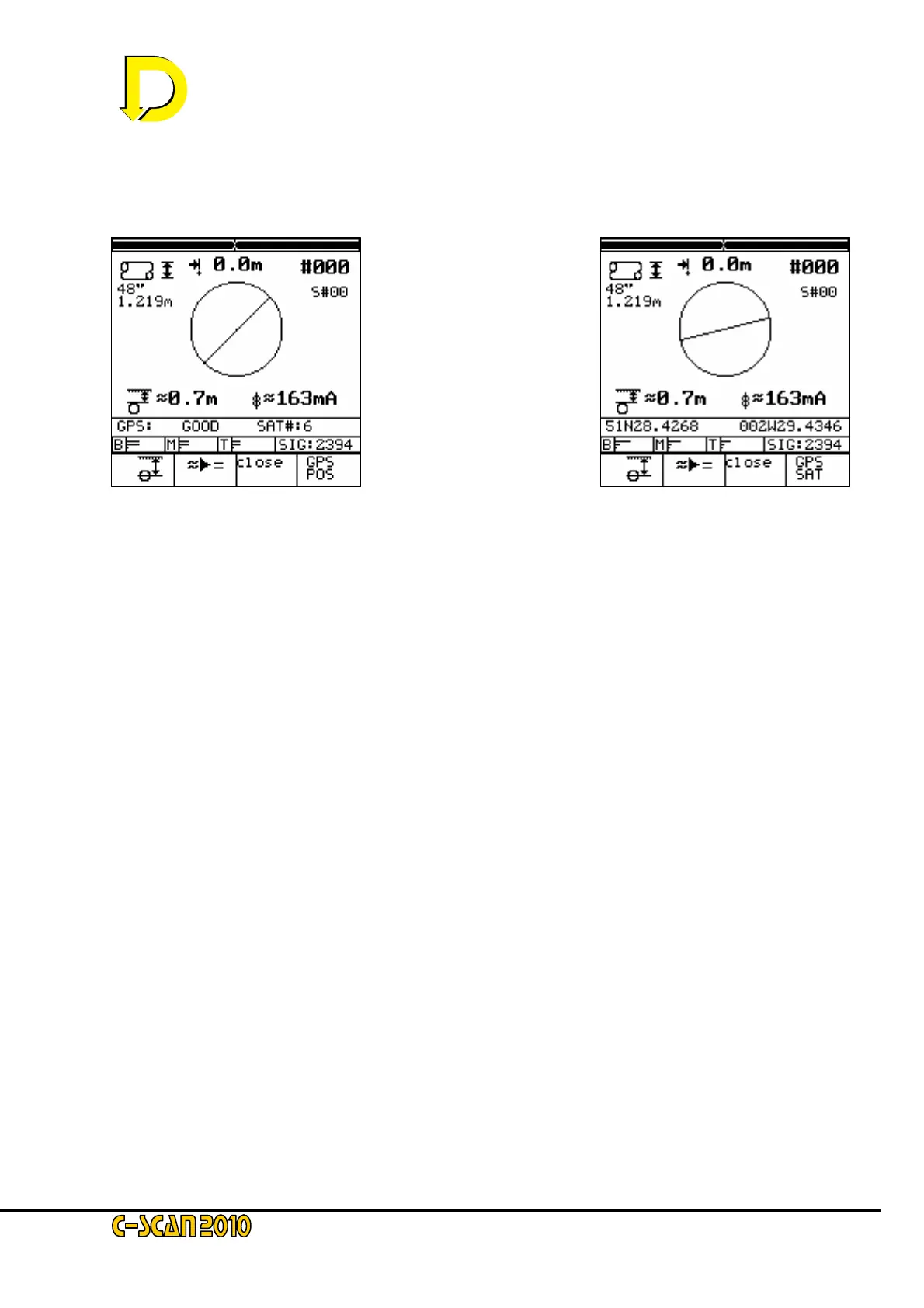
Pressing the key adjacent to the GPS POS box (bottom RH corner) will change the display from
the number of satellites to the Latitude & Longitude position of the DU – see Figs. 14 & 15
below.
Move the DU towards the pipeline until the horizontal distance indicator is as close to zero as
possible. The right and left-hand black bars at the top of the display screen shown the precise
overhead position when they are as close together as possible.
Two newly available function keys are now displayed:
- the CALCULATION key, below the
≈►= symbol.
and
- the CLOSE key, below the ‘Close’ box
The CALCULATION key takes a large sample and converts the approximate readings into
accurate data.
NOTE: it is important that the DU is held stationary and perpendicular to the pipeline after the
CALCULATION key is pressed. Any movement will upset the readings and result in data errors.
The CLOSE key is for CLOSE INTERVAL CURRENT SURVEY. This is discussed in Section
4.8 later in this manual.
Keep the instrument still and press the CALCULATION key (
≈►=) now.
NOTE: if the DU is in DEMO mode the display will be continually changing. Press the CALCULATION
key when its symbol (
≈
►=) appears.
Fig. 14 – GPS signal ‘GOOD’
with number of satellites shown
Fig. 15 – Latitude / Longitude in
this example is for Bristol UK



 To Next Page