Leaders in Pipeline Survey Systems
OPERATOR’S MANUAL
Issue 4.04 - 1207 31
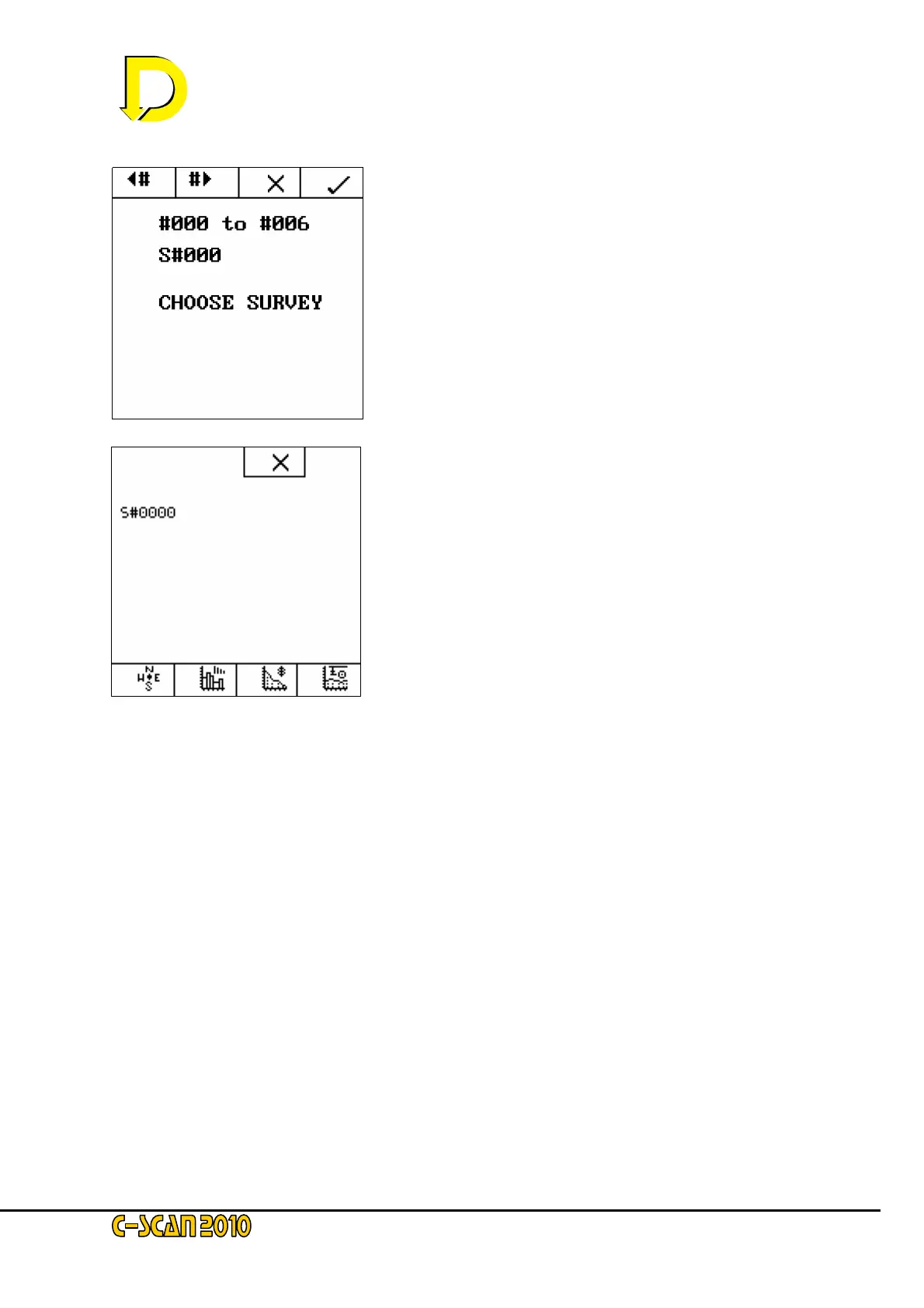
Use the ◄# and #►arrow keys to select which survey to
display, then press the tick key. The survey number is
shown (S#000) and the survey points are also shown (#000 -
#006)
Once you have selected your chosen survey, you can view
the stored information as you would during a survey – GPS
plot (if used), attenuation plot, current plot and depth plot.



 To Next Page