Leaders in Pipeline Survey Systems
OPERATOR’S MANUAL
Issue 4.04 - 1207 33
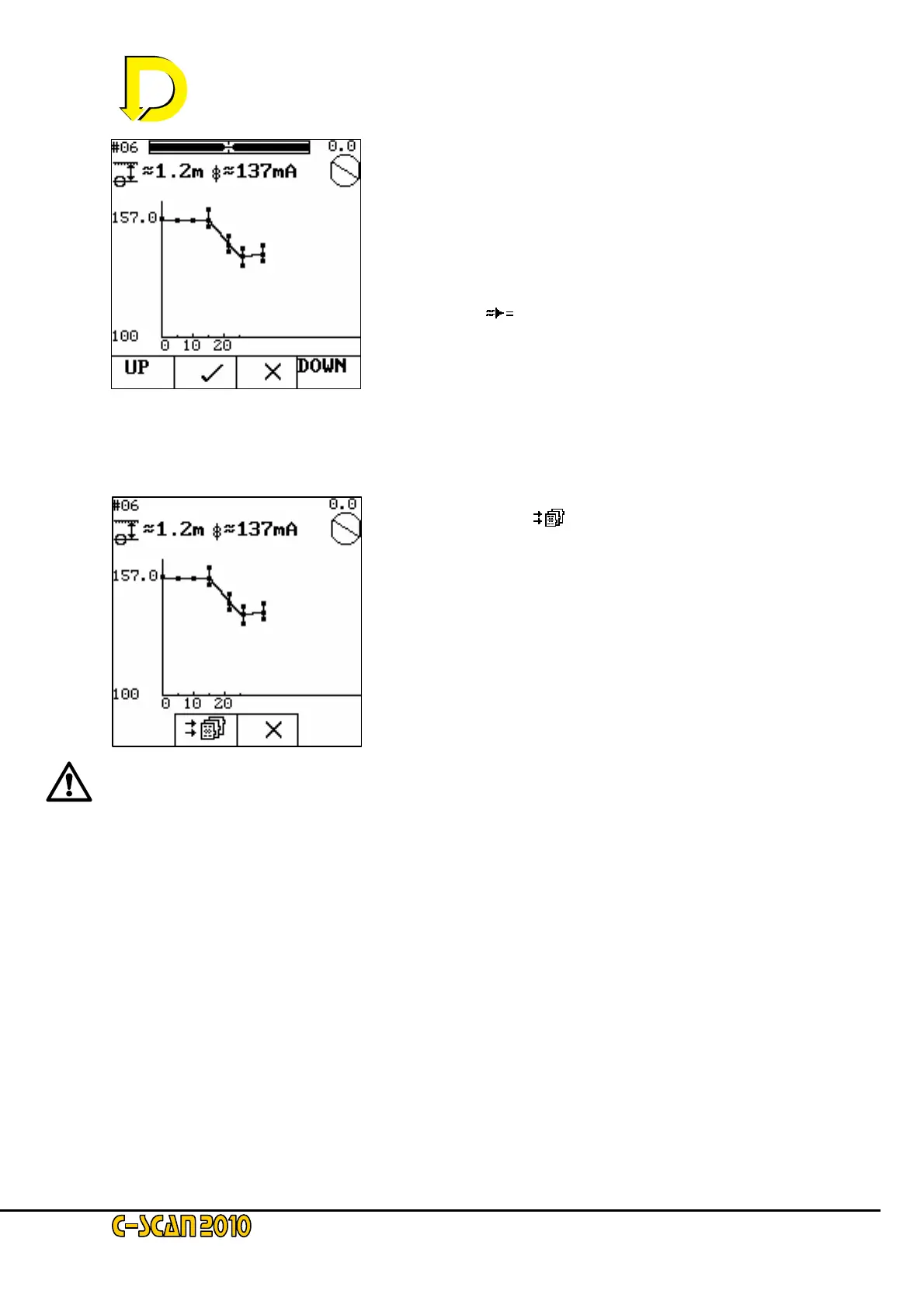
The UP and DOWN keys allow zooming in on the graph.
Press X to ignore the sample and retake the reading. Press
the 9 to accept the reading.
Move along the pipeline the next interval point (in this case
5m) and use the circle and overhead bars at the top of the
screen to ensure you are correctly sited over the pipeline.
When you are ready to take the next reading press the
calculate key [
] as before and the survey continues.
The survey may continue for as far as necessary. The graph will auto-scale to fit the points.
When enough points have been taken and you wish to finish the close interval survey, press
STOP. The following screen will be shown.
Press the store key [
] to finish the close interval survey.
Pressing X will not delete any data but will allow you to
continue with the close interval survey.
Refer to the Survey Procedure Manual on how to interpret
the close interval readings.
Note: during close interval surveying, the attenuation values and GPS
positions are not calculated.
After pressing the store key, the screen will revert to the search screen.



 To Next Page