Leaders in Pipeline Survey Systems
2 - 5
OPERATING MANUAL
PART 1 – OPERATION
AVW 150203 – 2010O&MPt1-Sec2.DOC
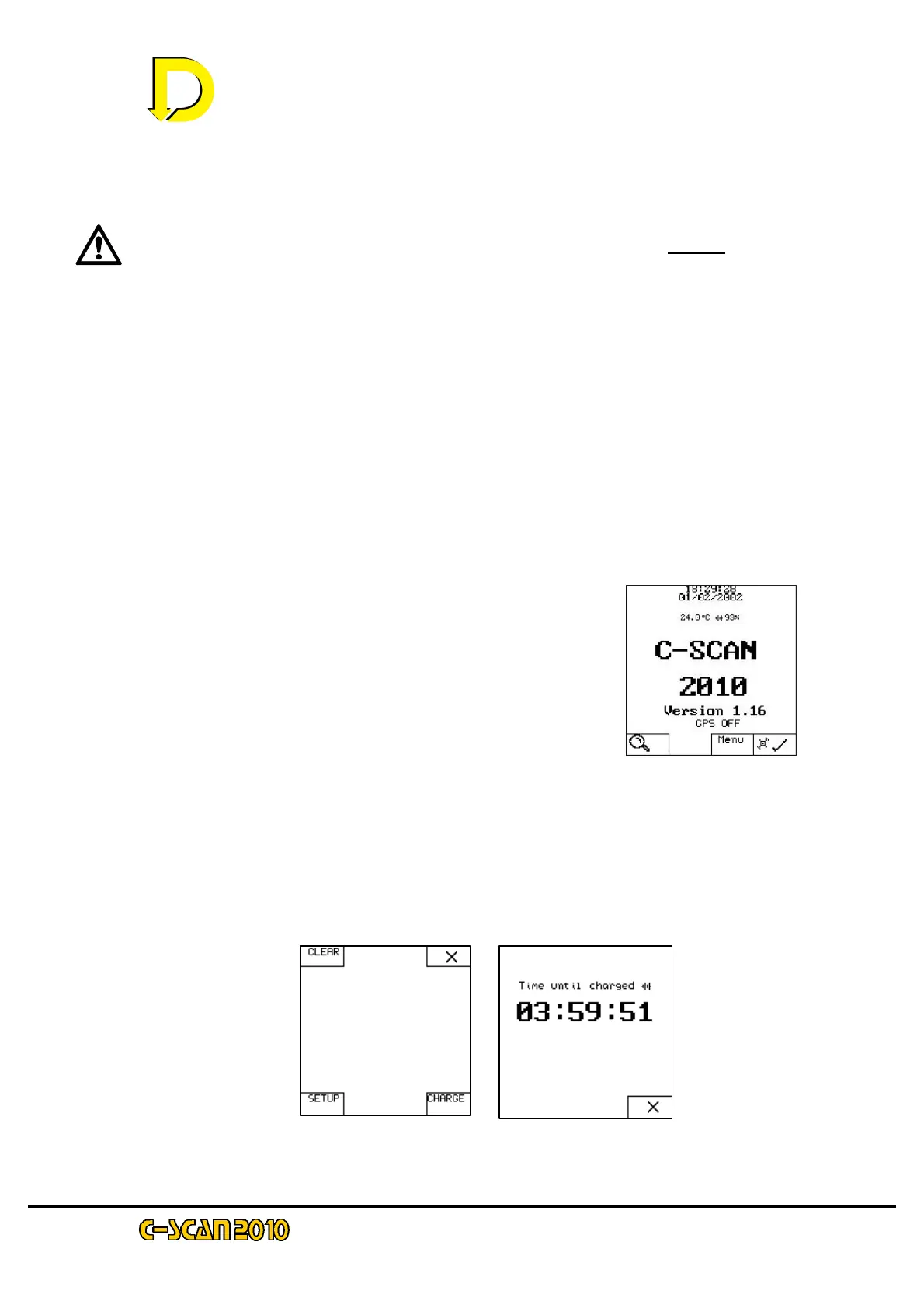
Fig 4 – the Start screen
Note also that up to this point no buttons have been pushed on the DU display panel. The only
switch that has been activated is the Main Power Switch in the battery compartment.
WARNING! In all below procedures the mains switch must be on before the
charger is attached..
• 1st charging procedure (for partially discharged NiCad batteries and DU switched
off)
Locate the battery charger port to (the black connector below the battery compartment
cover).
Unscrew the port cover and attach the battery charger to this port. Connect the charger
power cord to a mains outlet socket. Make sure the mains outlet is ‘live’.
Switch on DU by I/O key. Charge should commence at charge screen (Fig.5b below)
• 2nd charging procedure (for partially discharged NiCad batteries and DU already
switched on)
Step 1 Locate the battery charger port (by the black
connector below the battery compartment cover).
Unscrew the port cover and attach the battery charger to this
port. Connect the charger power cord to a mains outlet
socket. Make sure the mains outlet is ‘live’.
Step 2 To begin the automatic charging cycle Press MENU on the Start screen –
see Fig. 4 above. The display will now show the Menu screen – see Fig. 5a below.
Press CHARGE (lower RH corner) and after a few seconds the Charge screen will
appear – see Fig. 5b below.
Fig. 5a – the Menu screen Fig. 5b – the Charge screen



 To Next Page