D 40 31
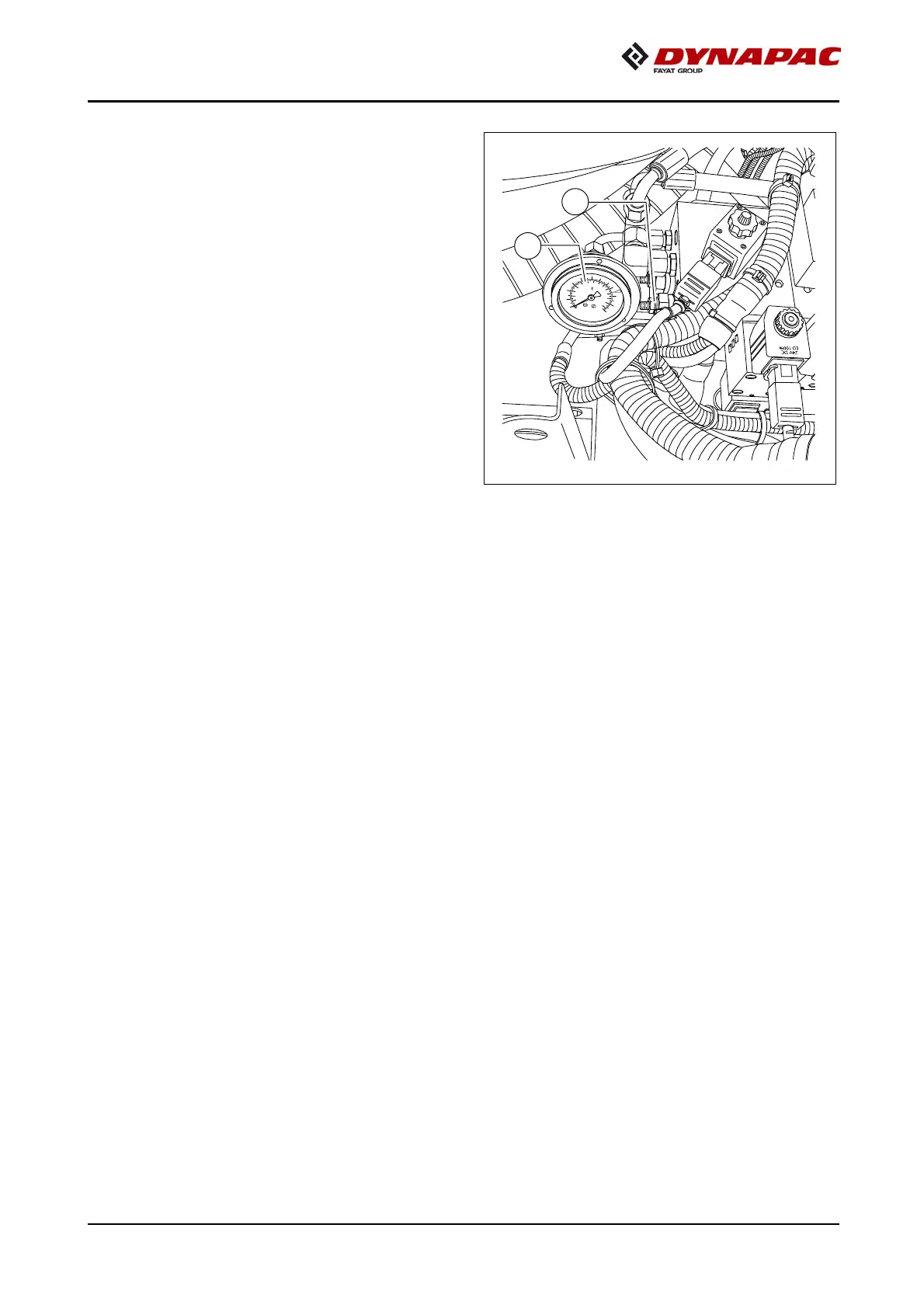
Setting pressure for screed control
with paver finisher stop - floating stop
with relief
- Set the drive lever (4) to the
centre position.
- Set switch (2) to position C.
- Set the pressure using pressure regu-
lating valve (7); read the pressure
off at the manometer (6). (Basic set-
ting: 20 bar)
0
8
0
2
0
1
0
0
1
4
0
0
1
2
0
0
1
0
0
0
8
0
0
6
0
0
4
0
0
2
0
0
p
si
b
a
r
C
N
8
37
20


 To Next Page