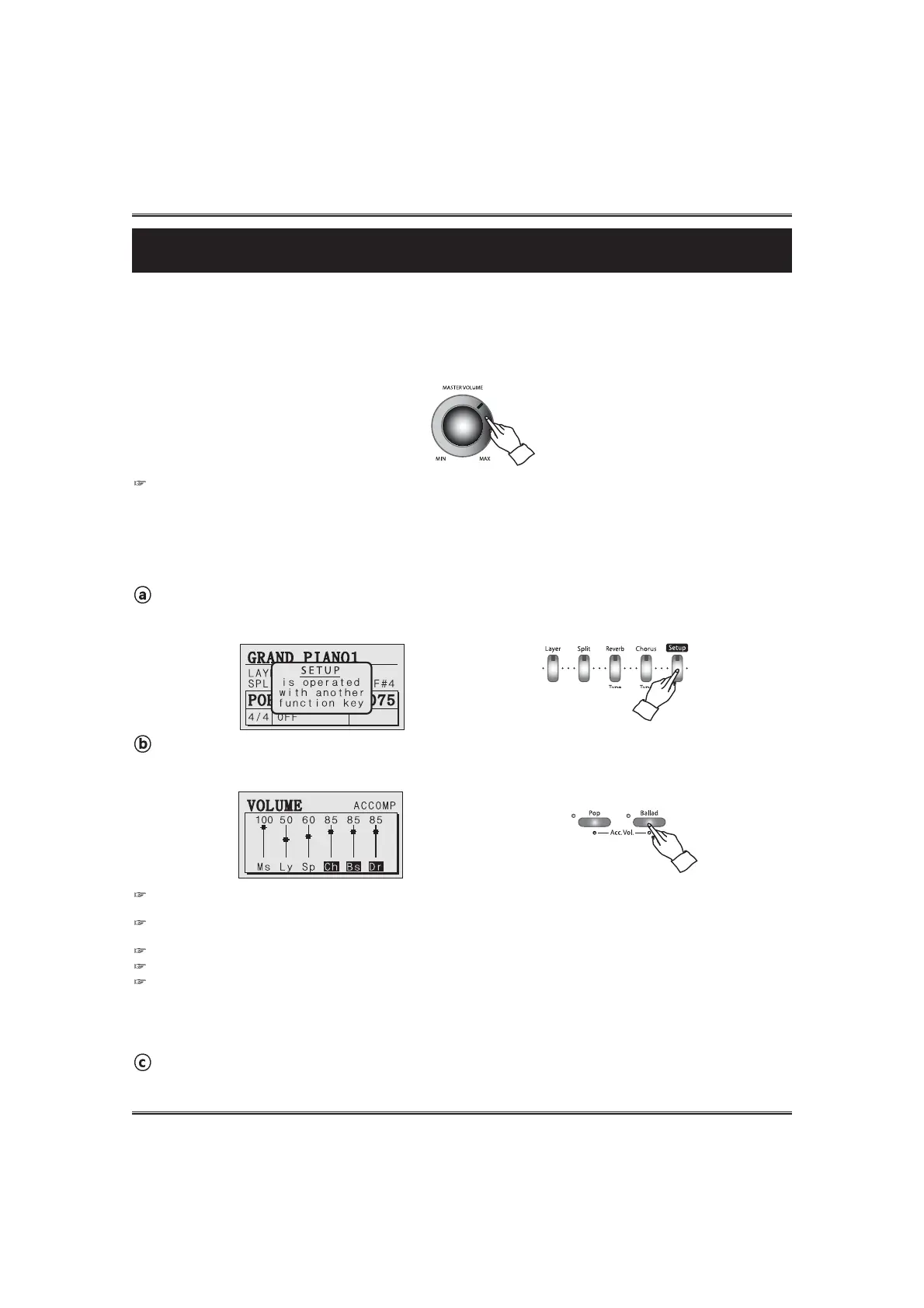
Adjust the accompaniment volume.
Adjust the accompaniment volume by using the ACCOMP VOLUME UP and DOWN buttons .
19
Adjusting the Volume
Adjusting the Volume
The piano has one volume knob on the panel for adjusting the volume.
MASTER VOLUME
This determines the entire volume of the piano.
This also determines the volume level of the HEADPHONE(s).
ACCOMPANIMENT VOLUME
This determines the playback volume of the auto-accompaniment volume.
Call up the SETUP mode.
Press and hold down the SETUP button. The setup pop-up appears in the LCD screen.
Return to the play mode.
Release the SETUP button.
The DATA buttons or DATA wheel can adjust the volume instead of the ACCOMP VOLUME UP and DOWN buttons in the
volume pop-up display.
If you press both VOLUME UP and DOWN buttons at the same time automatically return to the default accompaniment
volume(85).
The range of volume is 0 ~ 100.
Hold the button for continuous decrementing or incrementing.
It's available to adjust each part volume of accompaniment independently.
Press the YES button on the accomp pop-up display.
The cursor moves on each part(or all parts) of the accompaniment.
When pressing accomp volume up or down button, only the selected part volume is adjusted.



 To Next Page