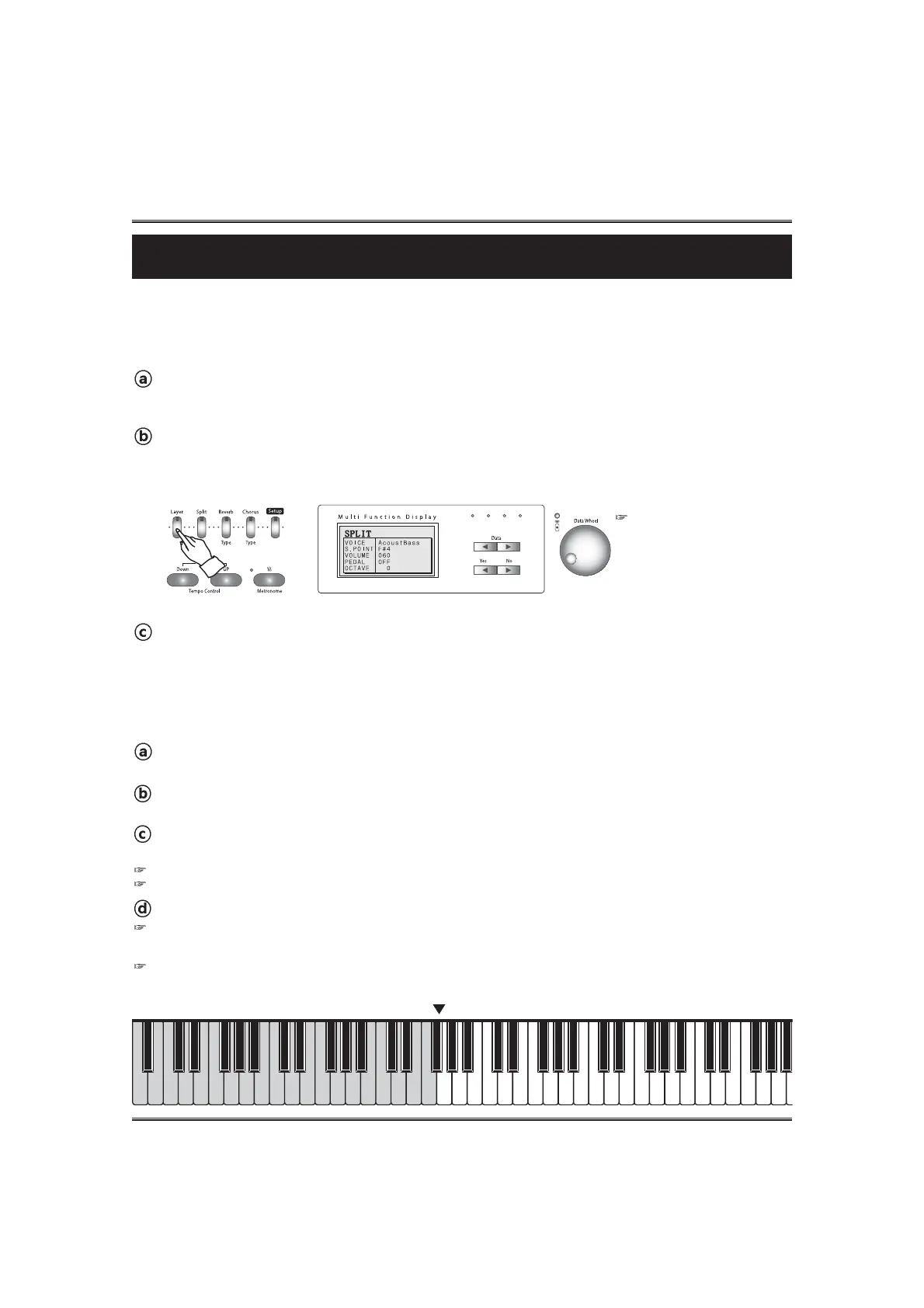
CHANGING THE SPLIT POINT
You can set the point dividing the split voice and main voice ranges at any desired key position.
Change the split point option.
Change the split point by using the DATA buttons or the DATA wheel . (default value: F#4, Range: C3~C#7)
If you press both DATA UP and DOWN buttons at the same time automatically return to the default value (F#4).
If the DISPLAY HOLD is on, the pop-up display does not return to main menu and the LCD screen shows the current pop-up display.
Call up the split mode. To call up the split mode, press the SPLIT button. Lamp lights and
the split is set on. The split pop-up display appears.
Move the cursor to the split point value in the split pop-up display.
Press the YES button in the split pop-up display until the cursor goes to the split point option.
Return to the main menu.
Press the NO button.
Even if you don't press the NO button, the pop-up display automatically returns to the main menu after 3 seconds. But if the
Display hold is on, you should press the NO button to return to the main menu.
29
Split
Split
The split mode of the piano allows you to select and play two different voices with your left and right
hands - For example, play bass with the left and piano with the right .
PLAYING WITH SPLIT VOICE
Select the main voice.
Select a voice in the normal way. (see the SELECTING VOICES section on page 25)
The default values:
1) Voice
2) Split Point
2) Volume
3) Pedal
4) Octave
ACOUST BASS
F#4
070
OFF
0
Call up the Split mode.
To call up the split mode, press the SPLIT button. Lamp lights and the split is set on.
The split pop-up display appears.
Select the split voice.
Select a voice in the normal way. (see the SELECTING VOICES section on page 25)
Instead of above way, the split point can be assigned by using the SPLIT button with the keyboard.
Press and hold down the SPLIT button and press a desired key. The pressed key is assigned to new split point.
Split point (F4#)



 To Next Page