34
Chorus
Chorus
This control adds richness to the sound. There are four different Chorus types: Chorus 1, 2, 3, 4 , Feedback, Flanger
Short delay and Feedback Delay.
CHORUS ON/OFF
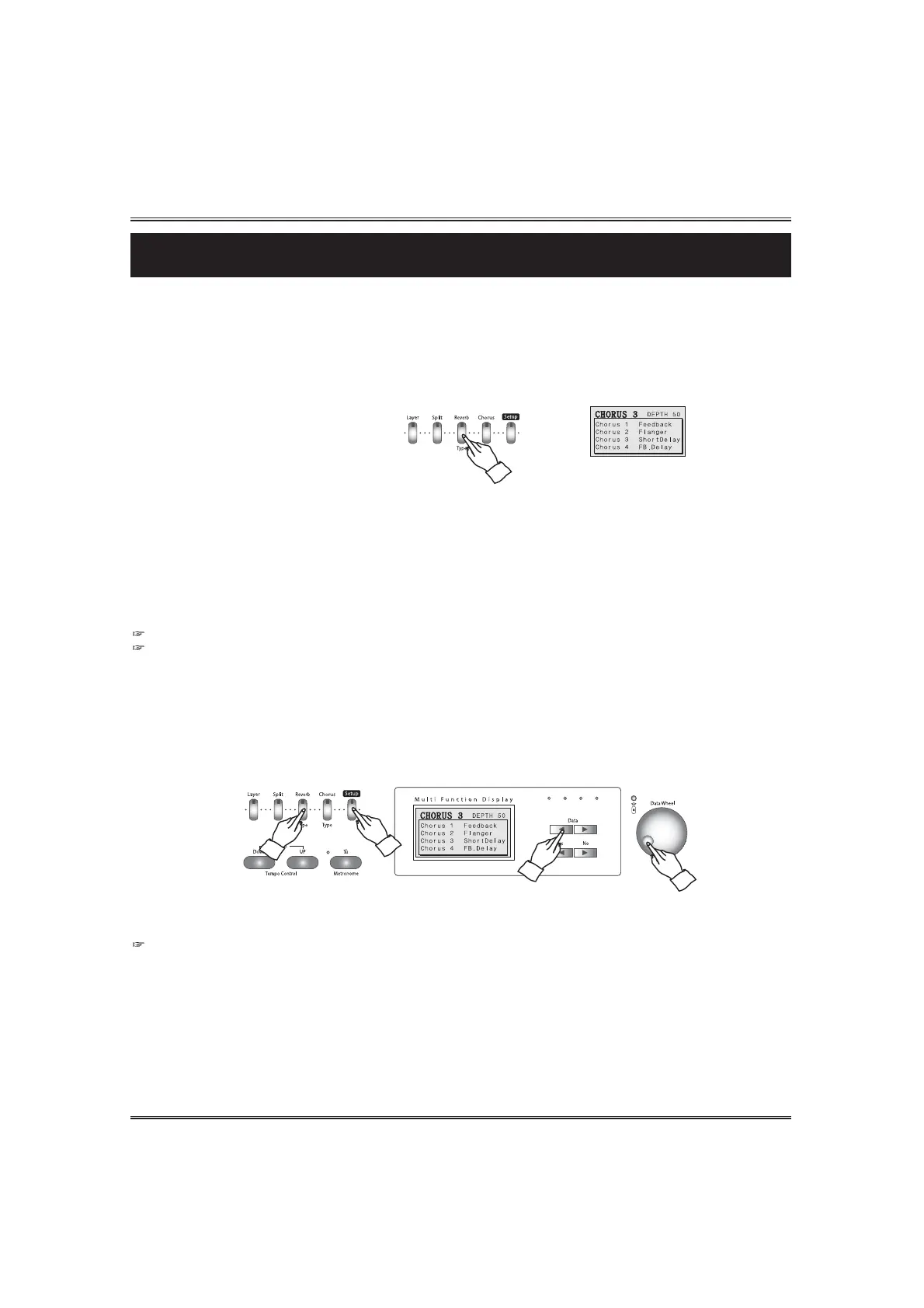
To turn on chorus, press the CHORUS button. The lamp lights and chorus is set on. The chorus pop-up
display appears.
To turn off chorus, press the CHORUS button again. The lamp turns off and chorus is no longer active.
SELECTING CHORUS TYPE
Press the CHORUS button. The chorus pop-up display appears in the LCD screen.
Select a desired chorus type by using the DATA buttons or the DATA wheel in the chorus pop-up display.
The chorus pop-up display shows the current chorus type and total depth of the chorus.
There are 8 chorus types in the piano. Chorus 1, Chorus 2,Chorus 3, Chorus 4 , Feedback, Flanger Short delay and Feedback Delay
In the meantime, when the chorus is on, press and hold down the SETUP button and press the
REVERB button. The chorus pop-up display appears.
The chorus type can be changed by using the DATA buttons or the DATA wheel in this pop-up
display.
Release the the SETUP button, the pop-up display returns to the main menu.
Display Hold
If the DISPLAY HOLD is on, the pop-up display does not return to the main menu and the LCD screen shows the current pop-
up display.



 To Next Page