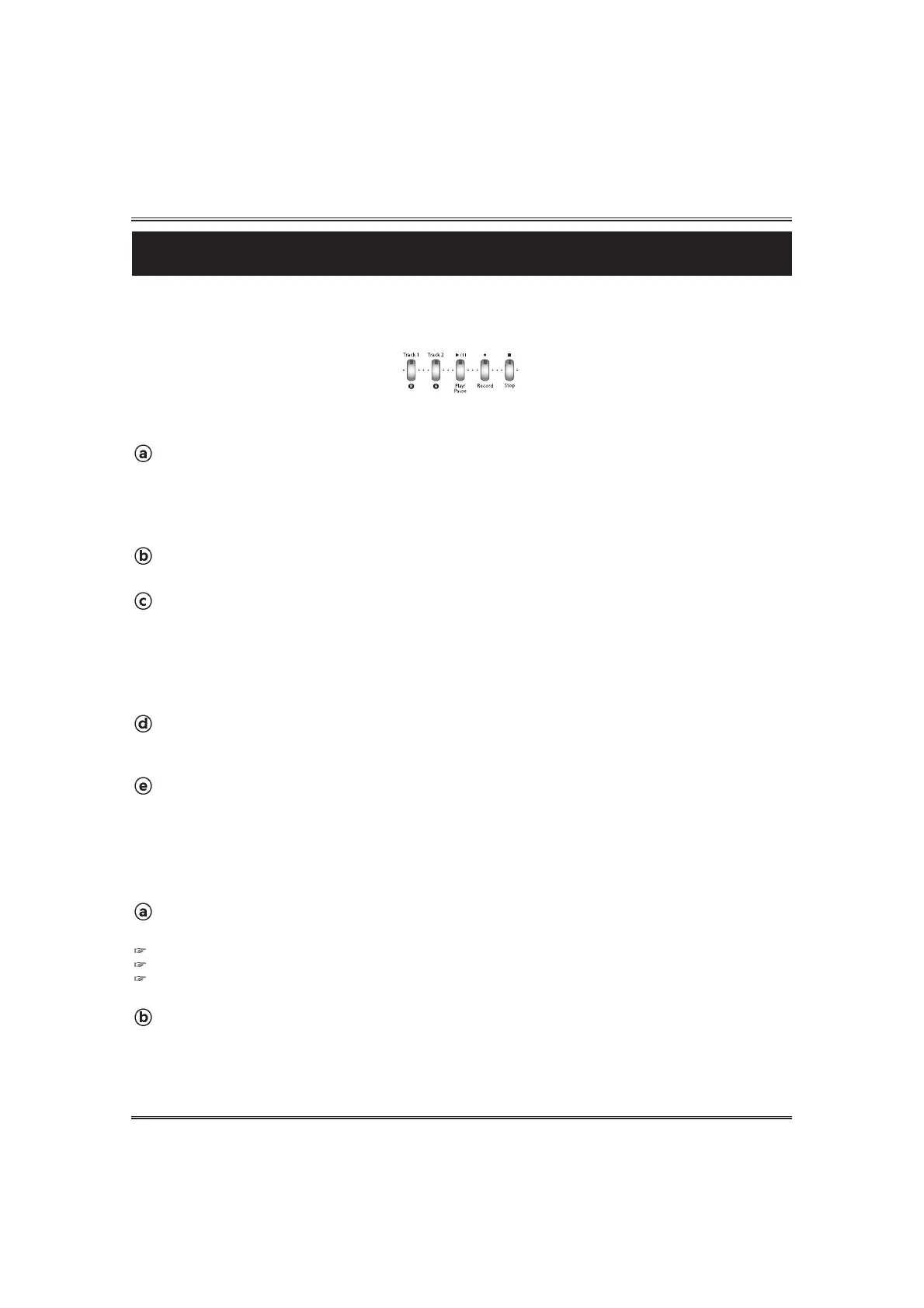
If you want to hear the recorded song in the Track1, press the TRACK2 button.
Then, flashing lamp of the Track2 stops.
Press the PLAY/PAUSE button. The recorded song of the Track1 is played.
Stop recording to the track1.
Recording stops when pressing the STOP button again.
The Track2 lamp automatically flashes, and you can record the second part of the song to the Track2.
Start recording to track2.
Recording starts when playing the keyboard or pressing the PLAY/PAUSE button.
During recording to the Track2, you can listen to the recorded song of the Track1.
49
Recording
Select the record mode.
Select the desired voice and press the RECORD button, the RECORD lamp lights and the TRACK 1
lamp flashes.
Recording
The piano features comprehensive song recording functions that allow you to record your own
performance. Also your recorded song can be stored into an SD memory card.
Start recording to the track1.
Recording starts when playing the keyboard or pressing the PLAY/PAUSE button.
Auto Accompaniment styles can be recorded into the TRACK1. You can also use the LAYER and the
SPLIT functions when you record a song.
RECORDING A SONG
Stop recording.
Recording stops when pressing the STOP button.
Playback of the recorded song.
Press the PLAY/PAUSE button again. The recorded song is played.
To delete the recorded track, press and hold the TRACK button about 2~3 seconds.
To delete the recorded song, press and hold the RECORD button about 2~3 seconds.
Backing Up the recorded song. Even if the power is turned off, the recorded song memory is not deleted.
Return to the play mode.
Press the RECORD button. The Record lamp is turned off.
PLAYBACK OF THE RECORDER SONG



 To Next Page