Connect a set of stereo headphones(optional) to
HEADPHONE jack (standard 1/4" phone jacks).
Insert the headphone plug into the HEADPHONE jack
on the bottom panel of the piano.
When headphones are connected, the internal speaker
system is automatically shut off.
Since the piano has two HEADPHONE jacks, two sets
of headphones can be used simultaneously, allowing
two people to enjoy listening to the performance.
By connecting a microphone to the MIC jack (standard
1/4" phone), you can enjoy singing along with your
own performance or with SMF playback. The sound
input from the microphone is output through the
piano's speakers. The microphone volume can be
adjusted with the MIC VOL. dial.
13
Setting Up Your Piano
TURNING ON THE POWER
Connecting the power cord. Insert the plug at the
ends of cord, one into AC inlet on the rear panel of the
piano, and other into a standard AC outlet.
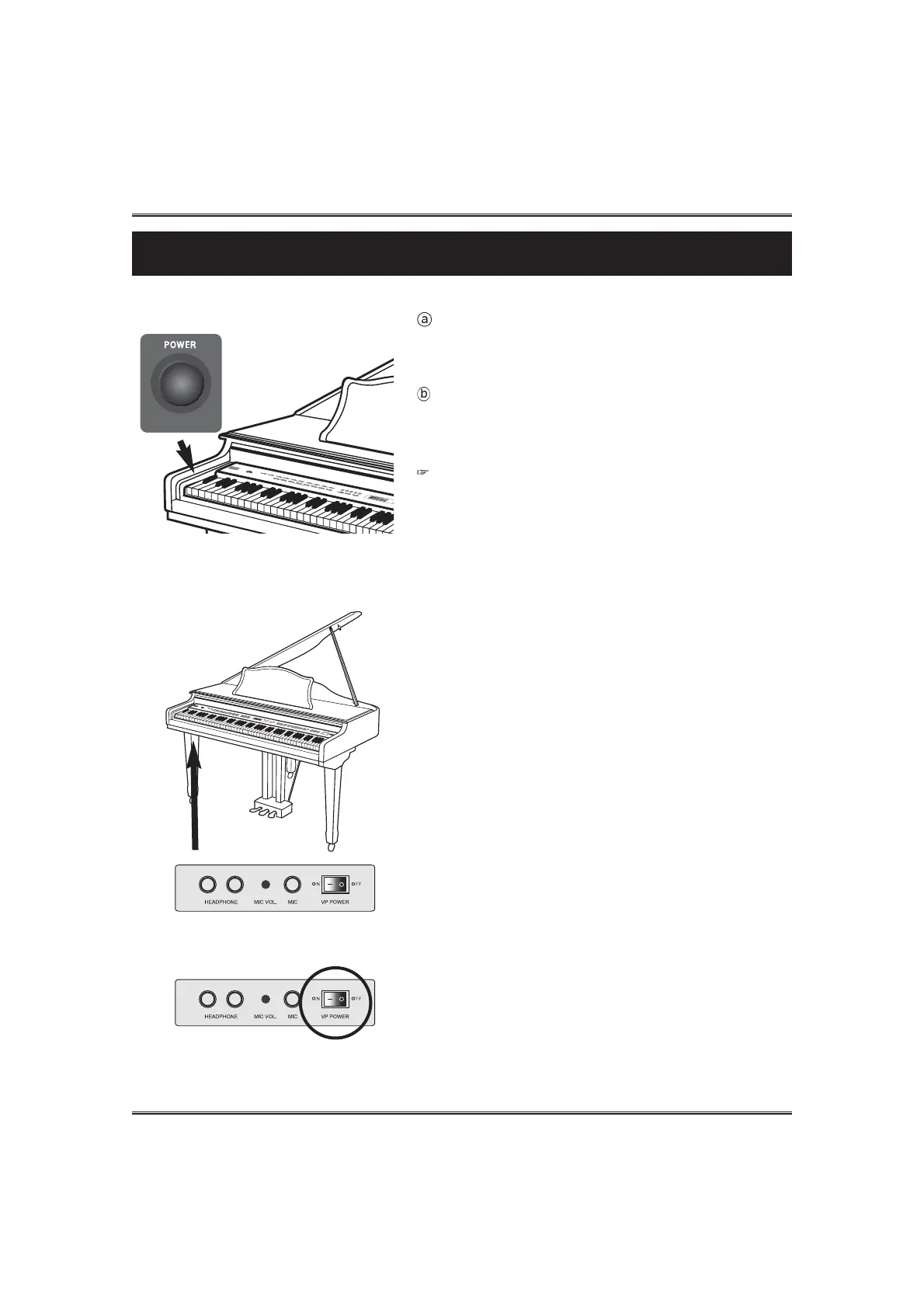
Press POWER switch. The power is turned on and the
initial display appears in the LCD screen.
The voice of Grand Piano 1 and the accompaniment style
of Pop1 are selected automatically at first.
Adjust the volume by using MASTER VOLUME.
Press POWER switch again when turning off the power.
All lamps and LCD display will turn off.
HEADPHONE & MIC
If you don't need playback of player, turn off the VP
POWER.
If the power is off, the moving keys function doesn't
operate.
VP POWER SWITCH
Setting Up Your Piano



 To Next Page