26
Understanding the Controls
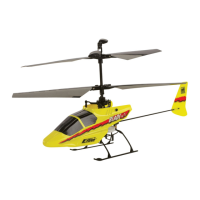
If you are not familiar with the controls of your Blade™ CX2, please take a few minutes to familiarize
yourself with them before attempting your first flight.
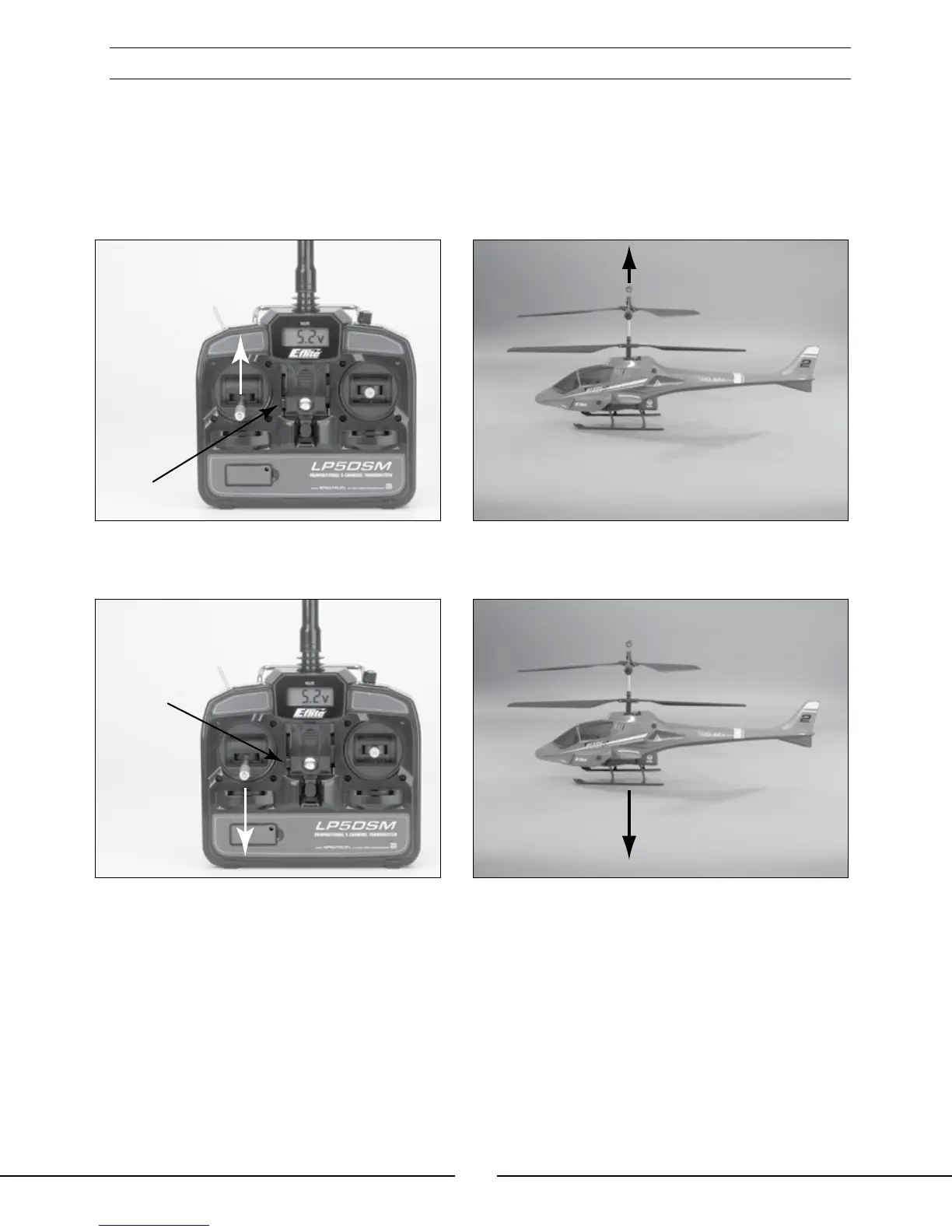
The left-hand stick on the transmitter controls both throttle (climb/descend) and rudder (yaw left/right). When the
left-hand stick and throttle trim lever are in their lowest positions, the main rotor blades will not spin. Advancing the
stick upward will increase the speed of the main rotor blades. Increasing the speed of the main rotor blades will
cause the model to climb.
Decreasing the speed of the main rotor blades by lowering the left-hand stick will cause the model to descend.
After lifting the model off the ground, you can balance the throttle by carefully moving the left-hand stick up and
down so that the model will hold a stationary hover without climbing or descending.
You can also use the throttle trim to adjust the throttle value for a given stick position. For example,
raising the throttle trim will allow the model to hover at a lower throttle stick position. However, if you
do raise the throttle trim, you MUST remember to lower it (and the throttle stick) to the lowest possible
position IMMEDIATELY in the event of a crash or rotor blade strike.
Failure to lower the throttle trim (and throttle stick) to its lowest possible position immediately in the
event of a crash could result in damage to the main motor ESCs in the 4-in-1 unit, which may require
replacement of the 4-in-1 unit.



 To Next Page