47
K000000000EJ 023826A0 100714
9.6.3 Configuration→Information→InfoService
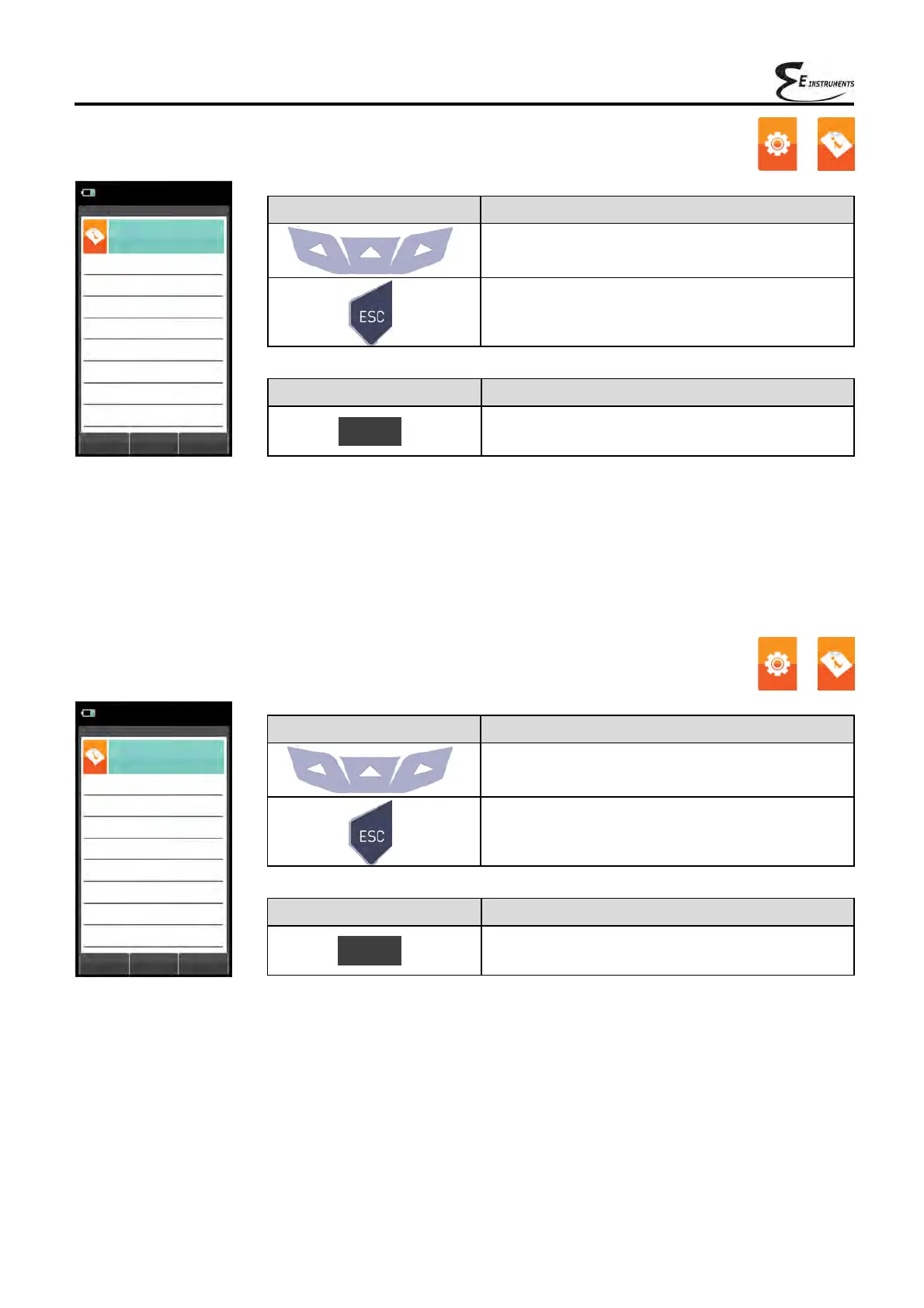
KEY FUNCTION
Activate the context keys shown on the display.
Returns to the previous screen.
CONTEXT KEY FUNCTION
Returns to the previous screen.
Esc
→
07/08/14
10:00
Information
Service
Esc
info@E-Inst.com
www.E
-Inst.com
Fax. 215-750-1399
Tel. 215-750-1212
Langhorne, PA 19047 USA
Ste. 216
402 Middletown Blvd,
E Instruments
9.6.4 Configuration→Information→Probe →
07/08/14
10:00
Information
Probes
Esc
External probe ----
Micromanometer int. 1039
KEY FUNCTION
Activate the context keys shown on the display.
Returns to the previous screen.
CONTEXT KEY FUNCTION
Returns to the previous screen.
Esc



 To Next Page