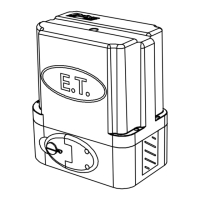
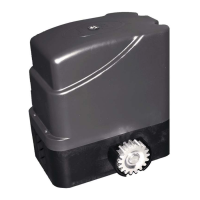
49
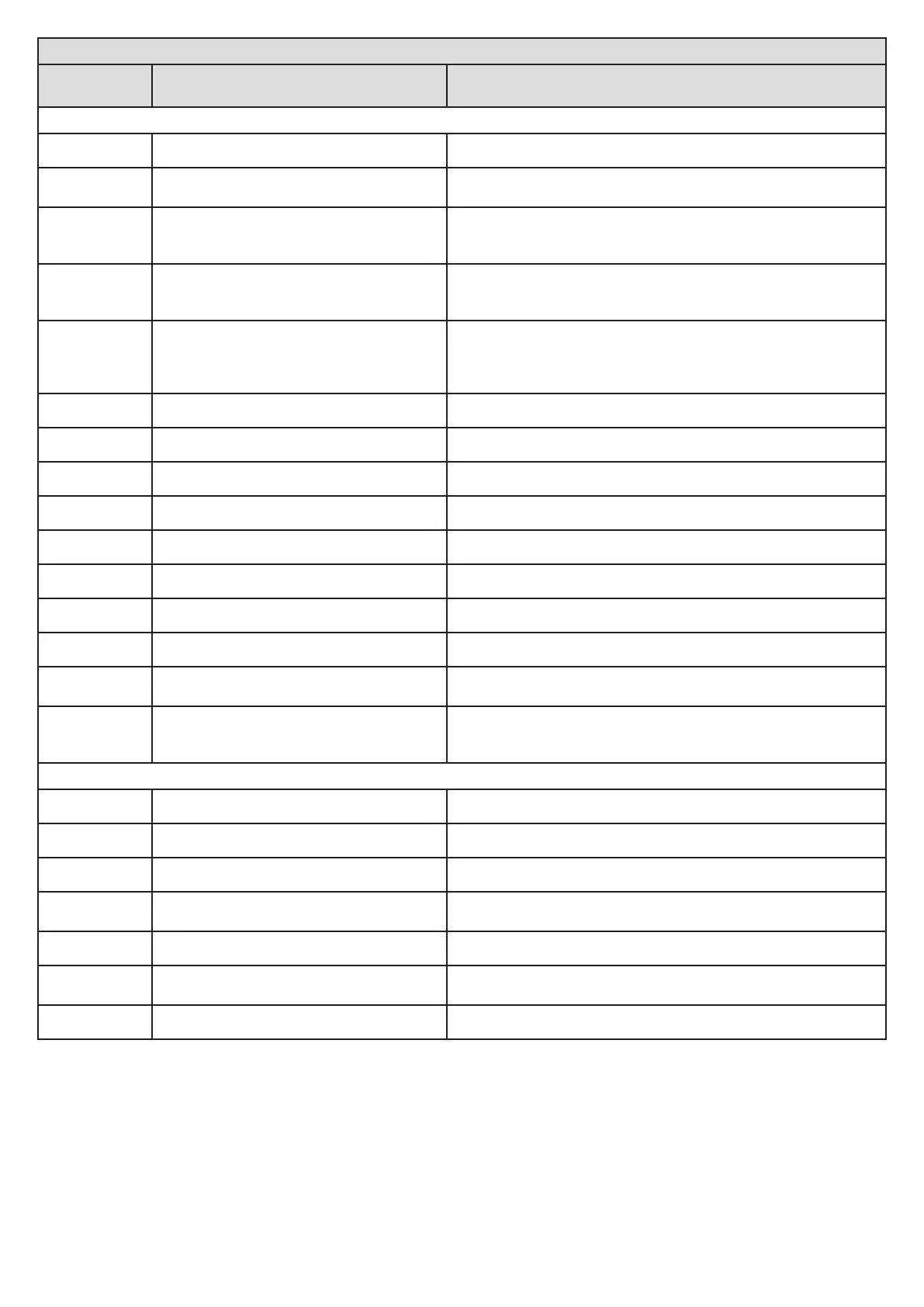
Display denions and troubleshoong guide.
Displayed on
screen.
Denion. Soluon.
In normal operang mode.
rdy
Unit is standing by and ready for next instrucon. Trigger to run a required roune.
ac
Charger powered down due to Vac mains
interupon.
Check 220VAC or 29Vac supply to the unit.
Check 500mA fast blow fuse in the 220Vac connector.
Bat
Baery is either disconnected or discharged.
Check the 10A fuse in the baery lead.
Allow 8-10 hours uninterrupted charge before trying to operate the unit
again. If the baery has not recovered aer this, then replace the baery.
rel
Gearbox manual release is in released (Manual)
posion.
Lower the release lever to engage gearbox.
Test manual release lever reed switch.
Check that the manual release lever magnet has not been dislodged.
irb
Infra-red beams circuit is being triggered.
Remove obstrucon from the path of the safety beams.
Check that beams are powered and funconing properly. Ensure the safety
beam circuit end of line resistor has been installed properly as per this
manual.
Hol
Control card is in Holiday Lock-out mode. Follow the steps on page 42 to deacvate Holiday Lock-out.
par
Control card is in Party mode. Follow the steps on page 43 to deacvate Party mode.
col
Mulple collision lock-out acve. See page 32 and “Selecng a safety level” on page 20.
for
Safety overload triggered by physical overload. See page 32 and “Selecng a safety level” on page 20.
ref
Referencing the gate closed posion. See “Referencing the closed posion” on page 10.
e-l
Failure to see the closed limit. See Installing the limit actuator on page 16.
opn
Gate is open. Trigger gate to close.
pr9
Control card is in Programming mode. Press and release X to exit programming mode.
e1
Revoluon counter/encoder failure.
Ensure control card is fastened down correctly and that the ring magnet is
installed correctly in place atop the motor sha.
e3
Motor is disconnected, motor fuse is fused or
electric motor is faulty.
Ensure the motor is connected correctly. Test the 10A motor fuse. Test the
electric motor by disconnecng it from the control card and running it on a
baery directly.
In programming mode.
abt
Procedure aborted via the “X” buon. Begin the procedure again.
dne
Procedure completed. Connue on to another programming opon or exit programming.
e-l
Closed limit not installed correctly. See Installing the limit actuator on page 16.
for
While buzzer beeps 20 mes. Excessive gate
resistance.
Repair gate rolling load, so that it remains below the rated load specied
on page 4.
ful
Receiver memory is full. Delete any user addresses no longer in use.
to
Time out error while programming a remote.
Begin transming with the remote before pressing set. Remote maybe
damaged or faulty. Ensure the remote does indeed transmit.
dec
Decoding error. The remote does not use a format that is compable with the receiver.


 To Next Page