30/40
E-XTEQ DS ONE User Manual / Ref. MAN_DSOne_STL_EN_V1.3
Table of Contents
Introduction
Safety Guidelines
Maintenance and Storage
Before Use
Usage Precautions
Disassembly/Damage/Removal
Cleaning the Product
Information internal battery
Getting Started
Safety Reminders
Appearance and Dimensions
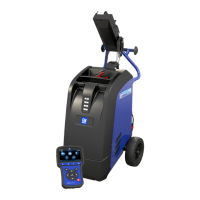
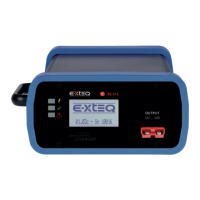
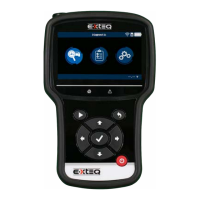
Presentation
Job Storage
Accessories
Best Practices
Positioning of the clamps
Connector longevity
Hybrid vehicles
Initial Setup
Power Cable Connection and Power On
Battery Cable Clamps Connection
Optimus
- Optimus installation
- Using Optimus
Update
Garage code (RRDI)
Settings
Preferences
WI-FI Connection
Other settings
Diagnostic PDI and REPAIR
Battery selection
- Using BK code
- Using VIN
Start Diagnostic
Other diagnostics
Results
Results storage
Support Information
Warranty
Technical specications
START DIAGNOSTIC ////////
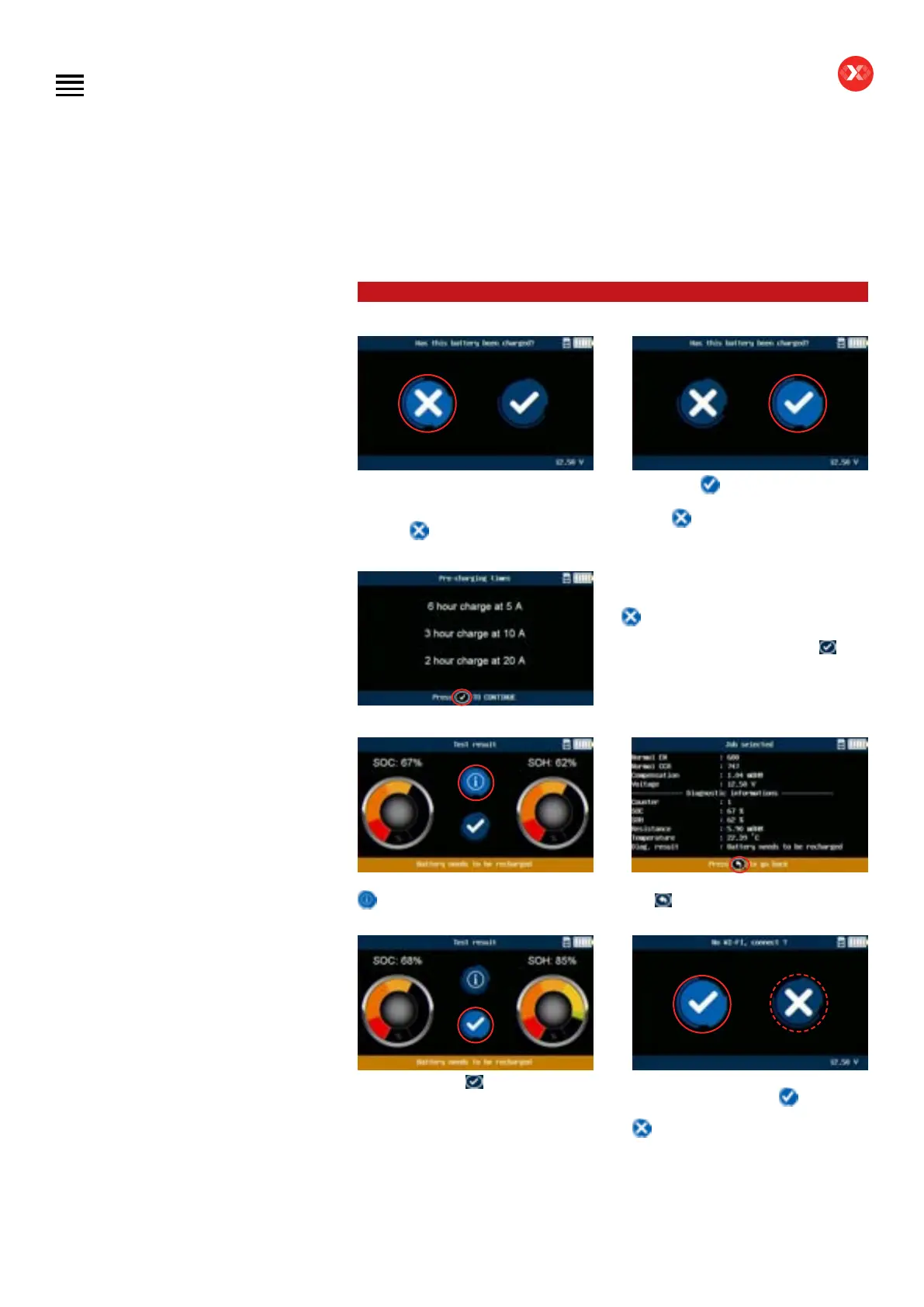
Depending on the result, the tool
will ask if the battery has been
pre-charged before testing or not.
Click on
if the battery was not
charged before the test.
Or click on
the battery has been
charged before the test. Otherwise
select
.
If
has been selected this screen will
appear stating the different charging
time/current required. Click on the
button to go to the next step.
The result screen will appear. Click on
to see the diagnostic details.
The details screen will appear. Click on
the
button to return to the result
screen.
By clicking on the
button, the job
will be sent by WI-FI to the server.
If the tool is not connected this screen
will be displayed. Select
to connect
to the last WI-FI access point, or select
to return to the main screen.
Diagnostic PDI 8/9


 To Next Page