MF2E-E -B 2
- 24 -
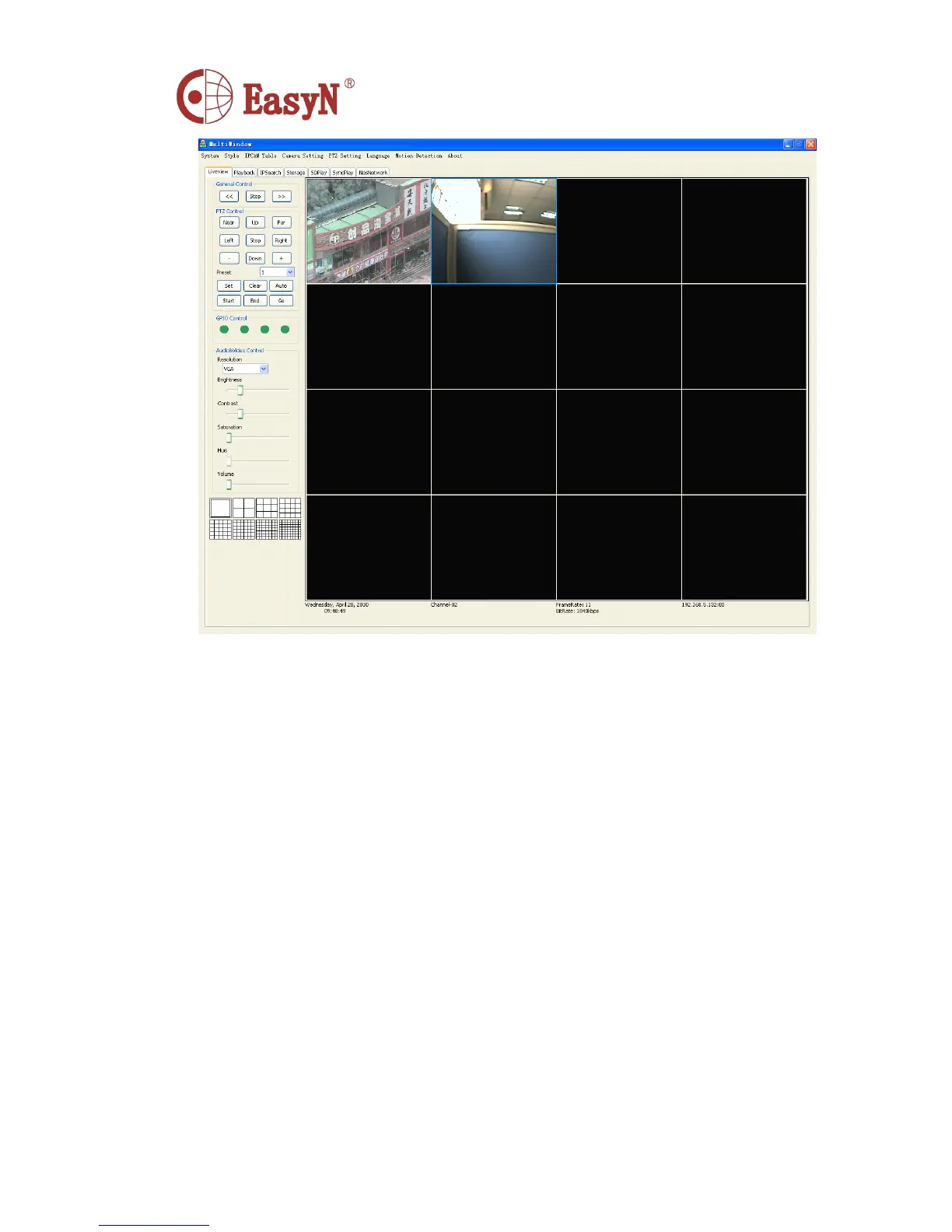
2. Play : Play the window which has been selected,and the button turns to Stop
Play at the same time.
>> : PageDown
<< : PageUp
Play Current Page :
Right-Click the selected window, a pop-up menu shows like below:
Then click the item named Play Current Page,It will play at last.
Stop Current Page :
Right-Click the selected window ,a menu shows like above , Then click the item named
Stop Current Page ,The current playing windows wi ll be stopped at last.
3. PTZ Control
Up The camera tilted upward
Down The camera tilted downward
Left The camera shake to the left
Right The camera shake to the right
+ To make the camera zoom is far



 To Next Page