34
3) After waveforms become stable, press 【START/STOP】button to start printing records
(record time is depend on Users control). If needing to pause or stop the print, just press
【START/STOP】button.
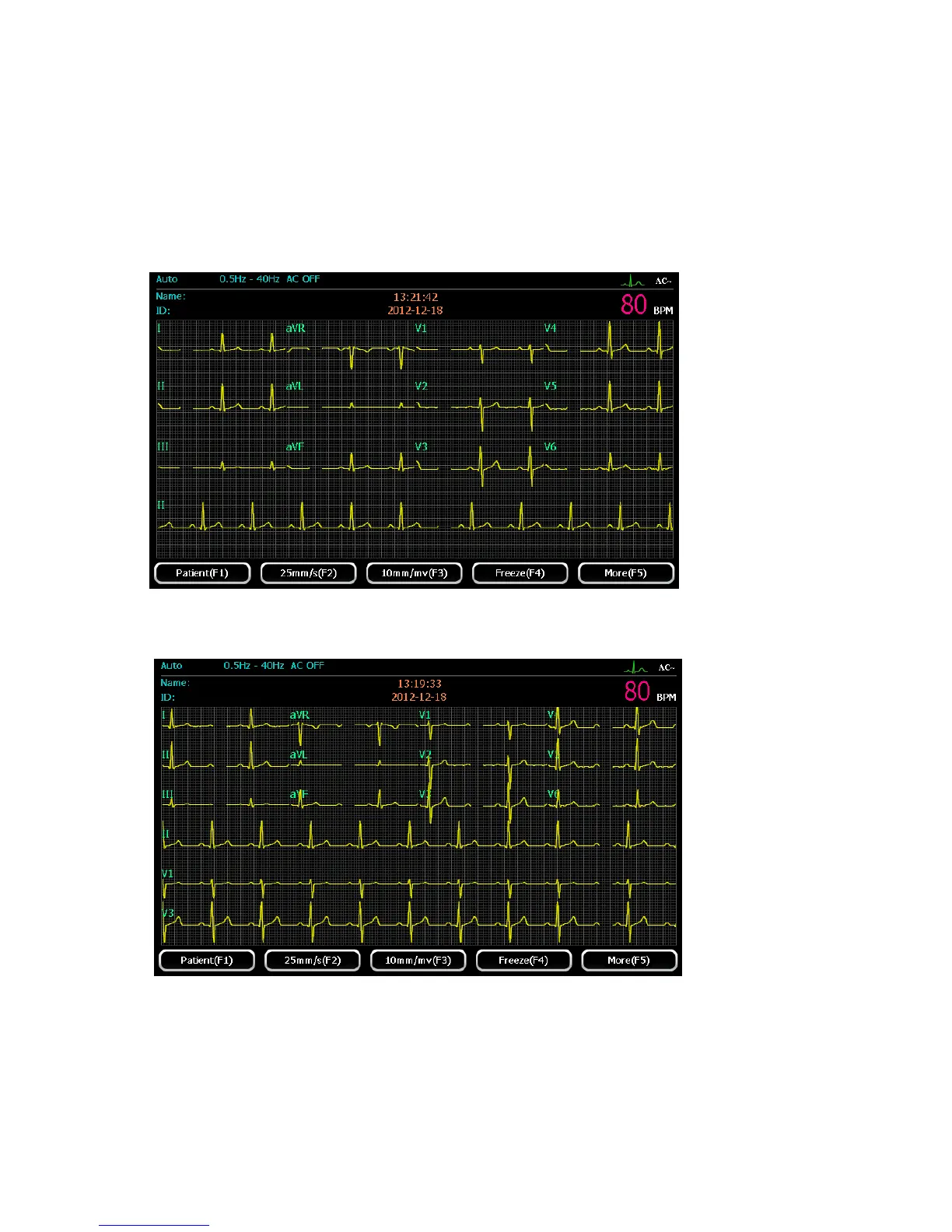
3CH×4+1R format
Detailed operation, please refer to “3×4 format”
3CH×4+3R format
Detailed operation, please refer to “3×4 format”



 To Next Page