29
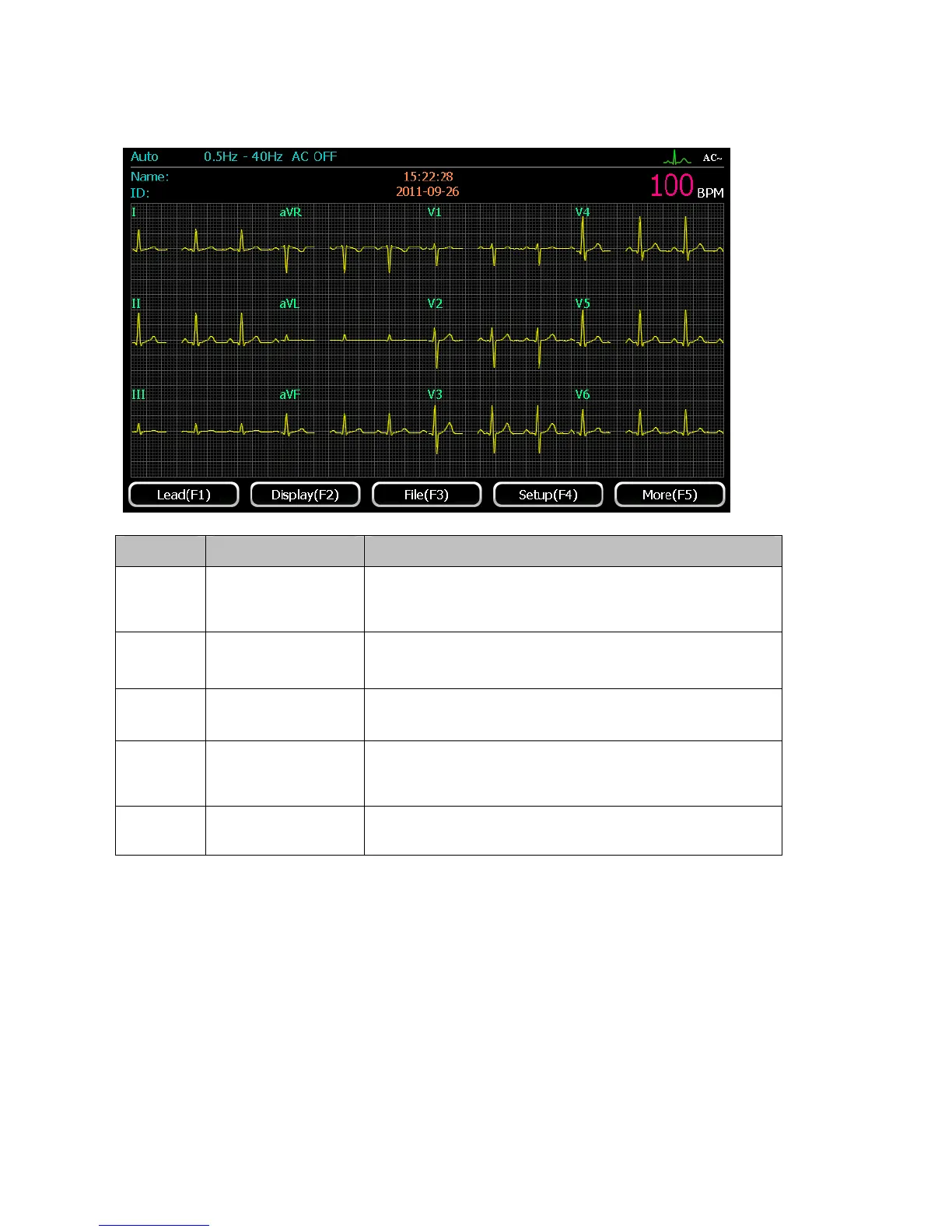
Press 【F5】in the first page, the second page will be shown as the following figure on the LCD
screen:
Identifier Name Description
F1 Lead(F1)
Press 【F1】to enter the lead system and rhythm lead
interface
F2 Display setup(F2)
Press【F2】to enter display setup interface
F3 File (F3)
Press【F3】to enter file management interface
F4 System setup(F4)
Press【F4】to enter system setup interface, refer to
chapter 5,6
F5 More(F5)
Press【F5】to return to the first page of the main interface
5.3 Operation mode
This ECG has three operation modes: Manual mode, AUTO mode and Rhythm mode. Users can
press【manual】,【automatic】or【rhythm】button to select.
Manual mode: under manual mode, users can select lead group need to be recorded. When the users
need to record another ECG lead group, manual switch is required.
AUTO mode: under auto mode, the lead groups switch automatically. When one group’s ECG is
recorded within the period of time which defaulted by system, it will automatically switch to the
next group and start recording the waveforms from it.



 To Next Page