38
5.6 System setting
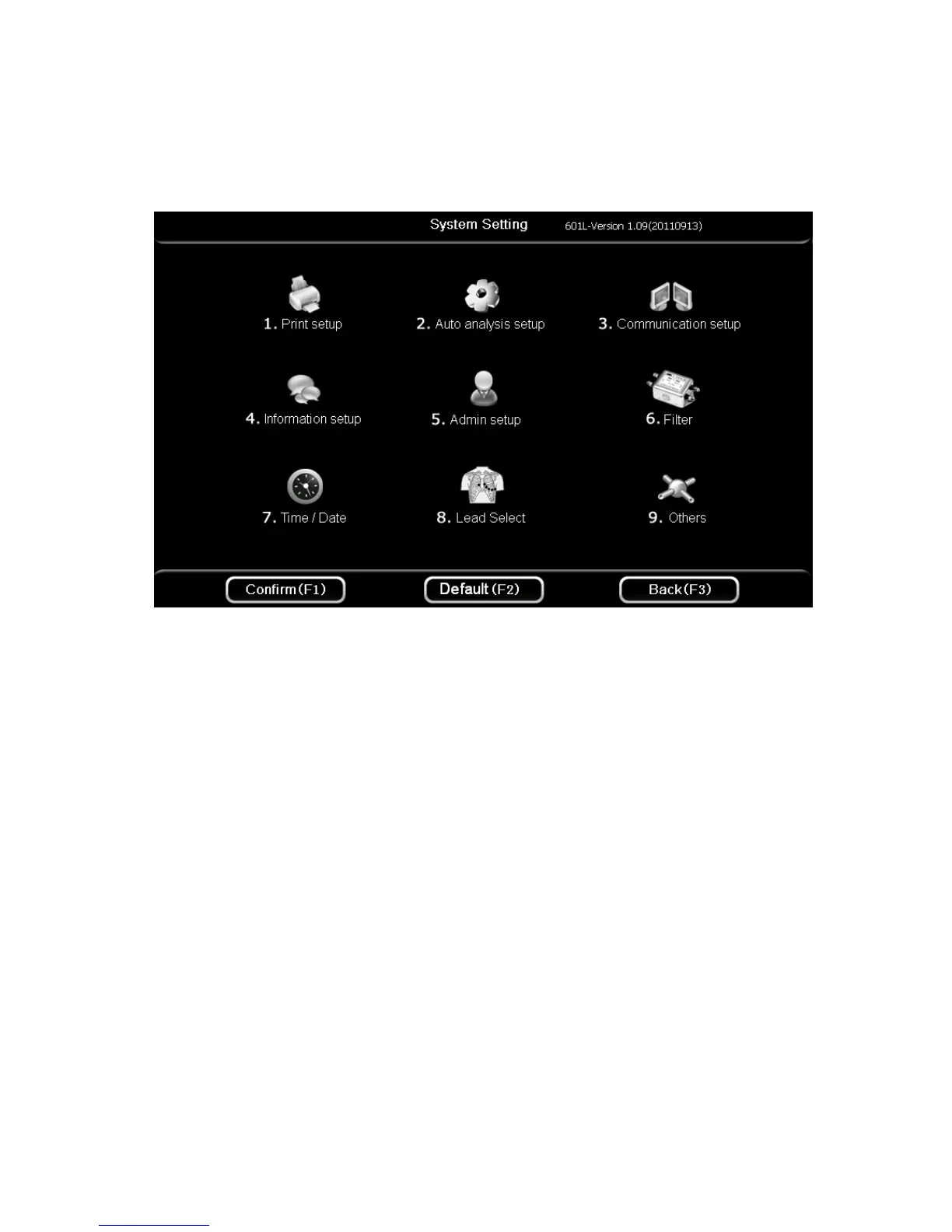
On the second page of the main interface, press 【F4】 to enter system setup interface. The
interface is shown as the figure below:
Press 【F1】 button to save system setting and return, press 【F3】 button to cancel setting and
return, or press 【F2】 button to return to the default setup.
Press button 【1】~【9】to enter different items settings menu:
【1】
Print setup
【2】
Auto analysis setup
【3】
Communication setup
【4】
Information setup
【5】
Administrator setup
【6】
Filter
【7】
Time and date
【8】
Lead setup
【9】
Others



 To Next Page