42
After administrator setup, press 【F1】 button to save and return, or press 【F2】 button to cancel
and return.
5.6.7 Filter setup
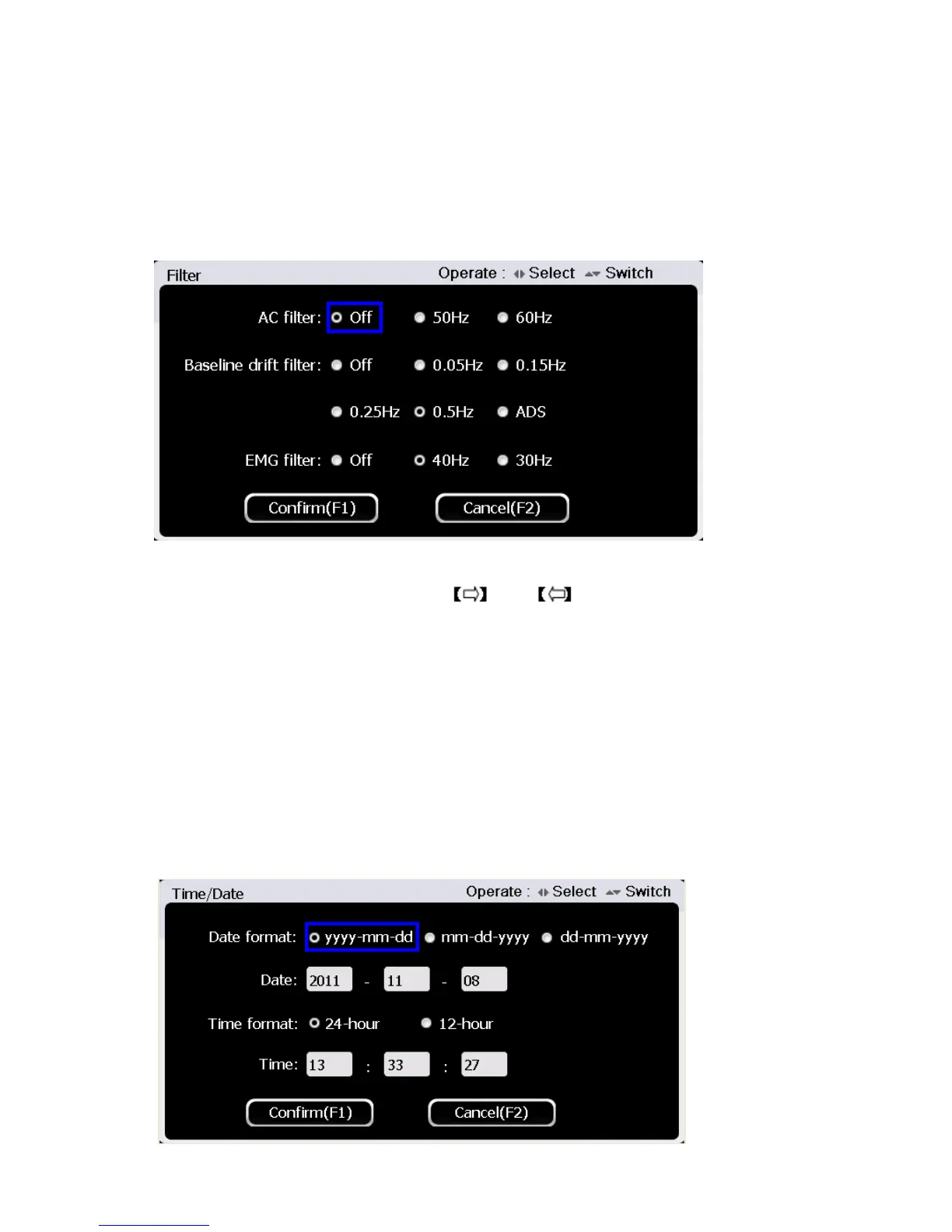
Press button【6】to enter filter setup at the system setup interface. The interface is shown as figure
below:
In the filter setup interface, use 【▲】and【▼】button to select setting times among “AC filter”,
“Baseline drift filter” and “EMG Filter” , use and to set.
Baseline Drift Filter: 0.05Hz/ 0.15Hz/ 0.25Hz/0.5Hz /ADS/OFF;
EMG Filter: 30Hz/40Hz/OFF
AC Filter: 50Hz/60Hz/OFF
Press 【F1】 button to save filter setup and return, or press 【F2】 button to cancel and return.
5.6.8 Time and date setup
Press button 【7】to enter time and date setup at the system setup interface. The interface is shown
as figure below:



 To Next Page