Section 5
Operation
Page 5 - 12 EchoStar DVR-5000
© 2001 EchoStar International Corporation
All rights reserved
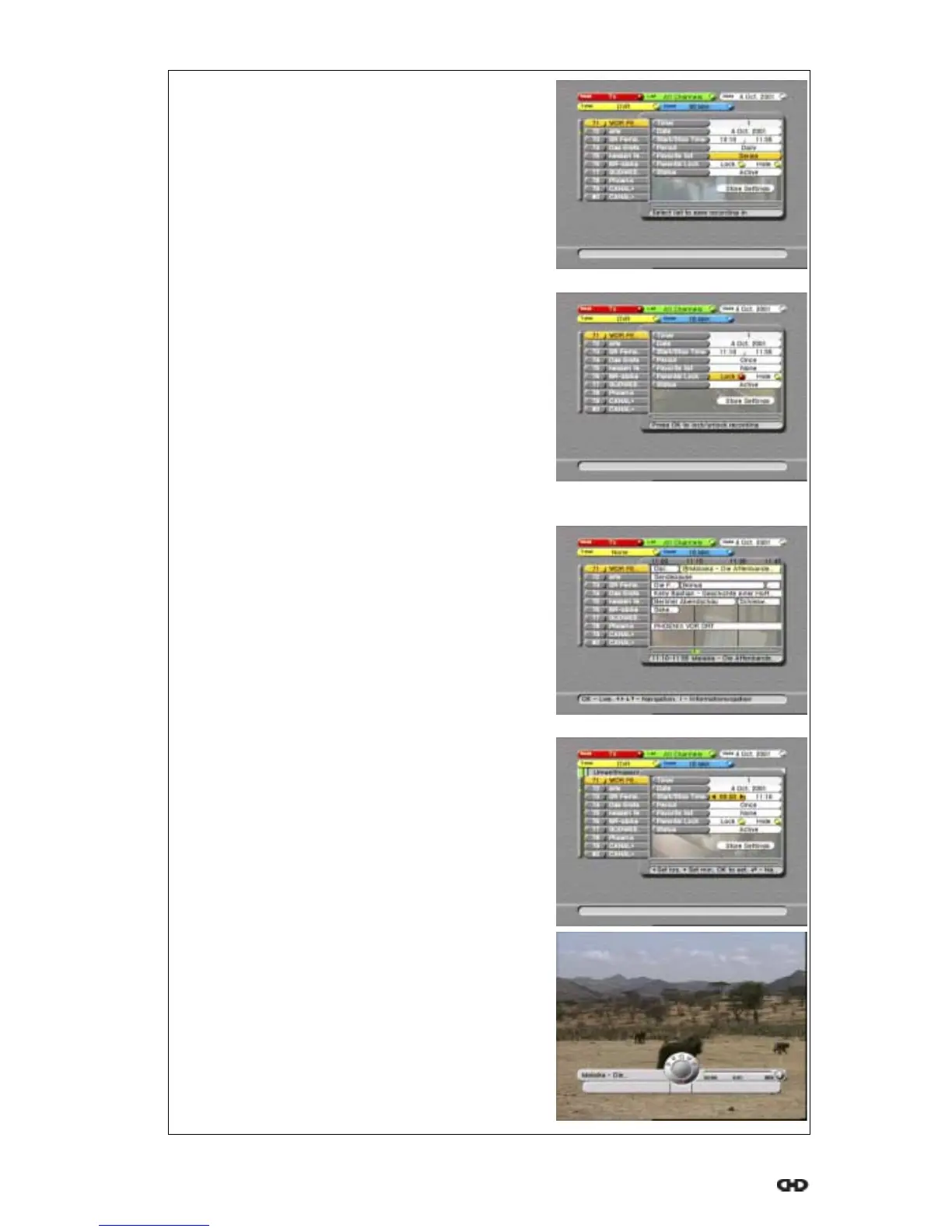
11. Change the repetition rate:
a. use thekey, to go to the Period;
b. read the available help text for information;
c. press thekeys to set the repetition.
12. Save the recording in a specific (favorite) list:
a. use thekey, to go to the Favorite List;
b. read the available help text for information;
c. press thekeys to set the (favorite) list.
13. Save the recording as locked or hidden
a. use thekey, to go to the Parental Lock;
b. read the available help text for information;
c. press thekeys to select Lock or Hide;
d. press the OK key to activate the setting.
Note that a red bullet appears in selection.
14. Change the status:
a. use thekey, to go to the Status;
b. read the available help text for information;
c. press thekeys to set the status;
15. Save the timer:
a. use thekey, to go to the Store Settings;
b. read the available help text for information;
c. press the OK key to confirm the settings.
16. Note the clock that appeared in your program.
17. Do not forget to program also your VCR if you
have set a VCR timer.
NOTE
You cannot set a (EPG-based) timer in the past or on
a program that has already begun.
If the timer screen does not disappear, you have set
a timer in the past or for a running program. Revise
either date, start or stop time to a time in the future.
18. For a program that has already begun:
a. set the timer as usual and change the
start time to 00:00;
b. use the key, to go to the Store Settings;
c. press the OK key to confirm the settings.
NOTE
a. the DVR InfoBanner momentarily appears
with a red blinking indicator;
b. the display on the receiver shows Hdd;
c. the progress bar shows the used and
available space on the hard disk drive.











 To Next Page