EC-PM-80320 User's Manual
- 26 -
⑥ Close the windows in turn, then the dialog box “Local Area Connection 2 Status” pops up
according to the operation of step ①, click “View Wireless Networks” (as shown in Figure 13).
When the window of “Wireless Network Connection” pops up, double click the current hotspot
and the connection will be disconnected (as shown in Figure 14).
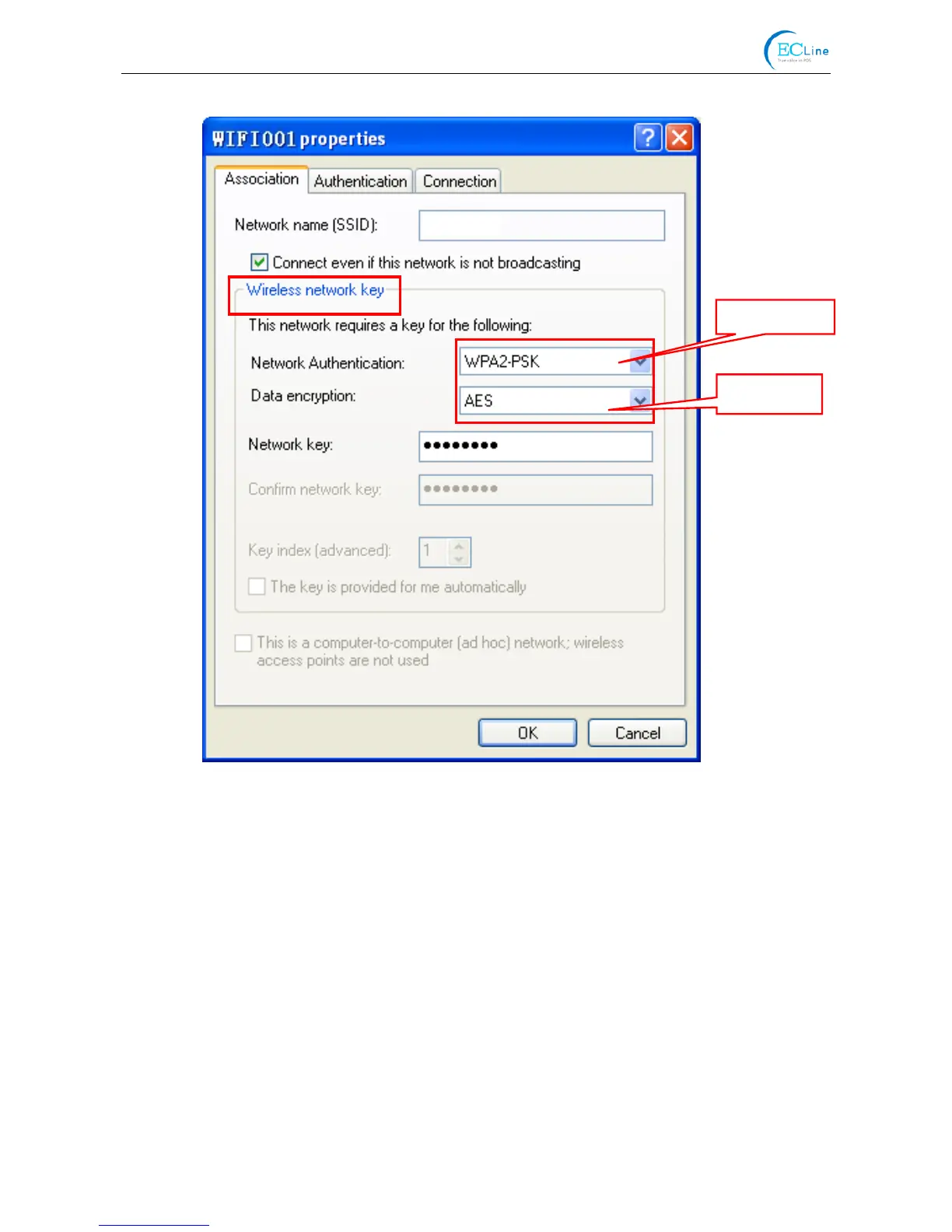
Figure 12
Encrypt type
Security mode
WIFI001



 To Next Page