EC-PM-80320 User's Manual
- 19 -
2.9.2 Wi-Fi Parameters Description
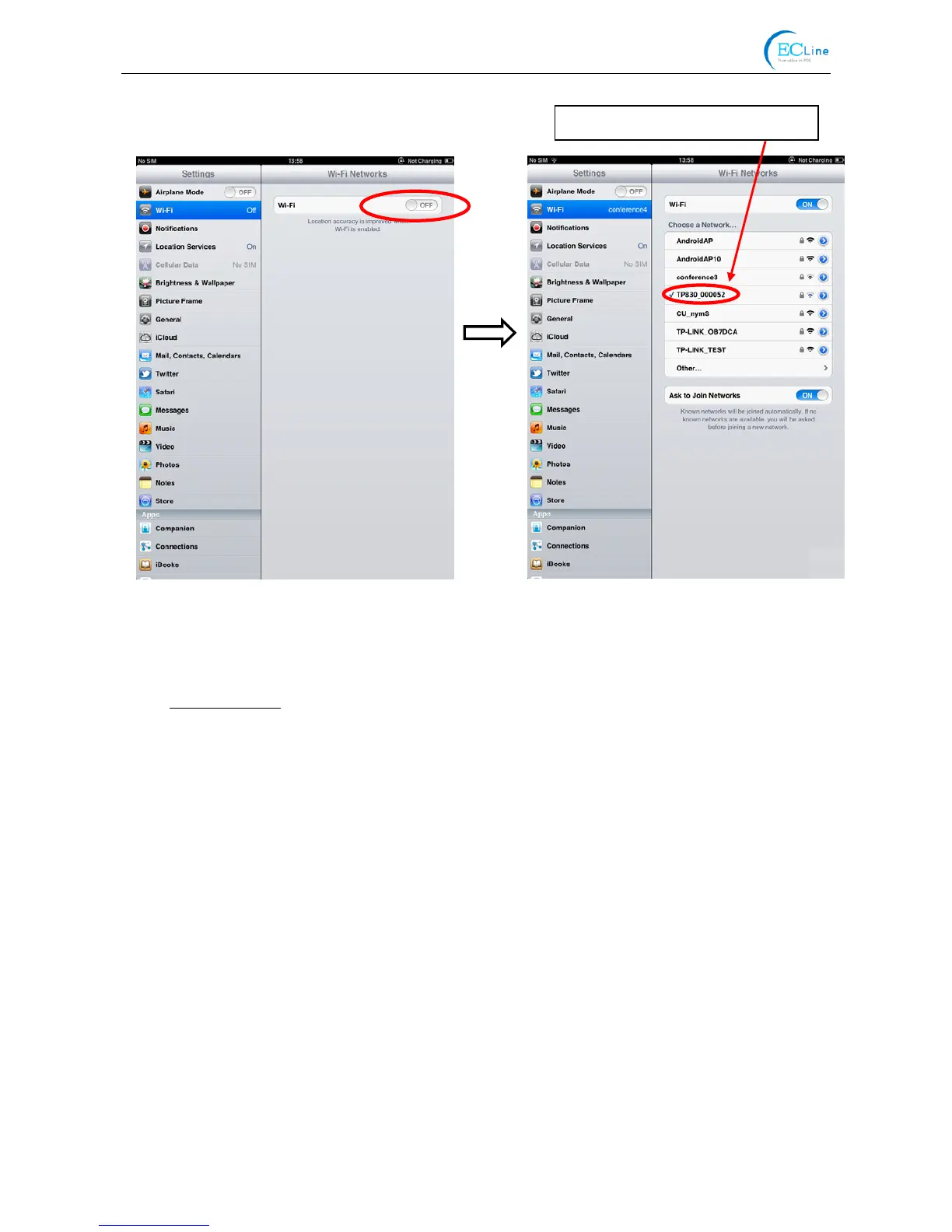
After connecting the equipment with the printer through wireless network, please import
http://10.10.10.1
in the browser address bar and enter, then the setting interface pops up. The
display style of setting interface may differ in different systems, but the parameter items are the
same. Take Windows XP as an example in the following, as shown in Figure 4.
Figure 3
The printer Wi-Fi of this example.



 To Next Page