EC-PM-80320 User's Manual
- 46 -
6
7
8
9
DATA5
DATA6
DATA7
DATA8
IN
IN
IN
IN
10 /ACK OUT
Acknowledge signal, Low level means that printer is
ready for receiving data.
11 BUSY OUT High level means printer is too busy to receive data
12 PE OUT High level means that paper is out.
13 SEL OUT High level with the pull-up resistor.
32 /ERR OUT Low level means the printer is in error state
14
,
15
,
17
,
18
,
34
,
36
NC --- NC
16
,
19
~
30
,
33 GND --- GND, “0” level in logic
Relative signal is shown as Figure 5-3.
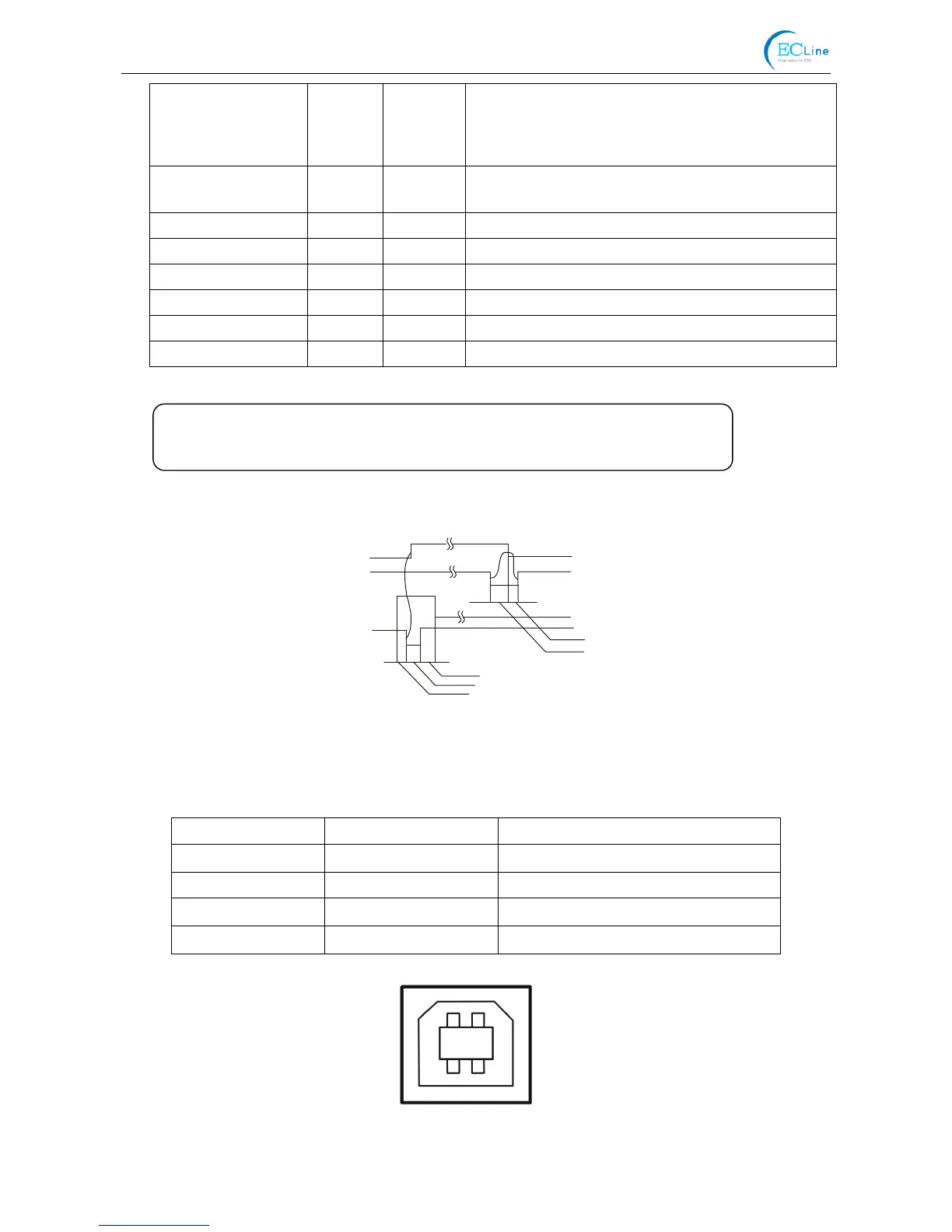
5.2.3 USB Interface
USB interface is 2.0 Full-Speed version.
Contact Number Signal Name Typical Wiring Assignment
1 VBUS Red
2 D- White
3 D+ Green
4 GND Black
BUSY
/ACK
DATA
/STB
0.5μS
0.5μS
0.5μS
0.5μS
0.5μS
Figure 5-4 USB interface
Figure 5-3 Timing signal of parallel interface
2 1
3 4
Note: ① “IN” means input to the printe



 To Next Page