EC-PM-80320 User's Manual
- 32 -
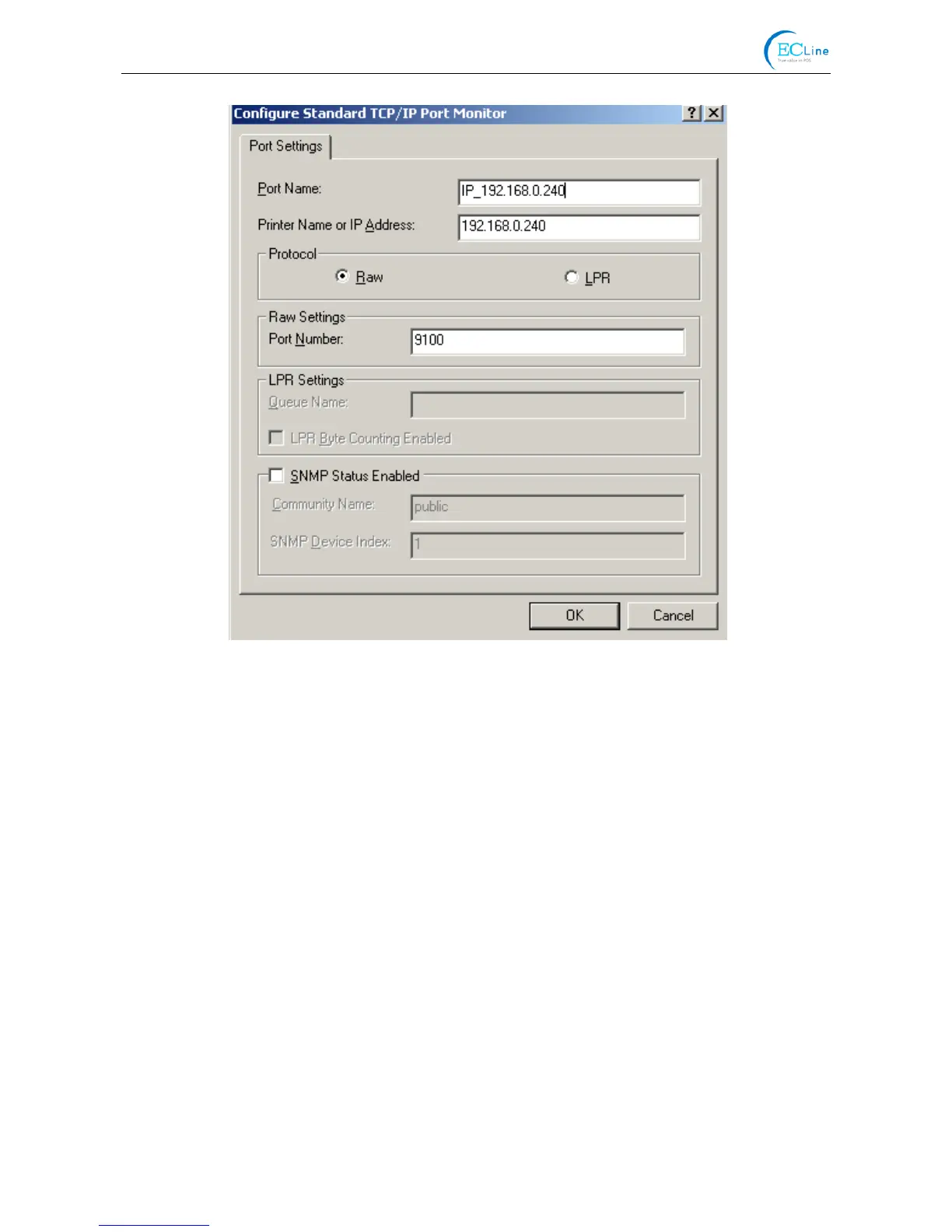
9) Return to “Additional Port Information Required”, click “Next”.
10) A window of “Completing the Add Standard TCP/IP Printer Port Wizard” pops up, click “Finish”.
11) In the selection of “Manufacturers/Printers”, click “Have Disk”, and then click “Next”.
12) A window of “Install From Disk” pops up. Please according to the operating system environment,
such as Windows 2000/XP/Vista/Win7 operating system you should select the path as follows:
CD-ROM →“Drivers” → “WIN2000 (XP-Vista-Win7)”, click “Open”, then click “OK” to return to
the window of “Install Printer Software”, click “Next”.
13) Follow the guide click “Next” gradually till the installation is finished. At this time, printer network
driver is installed completely.
2. Upgrade-install printer network driver (setting driver’s network port)
If PC has installed the printer’s driver, set driver’s network port to carry out network printing. The
concrete steps are shown below:
1) Click “Start” → “Settings” → “Select Printers”.
2) Right click EC-PM-80320 driver, click “Properties” on the window popping up.
3) A window of “Properties” pops up, click “Ports” and “Add Ports”.



 To Next Page