EC-PM-80320 User's Manual
- 34 -
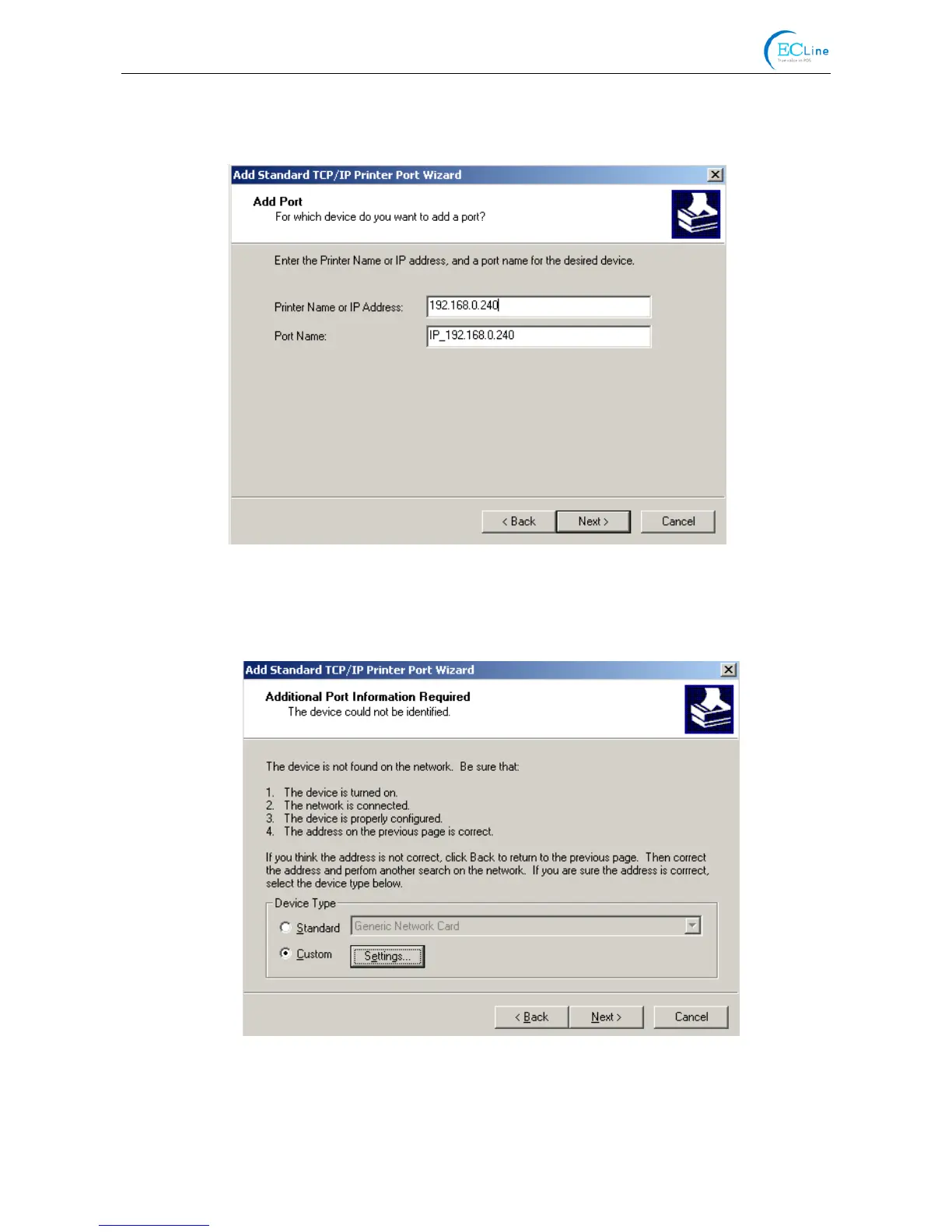
address” in the “Printer name or IP address” column. Take IP address “192.168.0.240” for
example. “Port name” is created automatically after finishing filling in IP address. Click “Next”.
7) A window of “Additional Port Information Required” pops up, select “Custom” in the “Device
Type”, then click “settings”.
8) A window of “Port Settings” pops up. Affirm that “Port name” and “Printer name or IP address”
are correct, “Protocol” is “RAW” and “Port Number” is “9100”, click “OK”.



 To Next Page