EC-PM-80320 User's Manual
- 42 -
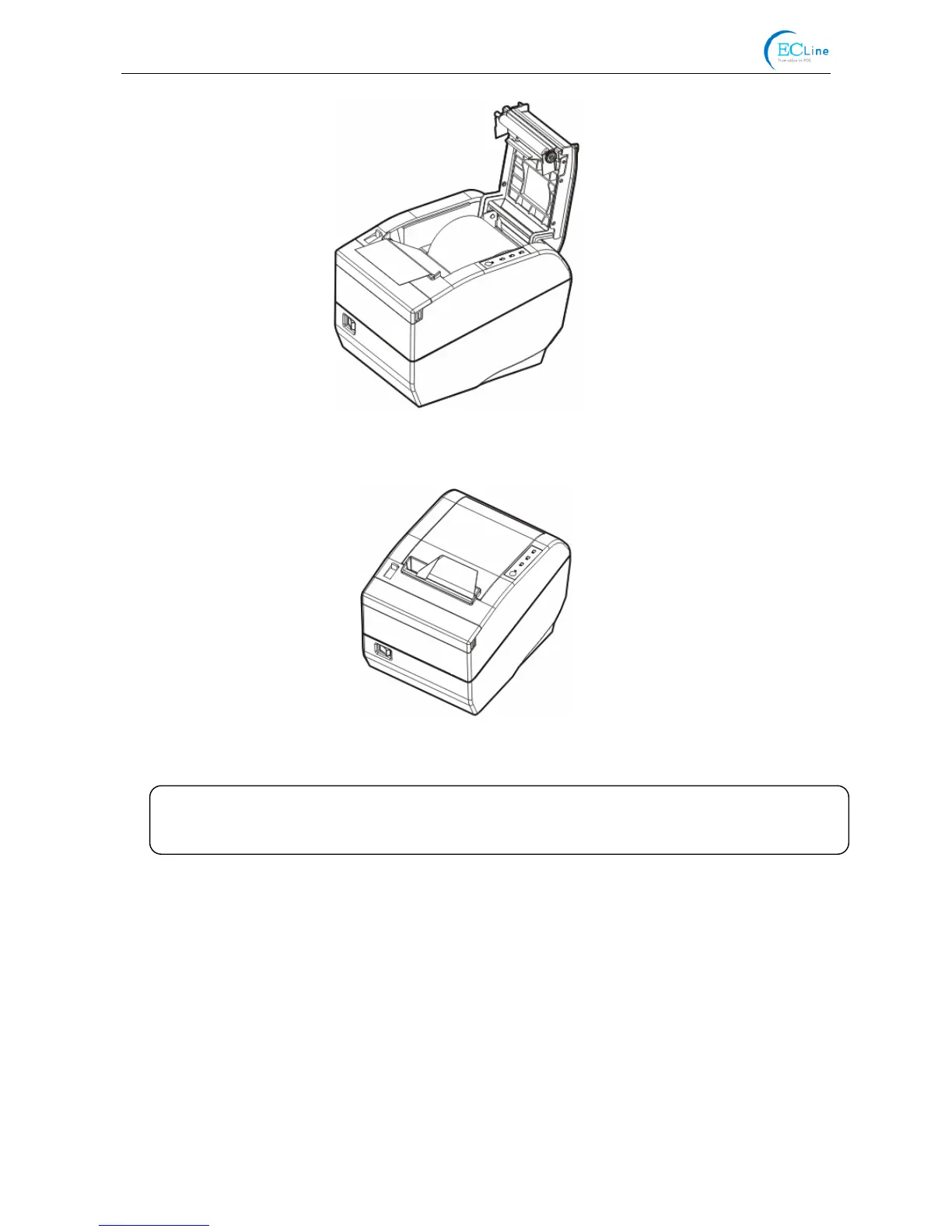
4. Put the paper as shown below, and then close the upper cover.
Figure 4-4 Close the cover
Figure 4-3 Pull out the paper
Note: After finishing installing the paper, if PAPER OUT LED and ERROR LED are still on, or
the printer makes strange noise when feeding paper, please open the cover and
re-close it tightly.



 To Next Page