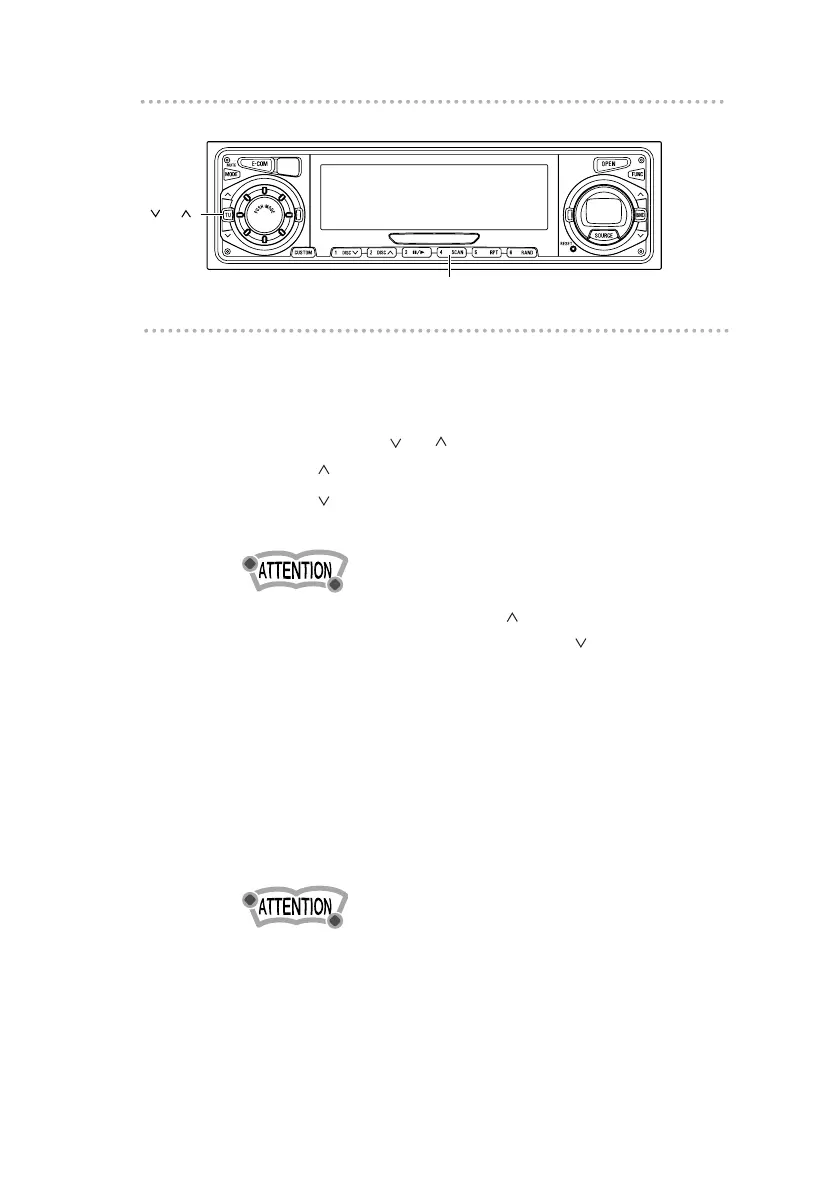
Advancing to the next track or returning to
the beginning of the track being played
1 .
Press the [ TU ] button.
[TU ] button: Advances to the next track.
[TU ] button: Returns to the beginning of the track
being played.
Pressing and holding the [TU ] button will fast-forward
through a track, while pressing the [TU ] button will fast-
reverse.
Playing the beginning of tracks (SCAN)
1 .
Press button [4 (SCAN)].
Tapping the button causes the player to move up to
the next track and play it for 10 seconds, then move
up to the next track and play it for 10 seconds, and so
on until the button is tapped again.
To continue playing a desired track, press the button again
to stop scanning.



 To Next Page