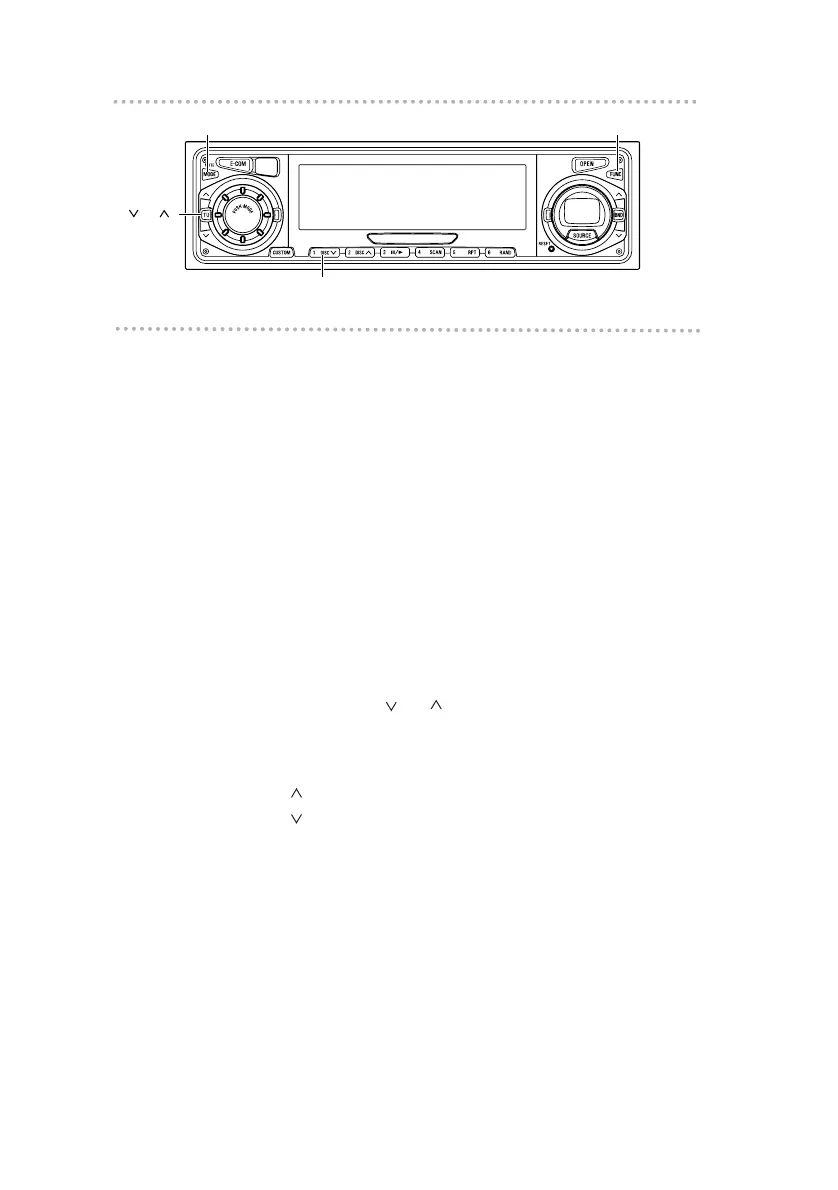
Setting a station name
Station name settings can be changed.
1 .
Press the [FUNC] button in the tuner mode.
2 .
Press the [MODE] button for less than one
second.
3 .
Press button [1] to select the character type.
Pressing the button will switch types from [ABC]
(alphabet characters) to [123] (numeric characters) and
then [!&?] (symbols).
4 .
Press either [ TU ] button to select the
position in which to enter the character.
The character will be inserted where the cursor is
flashing:
[TU ] button: Moves the cursor to the right.
[TU ] button: Advances the cursor to the left.



 To Next Page