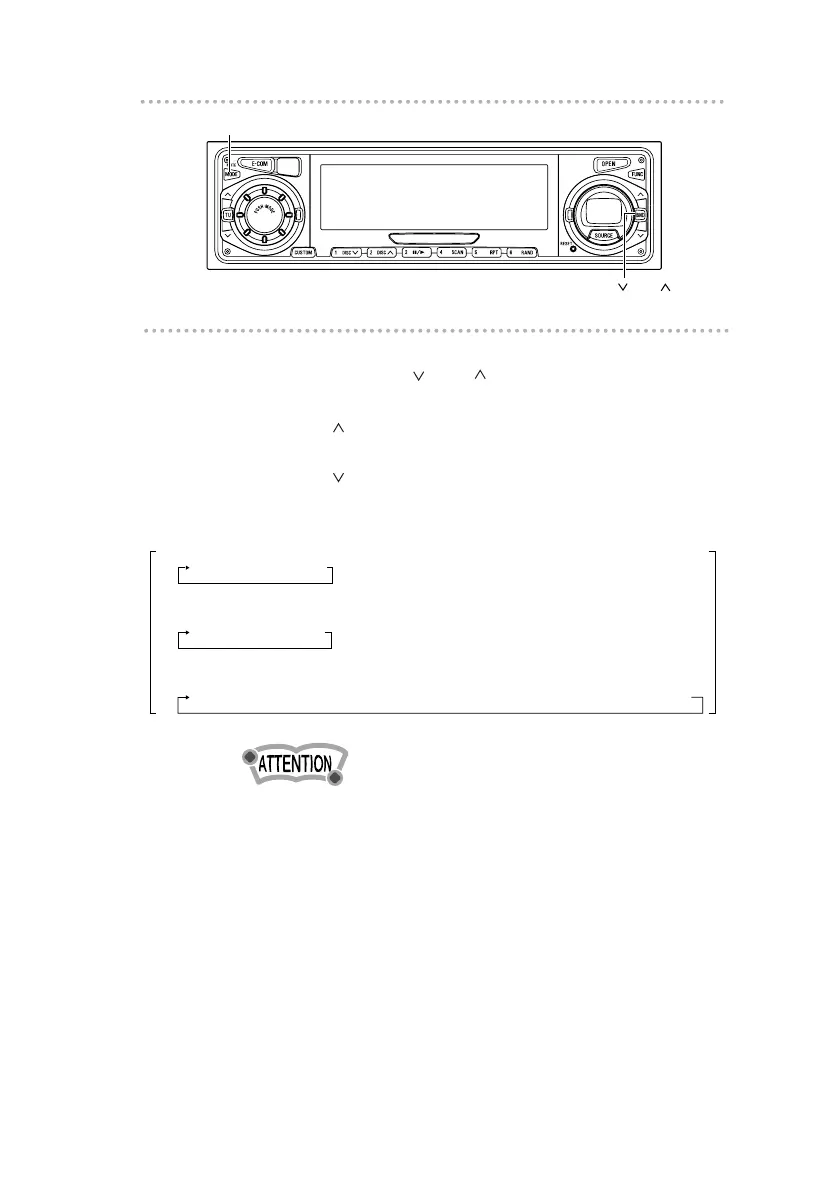
5 .
Press either [ BND ] button to select
characters.
[BND ] button: Advances the character forward in its
type.
[BND ] button: Moves the character backward in its
type.
•To change the type of character to be entered, repeat steps
2 and 3.
•A maximum of 10 characters may be entered per title.
•30 to 100 titles (changeable) can be stored (Use store).
•If the number of discs that can be memorized is exceeded,
the information about the disc whose playing time is oldest
is deleted.
6 .
Press the [MODE] button.
The CD title is now memorized.
[Symbol] Initial value [Up direction]
! " # $ % & ’ ( ) * + , – . / : ; < = > ? @ ´ _
[Upper-case alphabet characters] Initial value [Up direction]
A B C
...
X Y Z
[numeric characters] Initial value [Up direction]
1 2 3
...
8 9 0



 To Next Page