Having Trouble?
If you are having trouble connecting to the
Internet or nding your WiFi network, you may
need to congure your network parameters
manually. See WiFi on page 52.
Conguring a Web Portal
Account
After setting up WiFi on your EMS Si and
obtaining the registration code, you need to
congure your Web Portal account.
1. From a web browser on a PC, visit
www.ecobee.com and click on the LOGIN link.
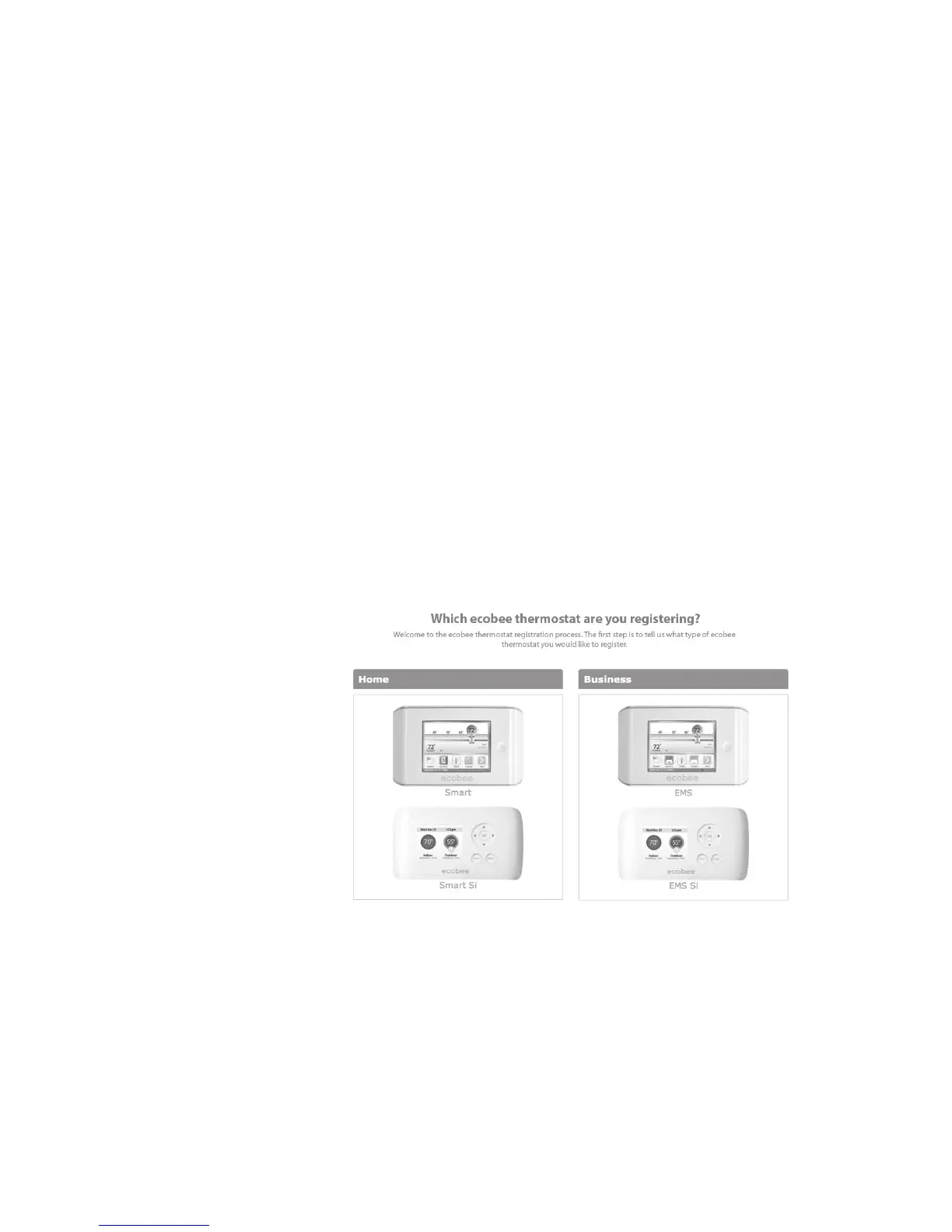
2. Click REGISTER THERMOSTAT.
3. Click the EMS Si.
4. Click Create a new account.
(If you already have a Web Portal, click Register
to an existing account, enter your email address
and password, and proceed to step 6).
40















 To Next Page