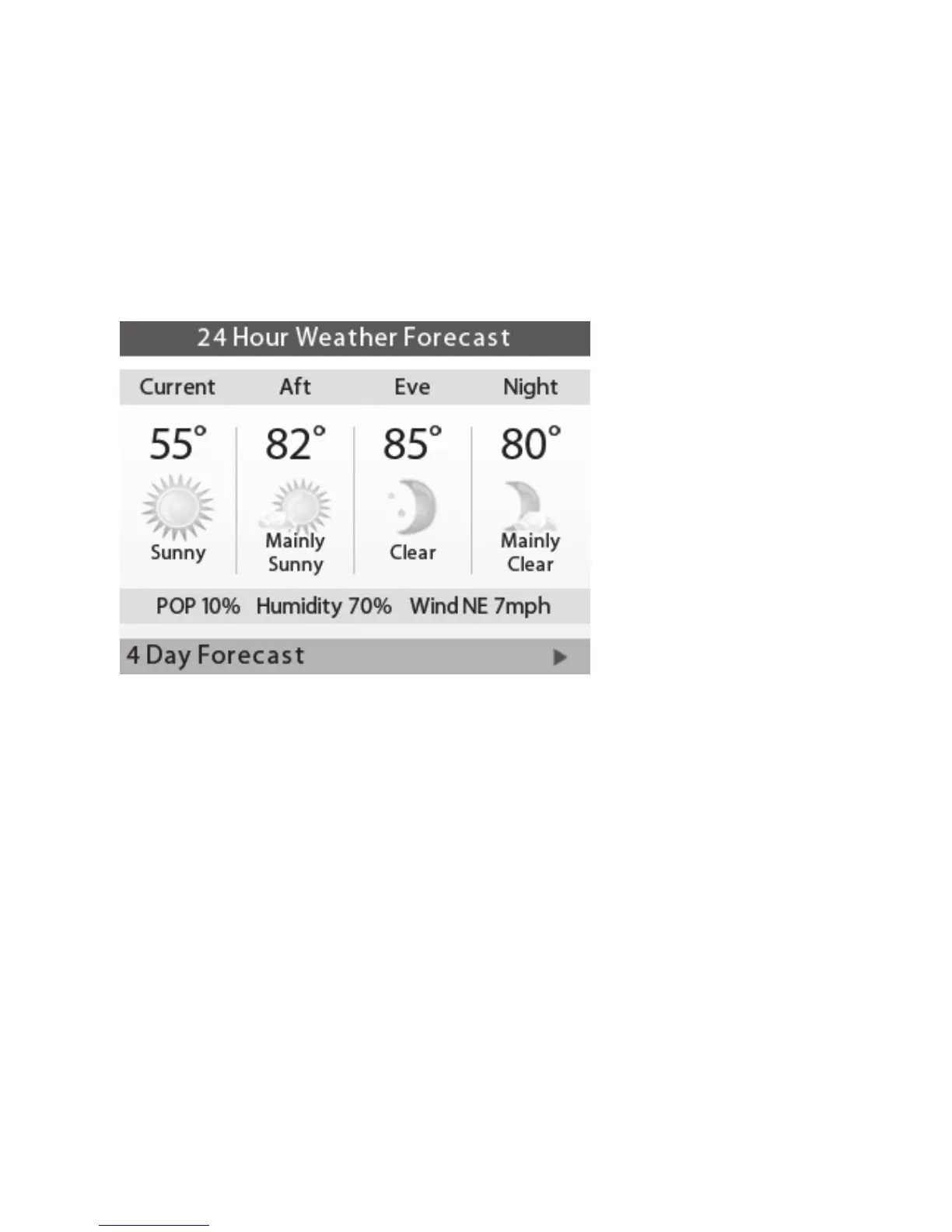
Weather Forecast
Displays the current outdoor temperature and
weather conditions for your registered location.
Note that when you register, it’s important to
select your location accurately, as ecobee will
use your local weather data to optimize your
heating and cooling. You must register your EMS
Si for this feature to operate.
Cleaning the EMS Si
You can clean the EMS Si’s screen by spraying
water or any mild, non-abrasive household
cleaner on to a clean cloth. Wipe the surface of
the screen with the dampened cloth.
Note: Do not spray any liquids directly onto your
EMS Si.
To view the weather
forecast:
From the Home screen,
press MENU.
Select Weather Forecast.
Press OK to switch between
the 4-day and 24-hour
forecast.
45















 To Next Page