ecom-J2KN
pro
Page 43
Press „Start measurement“ / <OK> to
start the real measurement. Proceed as
follows:
- select surface (boiler side) to be measured
with <F1> or <F2>
- position surface sensor
- record temperature difference with
<Memory> - up to 10 values can be
recorded per surface out of which a mean
value will be calculated automatically
- if need be, cancel measurements
with <F4>
- repeat this procedure for each surface
Once all surface temperatures have been determined, quit the menu
with <ESC>. The surface losses get automatically calculated. The
value conversion in negative points is available in the menu point
„Results“.
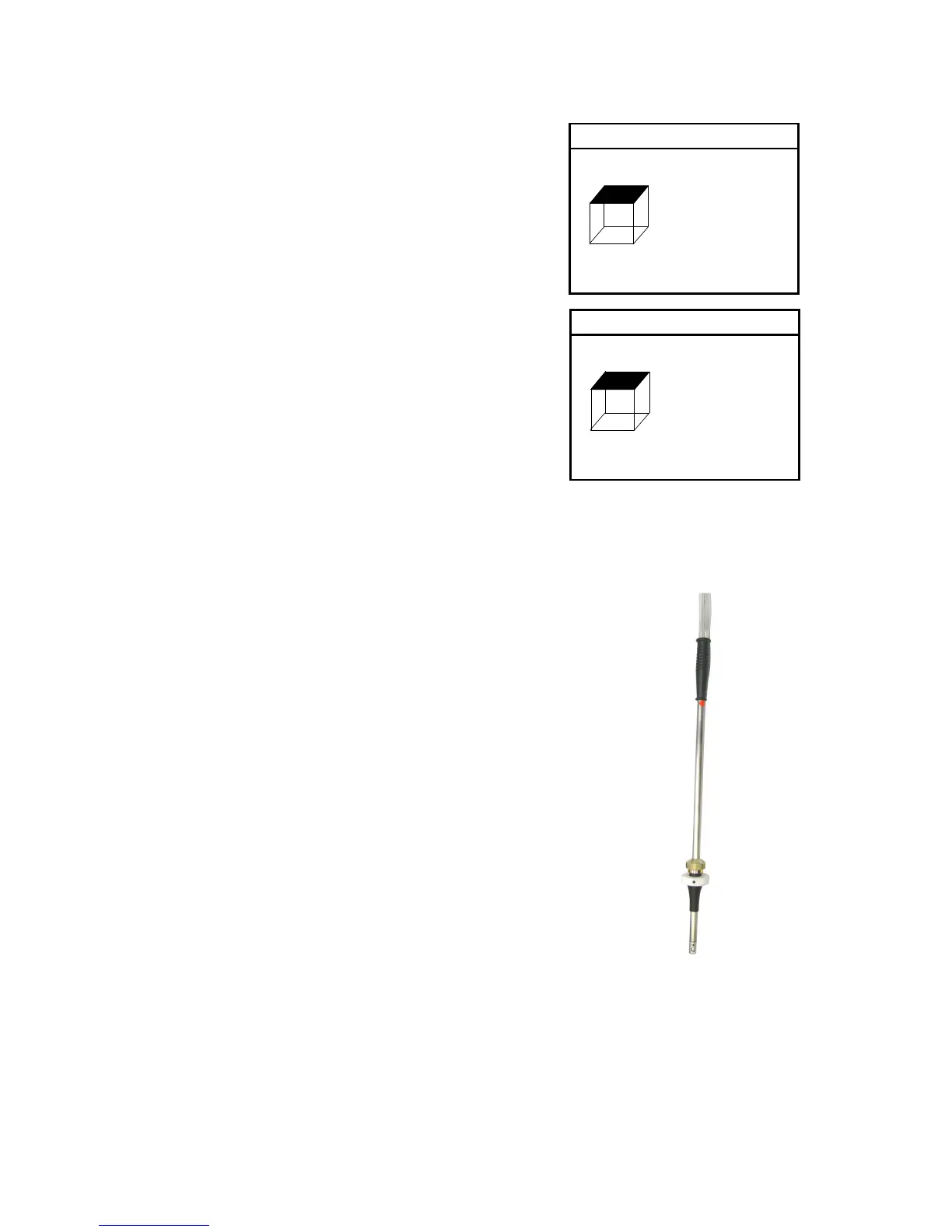
The ventilation loss measurement is
performed by a flow probe 30 sec. after
burner switch-off. This measurement
can be performed at the earliest 5 min.
after instrument´s switch-on as the
pressure sensor requires this period of
time for stabilisation. Once the menu is
called up, the values for air pressure,
external temperature, boiler perfor-
mance and exhaust gas pipe diameter
must be entered. Hereto proceed as
follows:
- open respective window with <OK>
- input figures using numerical function
of keys
- confirm input with <OK>
Width --- m
Height --- m
Surf --- m2
T.S. --- °C
T.A. --- °C
T.S. 21.5 °C
T.A. 21.5 °C



 To Next Page