14
C
C
o
o
n
n
n
n
e
e
c
c
t
t
i
i
n
n
g
g
C
C
a
a
s
s
e
e
C
C
o
o
m
m
p
p
o
o
n
n
e
e
n
n
t
t
s
s
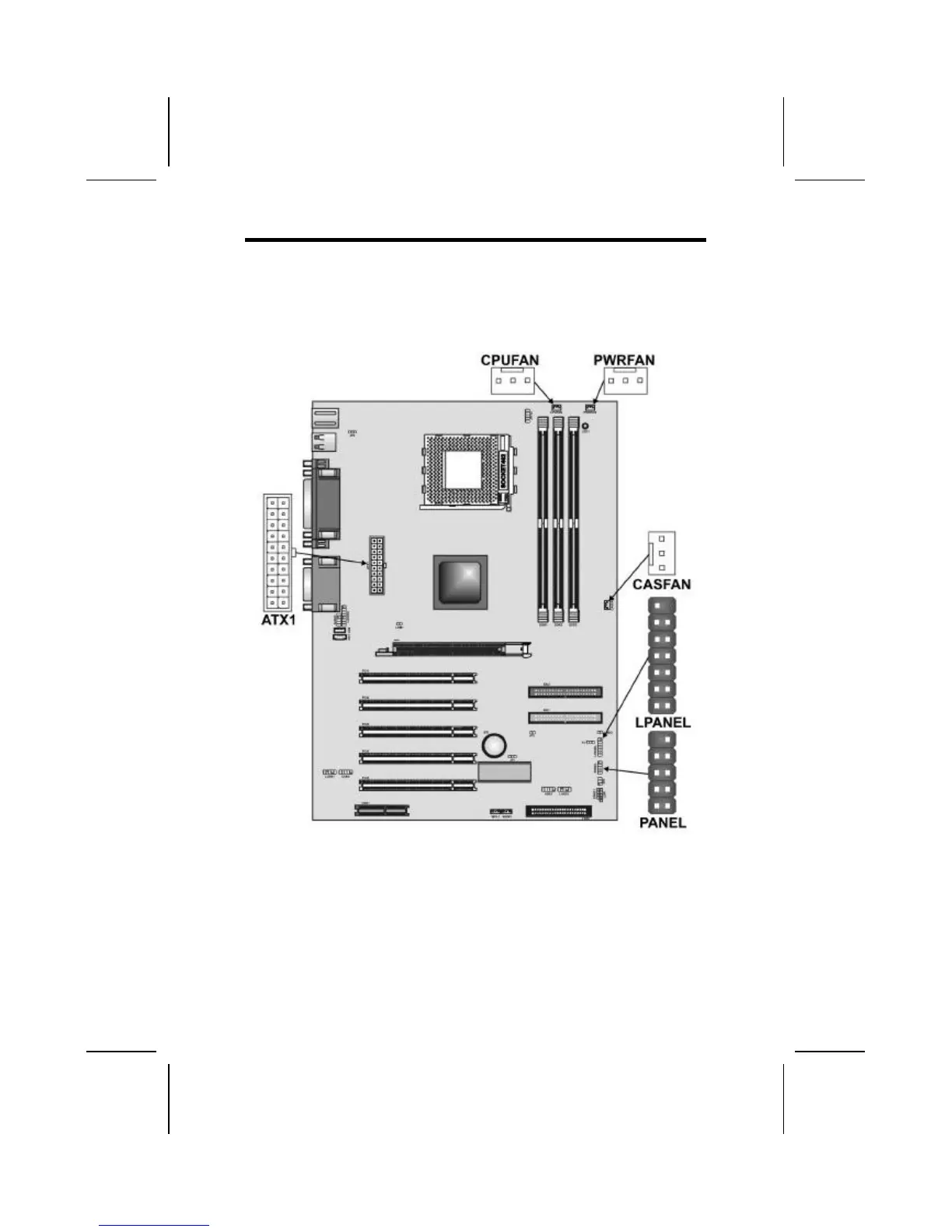
After you have installed the mainboard into a case, you can
begin connecting the mainboard components. Refer to the fol-
lowing:
1. Connect the case power supply connector to ATX1.
2. Connect the CPU cooling fan cable to CPUFAN.
3. Connect the case cooling fan connector to either
PWRFAN or CASFAN.
The following page explains how to make panel
(PANEL/LPANEL) connections.



 To Next Page