38
U
U
s
s
i
i
n
n
g
g
B
B
I
I
O
O
S
S
When you start the Setup Utility, the main menu appears. The
main menu of the Setup Utility displays a list of the options
that are available. A highlight indicates which option is cur-
rently selected. Use the cursor arrow keys to move the
highlight to other options. When an option is highlighted, exe-
cute the option by pressing <Enter>.
Some options lead to pop-up dialog boxes that prompt you to
verify that you wish to execute that option. Other options lead
to dialog boxes prompt you for information.
Some options (marked with a triangle ) lead to submenus
that enable you to change the values for the option. Use the
cursor arrow keys to scroll through the items in the submenu.
In this manual, default values are enclosed in parenthesis.
Submenu items are denoted by a triangle .
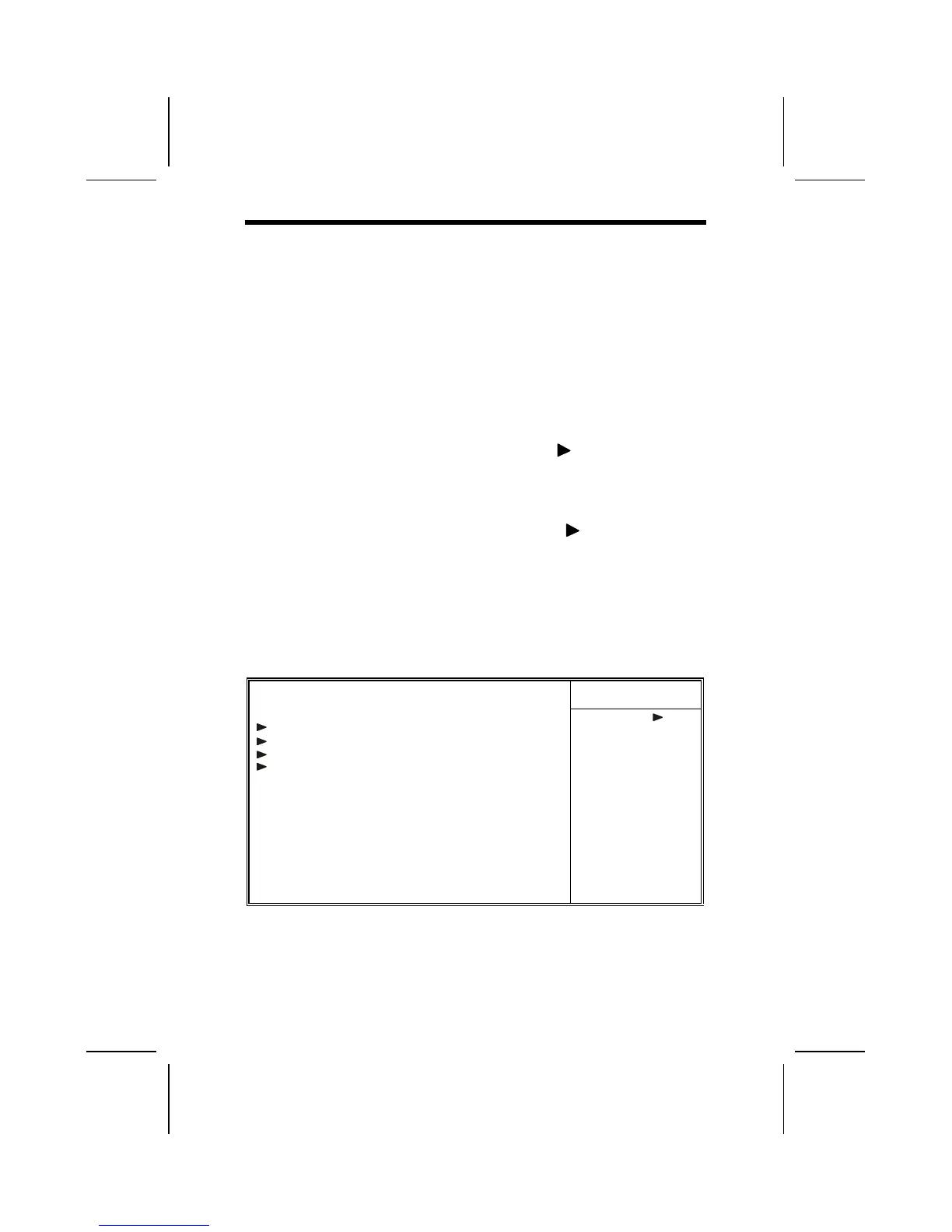
Standard CMOS Features
This option displays a table of items defining basic information
about your system.
CMOS Setup Utility – Copyright (C) 1984 – 2001 Award Software
Standard CMOS Features
Item Help
Date (mm:dd:yy) Tue, July 11 2000
Time (hh:mm:ss) 12 : 8 : 59
IDE Primary Master
IDE Primary Slave
IDE Secondary Master
IDE Secondary Slave
Drive A [1.44M, 3.5 in.]
Drive B [None]
Floppy 3 Mode Support [Disabled]
Video [EGA/VGA]
Halt On [All Errors]
Base Memory 640K
Extended Memory 31744K
Total Memory 32768K
Menu Level
Change the day, month,



 To Next Page