66
A
A
u
u
t
t
o
o
-
-
i
i
n
n
s
s
t
t
a
a
l
l
l
l
i
i
n
n
g
g
u
u
n
n
d
d
e
e
r
r
W
W
i
i
n
n
d
d
o
o
w
w
s
s
9
9
8
8
The Auto-install CD-ROM makes it easy for you to install the
drivers and software for your mainboard.
Note: If the Auto-install CD-ROM does not work on your
system, you can still install drivers through the file
manager for your OS (for example, Windows Ex-
plorer). Refer to Utility Folder Installation Notes
later in this chapter.
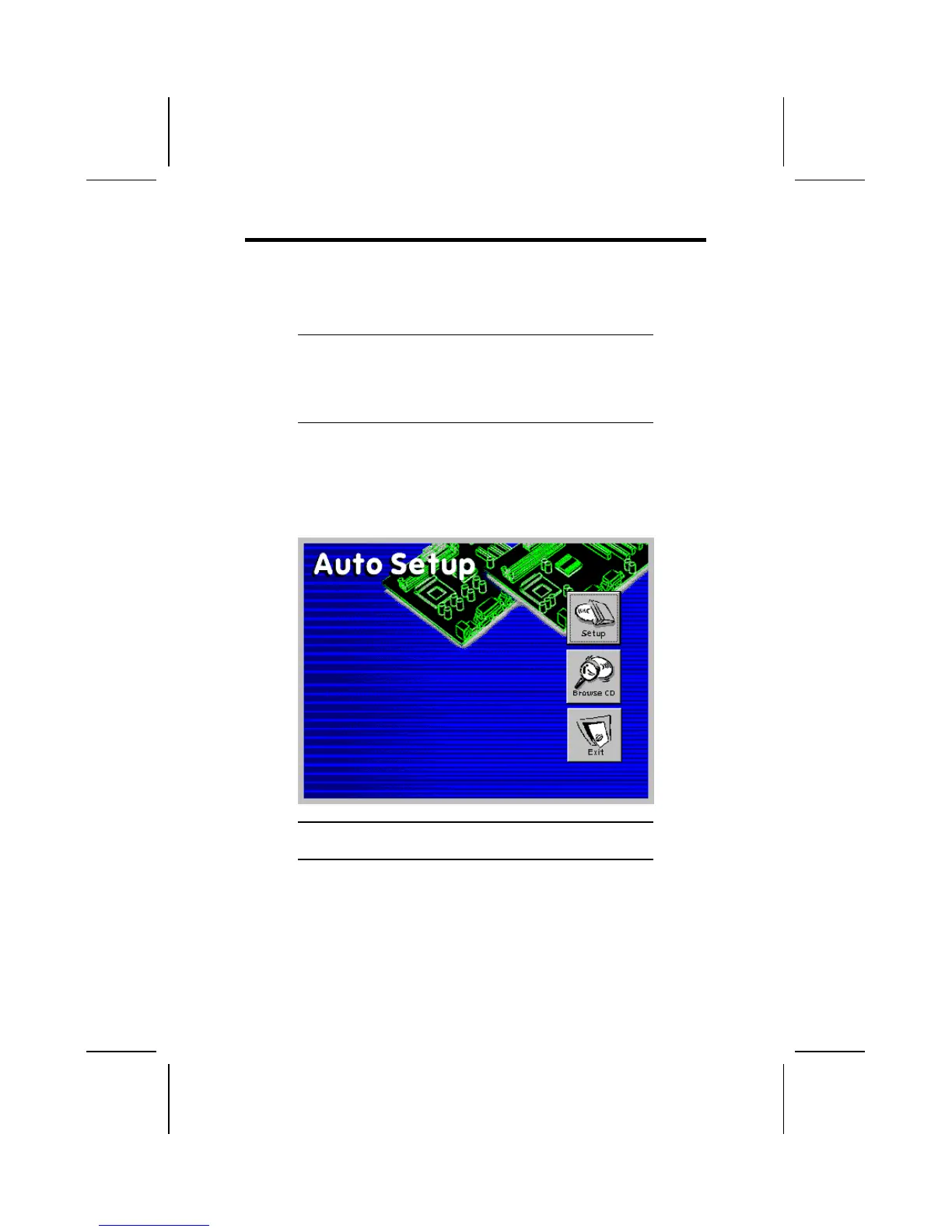
The support software CD-ROM disc loads automatically under
Windows 98. When you insert the CD-ROM disc in the CD-
ROM drive, the autorun feature will automatically bring up the
install screen. The screen has three buttons on it, Setup,
Browse CD and Exit.
Note: If the opening screen doesn't appear, double-click
the file "setup.exe" in the root directory.
Setup
Click the Setup button to run the software installation program.
Select from the menu which software you want to install.



 To Next Page