46
Advanced DRAM Control 1
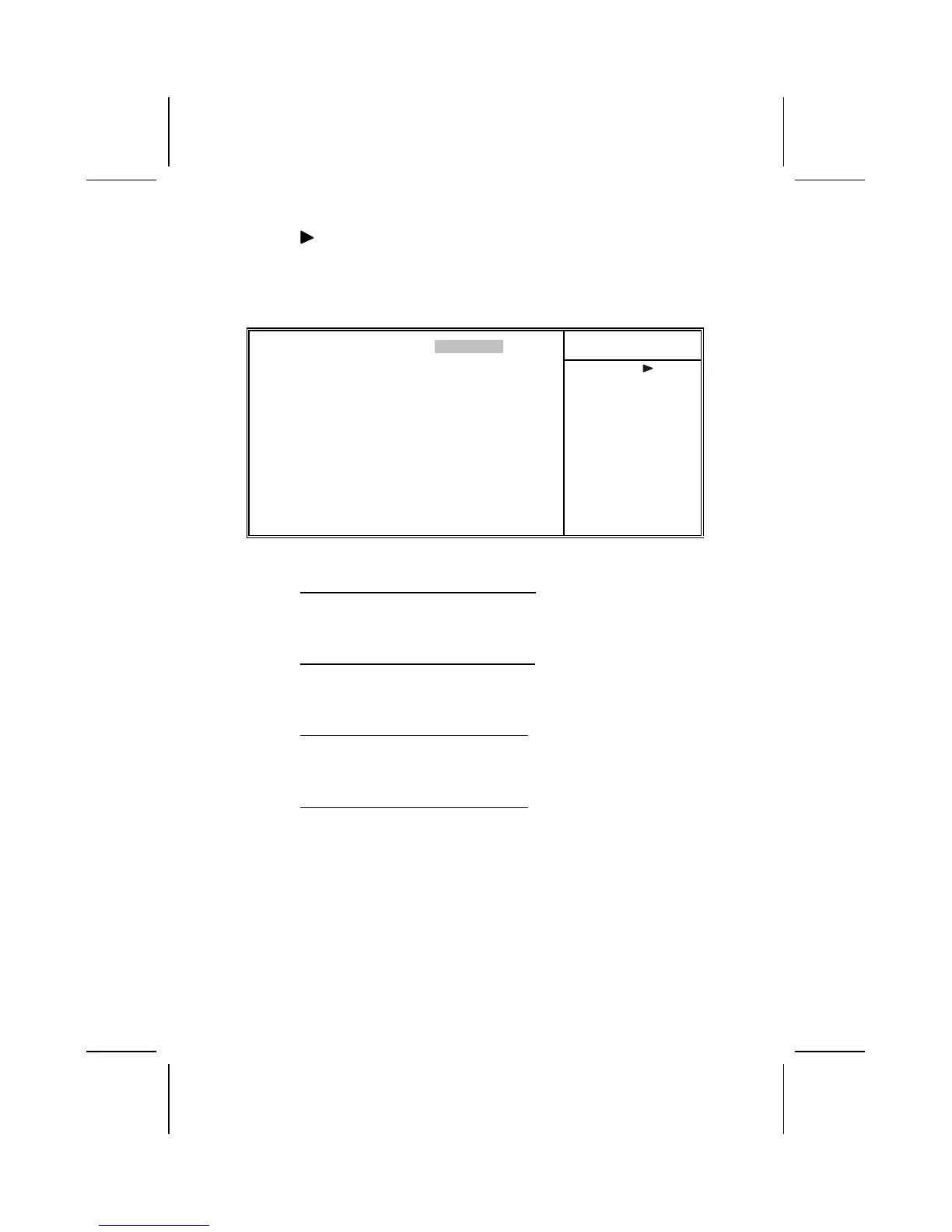
Scroll to this item and press <Enter> to view the following
screen:
CMOS Setup Utility – Copyright (C) 1984 – 2001 Award Software
Advanced DRAM Control 1
Item Help
Auto configuration [Normal Mode]
CPU/DRAM CLK Synch CTL [Auto]
DRAM BackGround Cycles [Auto]
LD-Off Dram RD/WR Cycles [Auto]
Menu Level
↑
↓
→
←
: Move Enter : Select +/-/PU/PD:Value: F10: Save ESC: Exit F1:General Help
F5:Previous Values F6:Fail-Safe Defaults F7:Optimized Defaults
Auto Configuration (Normal Mode)
This is the DRAM auto configuration option, which can be set
to Safe Mode, Normal Mode, Fast Mode or Ultra Mode.
CPU/DRAM CLK Synch CTL (Auto)
This option allows you set the CPU/DRAM synchronization.
The valid options are AUTO, Synchronous, and Asynchronous.
DRAM BackGround Cycles (Auto)
This option allows you to set the DRAM background cycles.
The valid options are AUTO, Delay 1T, and Normal.
LD-Off Dram RD/WR cycles (Auto)
This option allows you to set the LD-Off DRAM RD/WR cycles.
Valid values are AUTO, Delay 1T, and Normal.



 To Next Page