50
tions then burst onto the PCI bus and nonburstable transac-
tions do not.
Press <Esc> to return to the Integrated Peripherals screen.
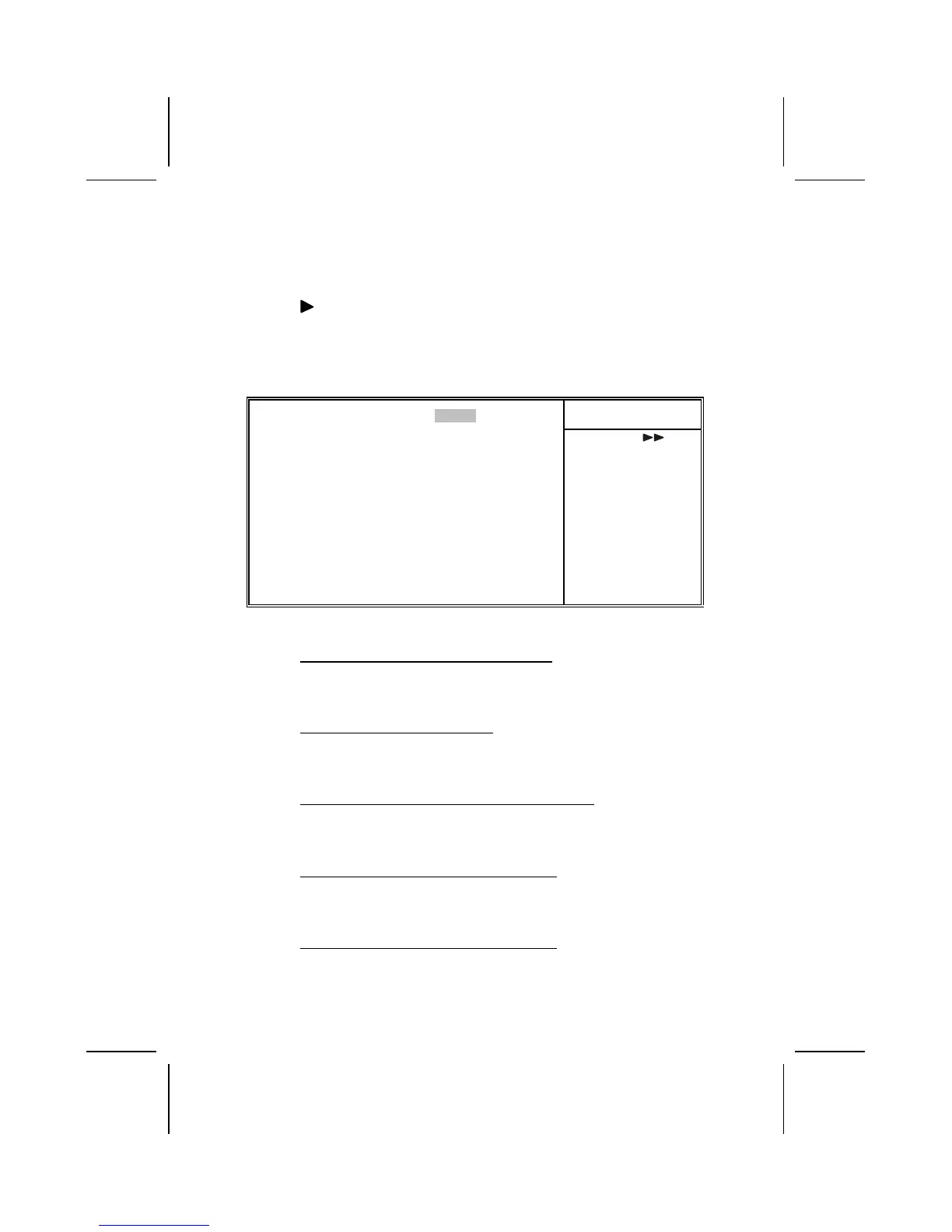
SIS OnChip PCI Device
Scroll to this item and press <Enter> to view the following
screen:
CMOS Setup Utility – Copyright (C) 1984 – 2001 Award Software
SIS OnChip PCI Device
Item Help
SIS-7012/7018 AC97Audio [Enabled]
SIS-7013 S/W Modem [Enabled]
IDE ACCESS INTERFACE [Embedded BUS]
USB1 ACCESS INTERFACE [PCI BUS]
USB0 ACCESS INTERFACE [PCI BUS]
AC97 ACCESS INTERFACE [PCI BUS]
Menu Level
↑
↓
→
←
: Move Enter : Select +/-/PU/PD:Value: F10: Save ESC: Exit F1:General Help
F5:Previous Values F6:Fail-Safe Defaults F7:Optimized Defaults
SIS-7012/7018 AC97 AUDIO (Enabled)
Enables and disables the onboard audio chip. Disable this
item if you are going to install a PCI audio add-on card.
SIS-7013 S/W Modem (Auto)
Enables and disables the onboard modem. Disable this item if
you are going to install an external modem.
IDE ACCESS INTERFACE (Embedded BUS)
This item determines whether the IDE access interface is the
PCI bus or the embedded bus.
USB1 ACCESS INTERFACE (PCI BUS)
This option determines whether the USB1 access interface is
the embedded bus or the PCI bus.
USB0 ACCESS INTERFACE (PCI BUS)
This option determines whether the USB0 access interface is
the embedded bus or a PCI bus.



 To Next Page