VE-H100B Veterinary Pulse Oximeter User Manual
- 37 -
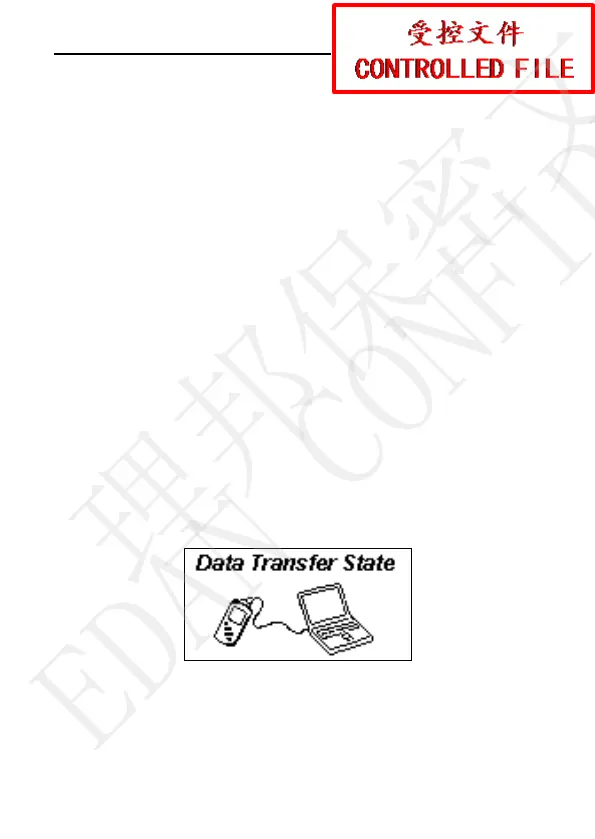
3.2.4 Data Transfer State
Set Data Storage in menu to ON, the measurement value will be
stored in the oximeter. The SpO
2
and PR information can be
transferred from oximeter to Oximeter Viewer Data Management
Software.
Data transfer procedure:
After the measurement and storage are all finished, turn
off the oximeter;
Connect the oximeter and the computer with a cable for
the communication between the oximeter and the
Oximeter Viewer Data Management Software;
Synchronously press the On/Off button and the
Function button, after POST, the oximeter enters Data
Transfer State automatically. The interface displays as
below:
Figure 3-7 Data Transfer State
3.3 System Menu
Press the Function button to see the following main menu of the
理邦保密文件
EDAN CONFIDENTIAL


 To Next Page