24
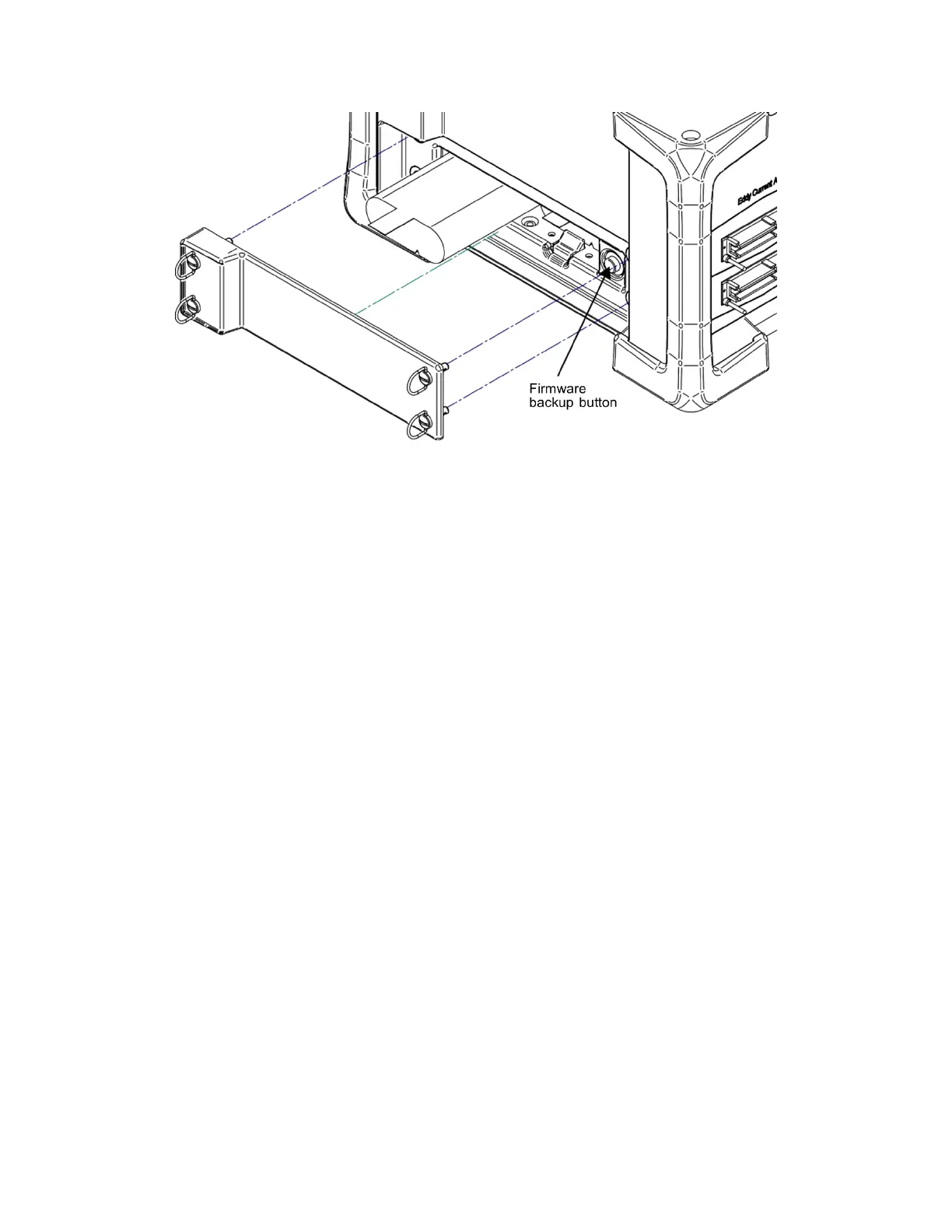
Figure 7-1 - Battery compartment
IMPORTANT: Certain events such as a disconnection during download can cause the
firmware to become corrupted. This issue may cause Magnifi to be unable to
connect to the instrument or download a new version of firmware. This can be
fixed by using the firmware backup button. Hold down this button and turn on
the instrument. You must hold down the button for 5 seconds after turning on
the instrument. This will reset the firmware. You can then try connecting the
instrument to Magnifi again and/or downloading the new firmware.



 To Next Page