36
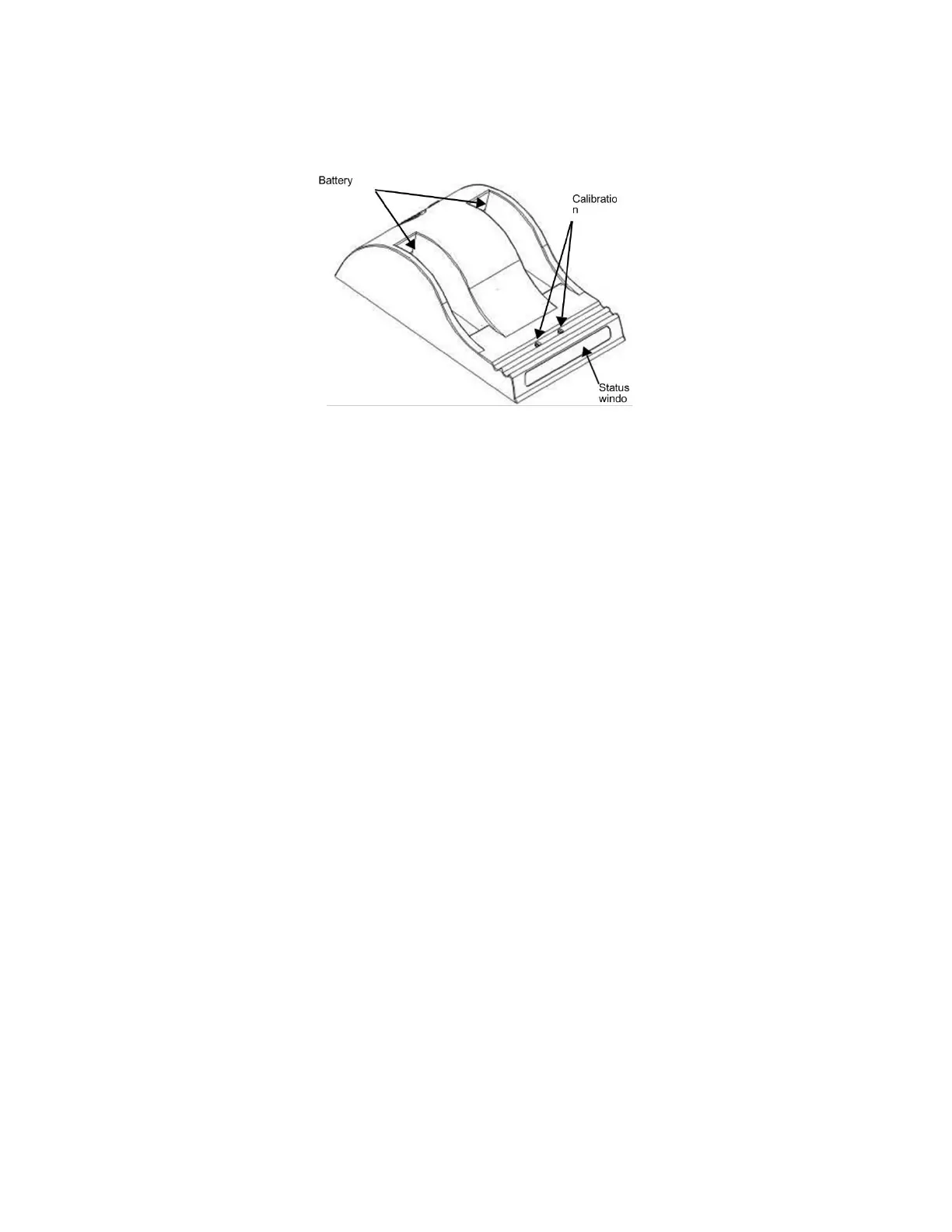
Figure 2-1- Battery charger
To charge the batteries with the optional external charger:
1. Place the charger on a flat and level surface,
away from heat and moisture sources
.
2. Insert the power supply’s DC connector into the back of the external charger.
3. Connect the power supply to an AC supply using the supplied cable. All the LEDs flash
momentarily to let you know that power is present.
4. Place the batteries into either battery bay, making sure that the 5-way connectors are
fully seated. The LEDs in the status window display status information and the charger
automatically begins charging the batteries.
3. Battery Charger LED Status Indicator
When batteries are in the charger, status LEDs in the status window display various
information:



 To Next Page