29
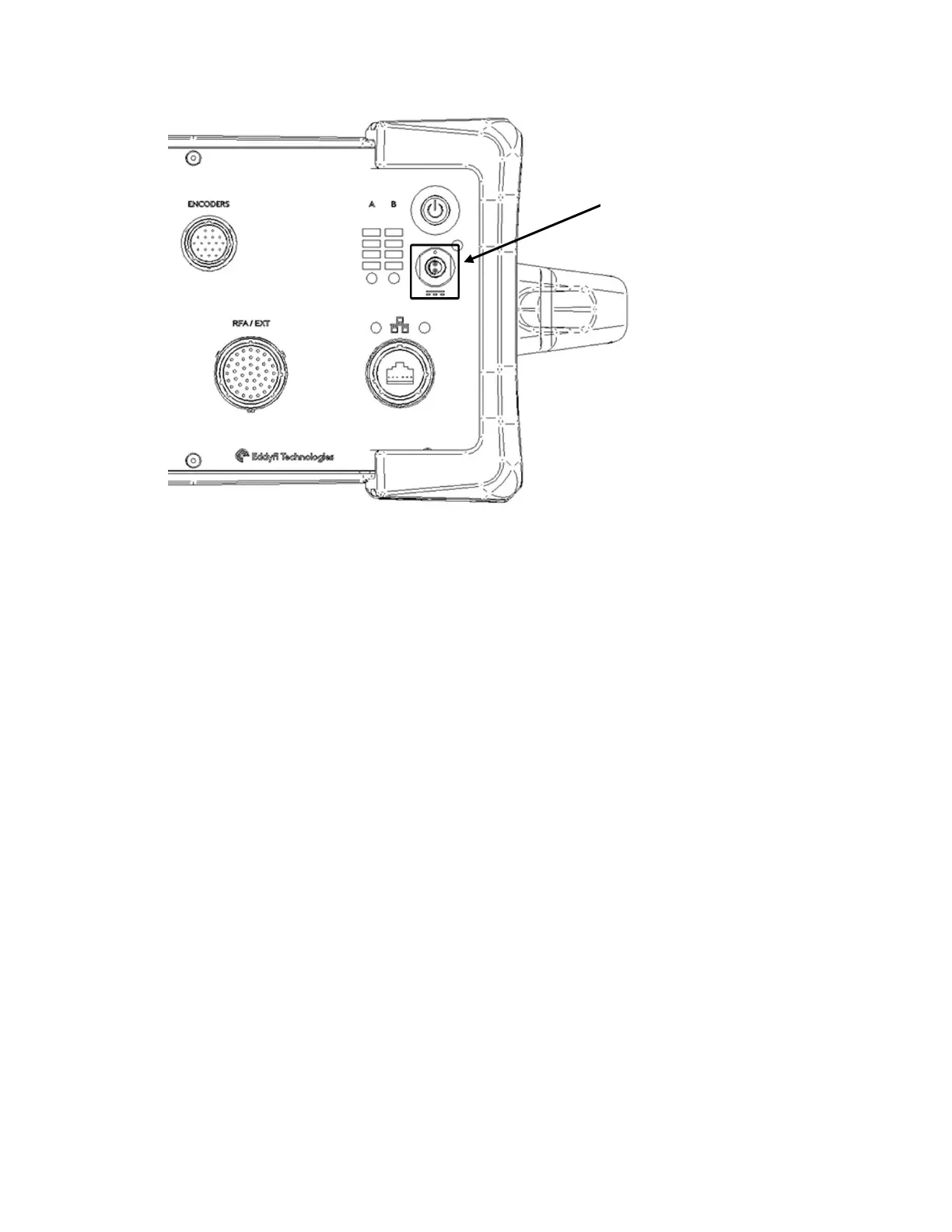
Figure 4-1 – Power socket
2. Connect the power adapter to the power socket on the front of the Ectane 3.
3. Connect the power cord to the power outlet.
4. If batteries are present, they will automatically start charging. The light indicator will
give the information.
5. Press the power button until it clicks. The power button lights up orange.
5. Understanding Indicators
There are various indicators on the front panel of the Ectane 3. The following pages explain
the behaviors of these indicators.
Power Indicators
Two indicators are assigned to the instrument’s power status:
• Power button indicator
LED integrated in the power button. Lights up orange when the Ectane 3 is ON.
• External power indicator
Lights up green when the external AC adapter is connected and powered.



 To Next Page