27
2. Connection Procedure
To connect the instrument, follow these instructions.
1. Install the Ectane 3 away from heat sources, leaving a minimum clearance of 10 cm (4
in.) to allow for heat dissipation.
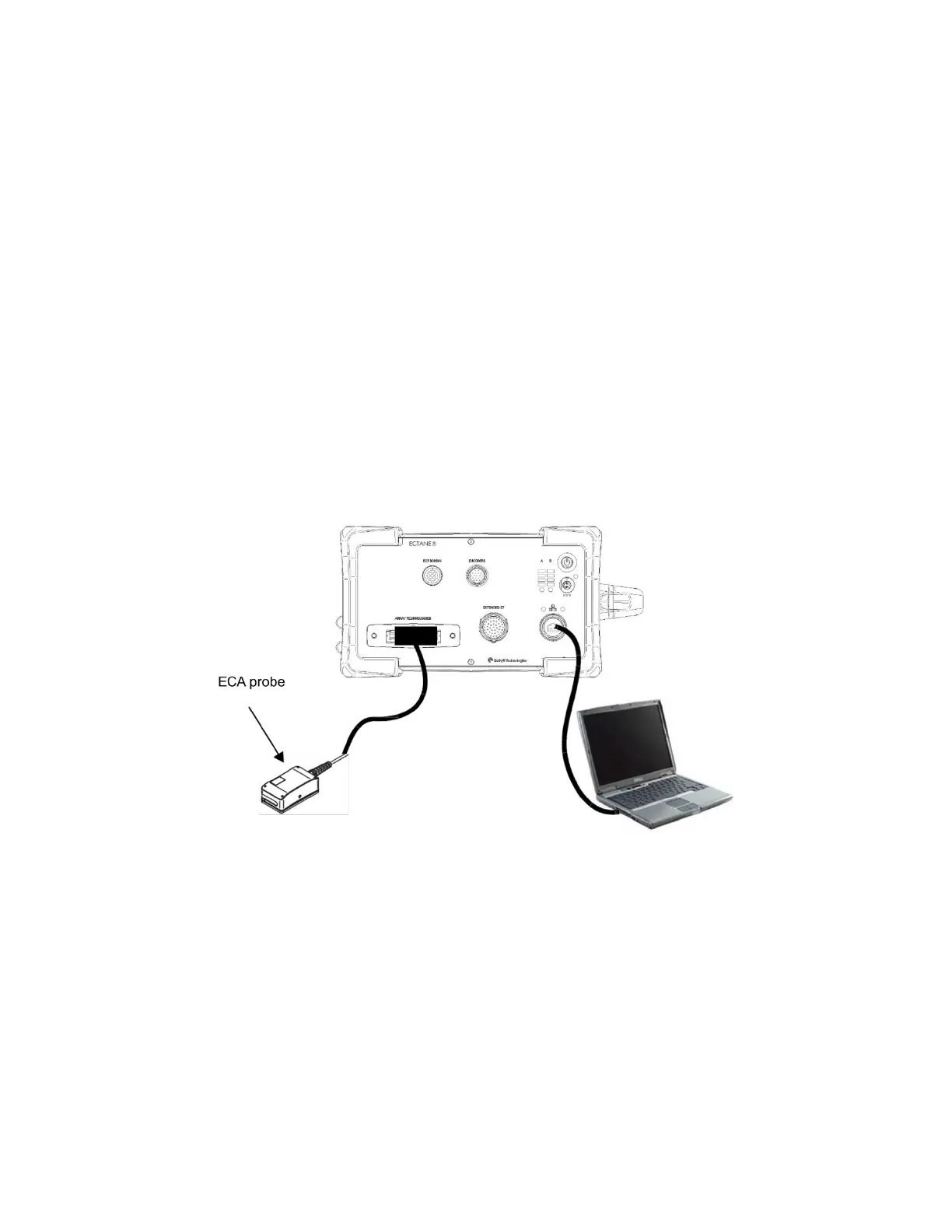
2. Using an Ethernet cable, connect the Ectane 3 to the computer.
3. Using the appropriate cables, connect the components required by your setup to the
corresponding Ectane 3 connector. See Connection Configurations for more details.
3. Connection Configurations
The Ectane 3 allows various test configurations shown in the following figures.
Figure 3-1 - Typical configuration 1: Ectane 3 E64 or E128 with SmartMUX™



 To Next Page