28
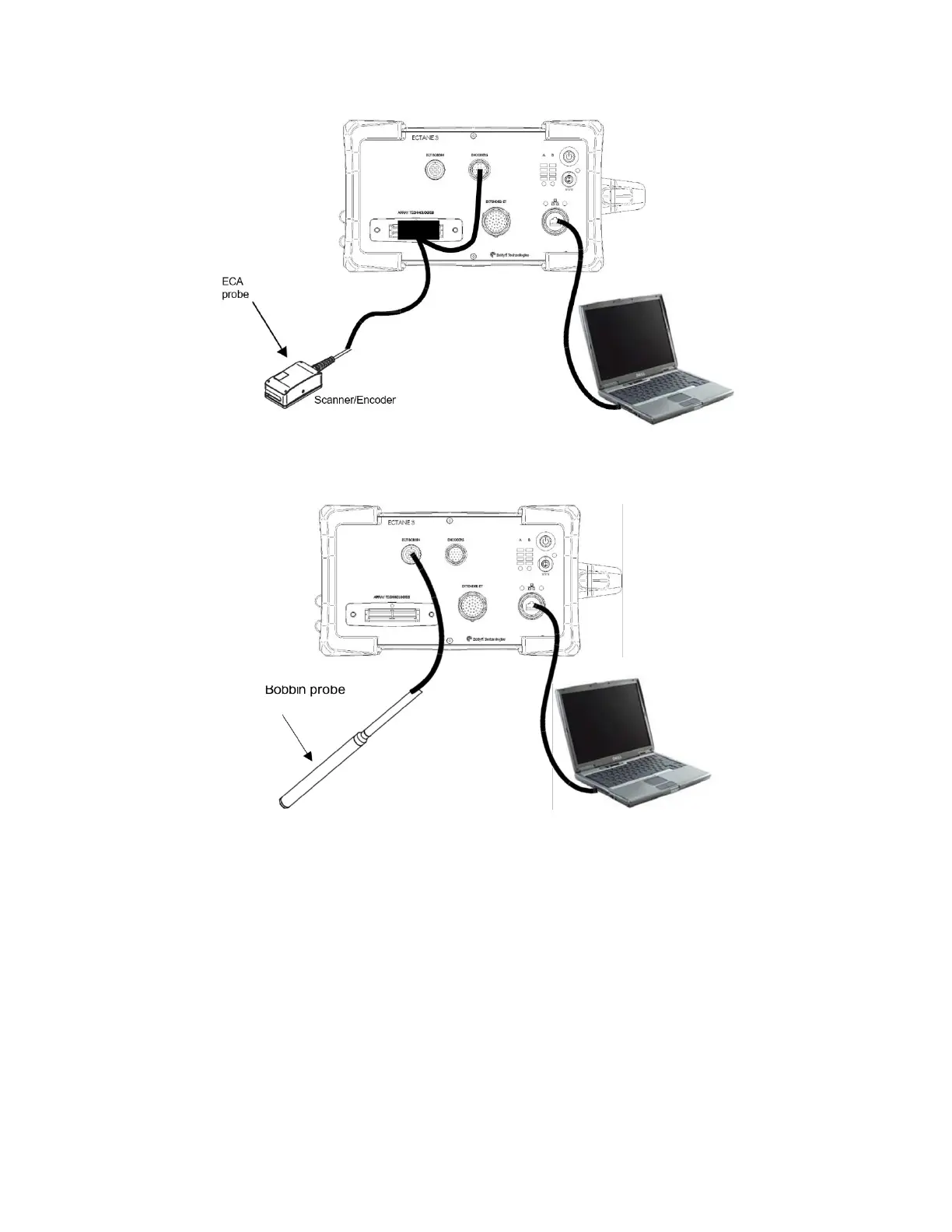
Figure 3-2 - Typical configuration 2: Ectane 3 with SmartMUX, scanner, and probe
Figure 3-3 - Typical configuration 3: Ectane 3 E64 and E128 with ECT probe
4. Starting the Instrument
Once you have properly connected all the components of your inspection setup, you can start
the Ectane 3.
1. Connect the power adapter to the power cord.



 To Next Page