15
3-2-4 Statistics
Click “Statistics” in the sub-menu to open the menu in the left bar that contains two
items: Traffic Statistics and DSL Statistics.
3-2-4-1 Traffic Statistics
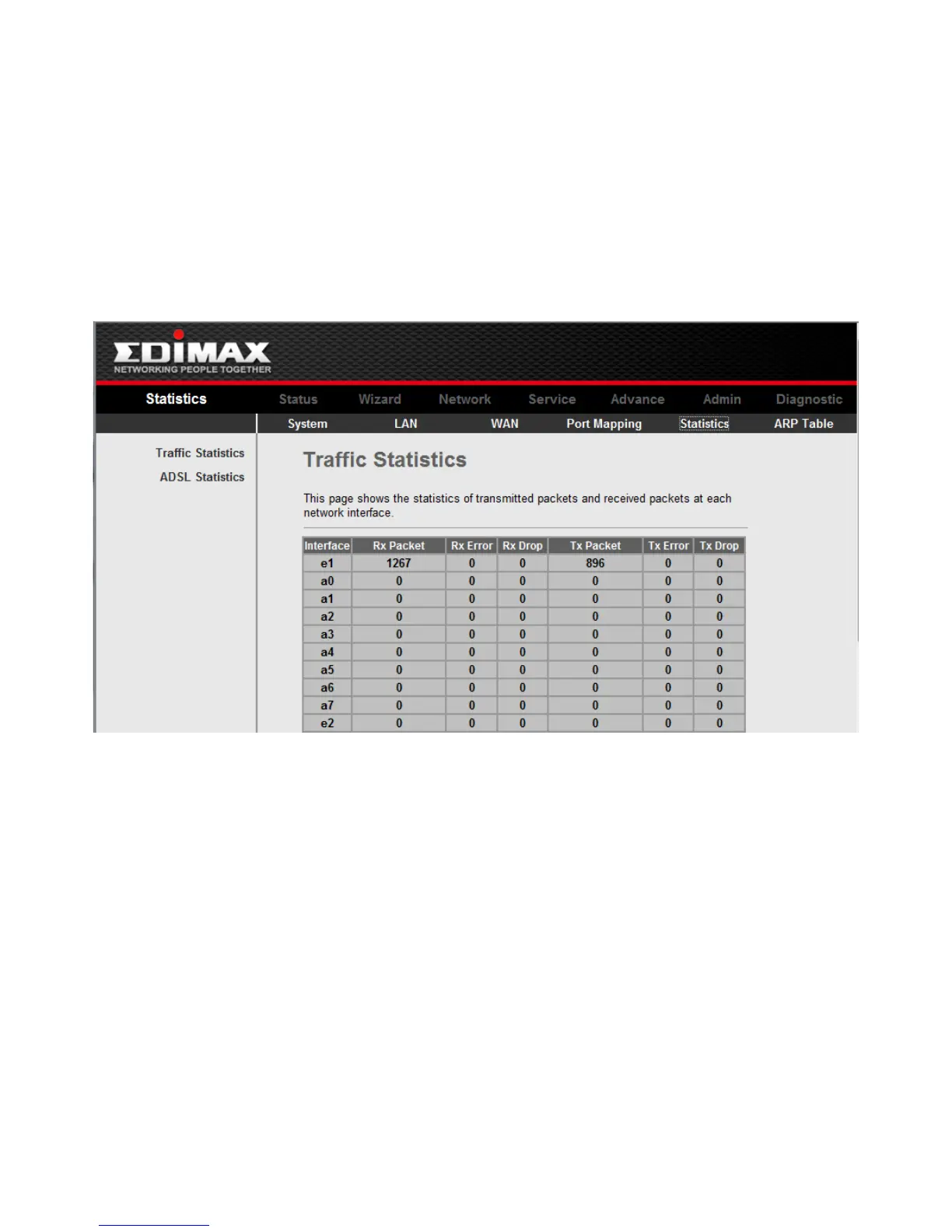
Click “Traffic Statistic” in the left bar to open the following screen. In this page, you can
view the statistics of each network port.



 To Next Page