36
3-6-3-2 DMZ Settings
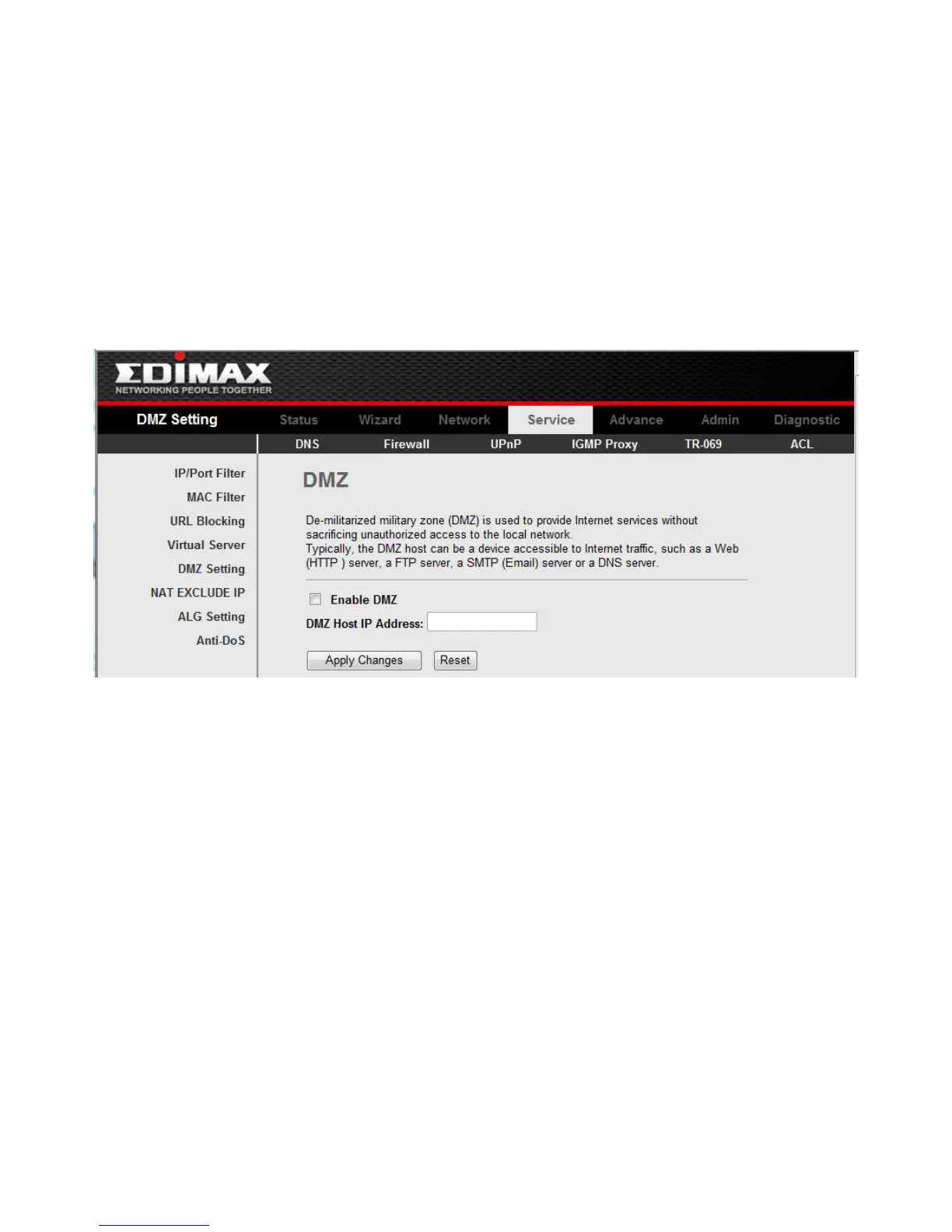
Click DMZ Settings in the left bar to open the screen of Fig 3.6.3.2. A Demilitarized Zone
is used to provide Internet services without sacrificing unauthorized access to its local
private network. Typically, the DMZ host contains devices accessible to Internet traffic, such
as Web (HTTP ) servers, FTP servers, SMTP (e-mail) servers and DNS servers.
Select the checkbox Enable DMZ to enable this function. Then input a IP Address of the
DMZ host.
Click the button Apply Changes to save the settings of this page.
Fig 3.6.3.2



 To Next Page