35
3-6-3 Firewall – II
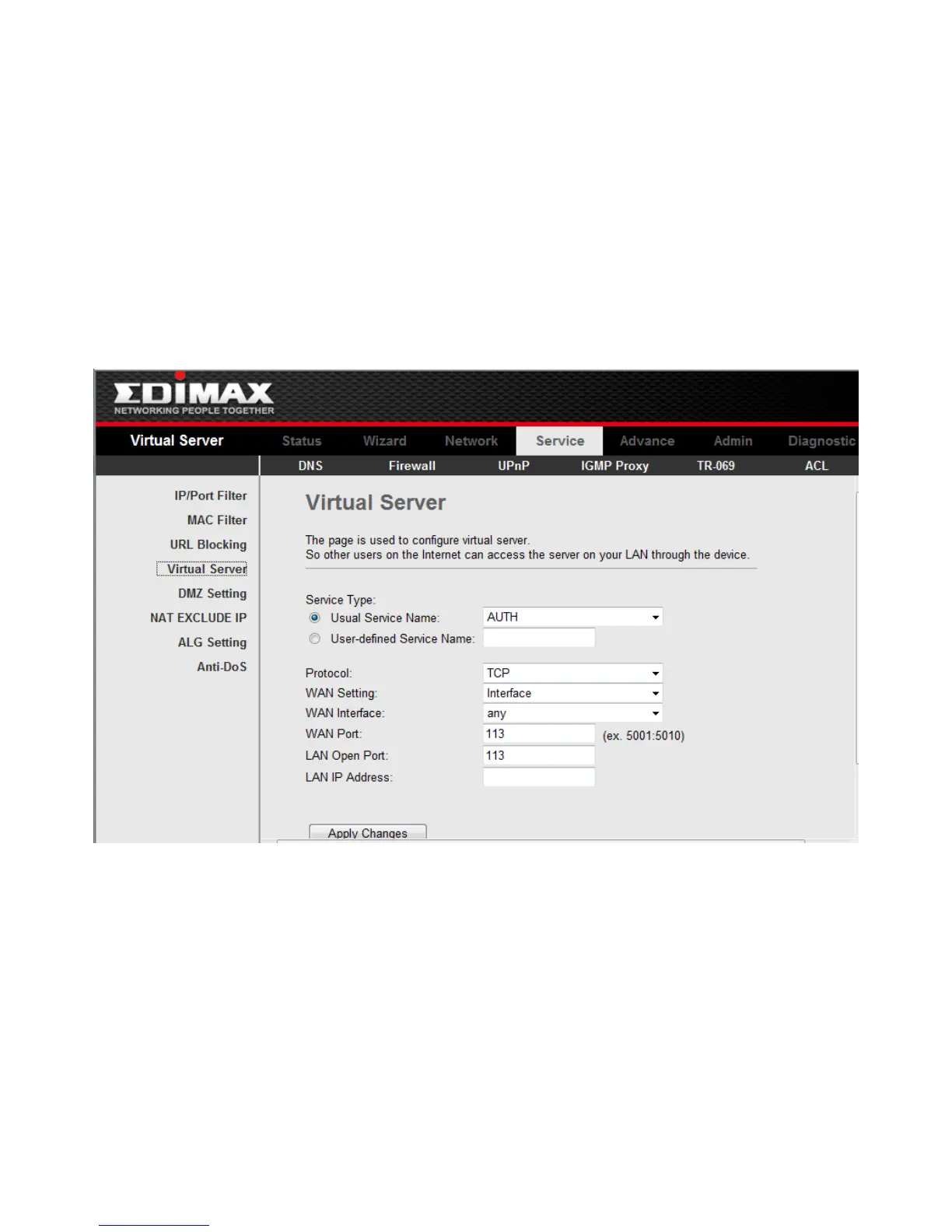
Click Virtual Server in the sub-menu to open the menu in the left bar,whick contains
two items:Services and DMZ Settings.
3-6-3-1 Virtual Services
Click Services in the left pane to open the screen of Fig 3.6.3.1. This page is used to
enable the servers in the local network.
Click the button Add to add a virtual server.
Fig 3.6.3.1



 To Next Page