46
3-7 Admin
Click Admin in the menu to open the sub-menu which contains 9 items: Remote Access,
Commit/Reboot, Password, Backup/Restore, Upgrade Firmware, Time Zone, SNMP ,TR069
and ACL.
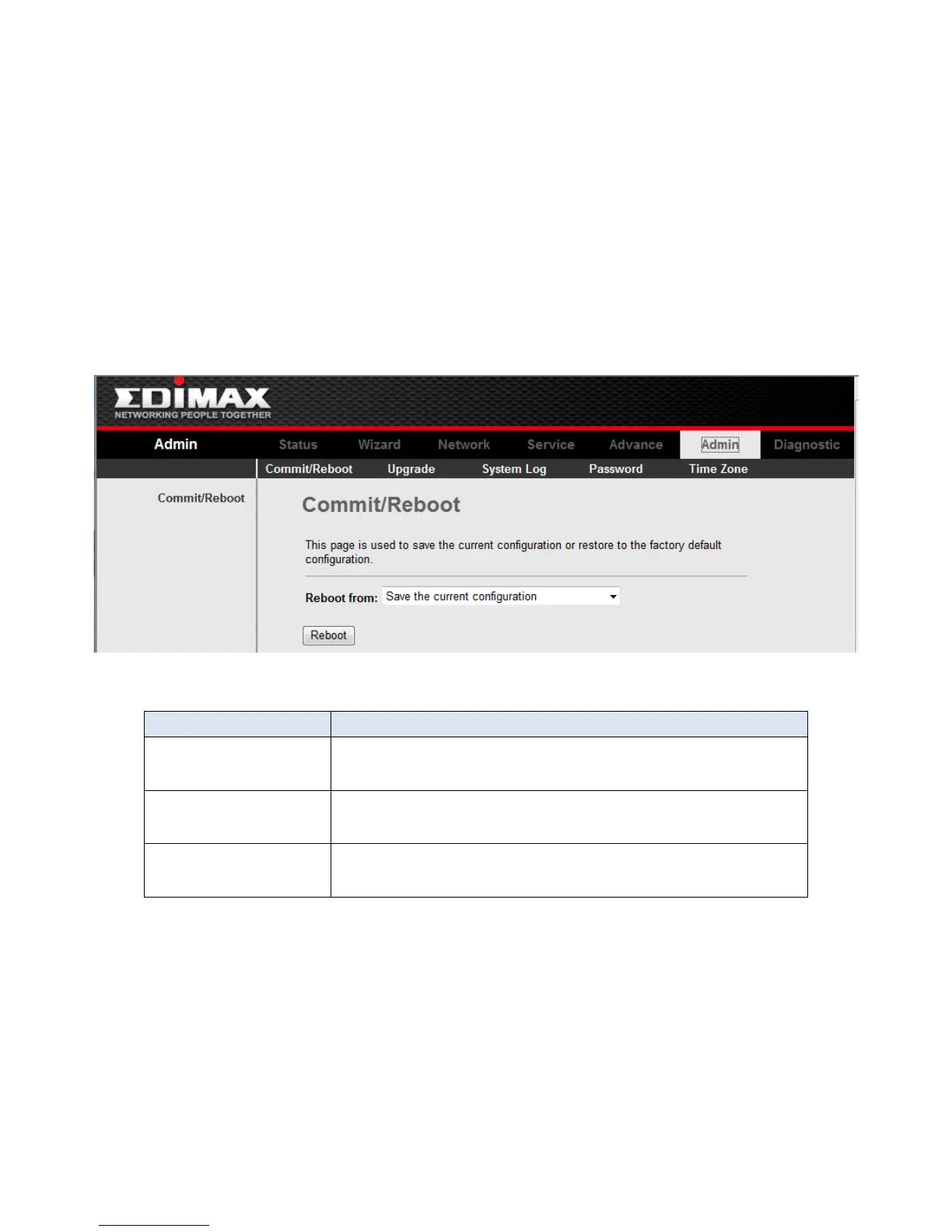
3-7-1 Commit/Reboot
Click Commit/Reboot in the sub-menu to open the screen of Fig 3.7.2. In this page, you
can set the router reboot to default settings or set the router save the current settings then
reboot.
Fig 3.7.2



 To Next Page