47
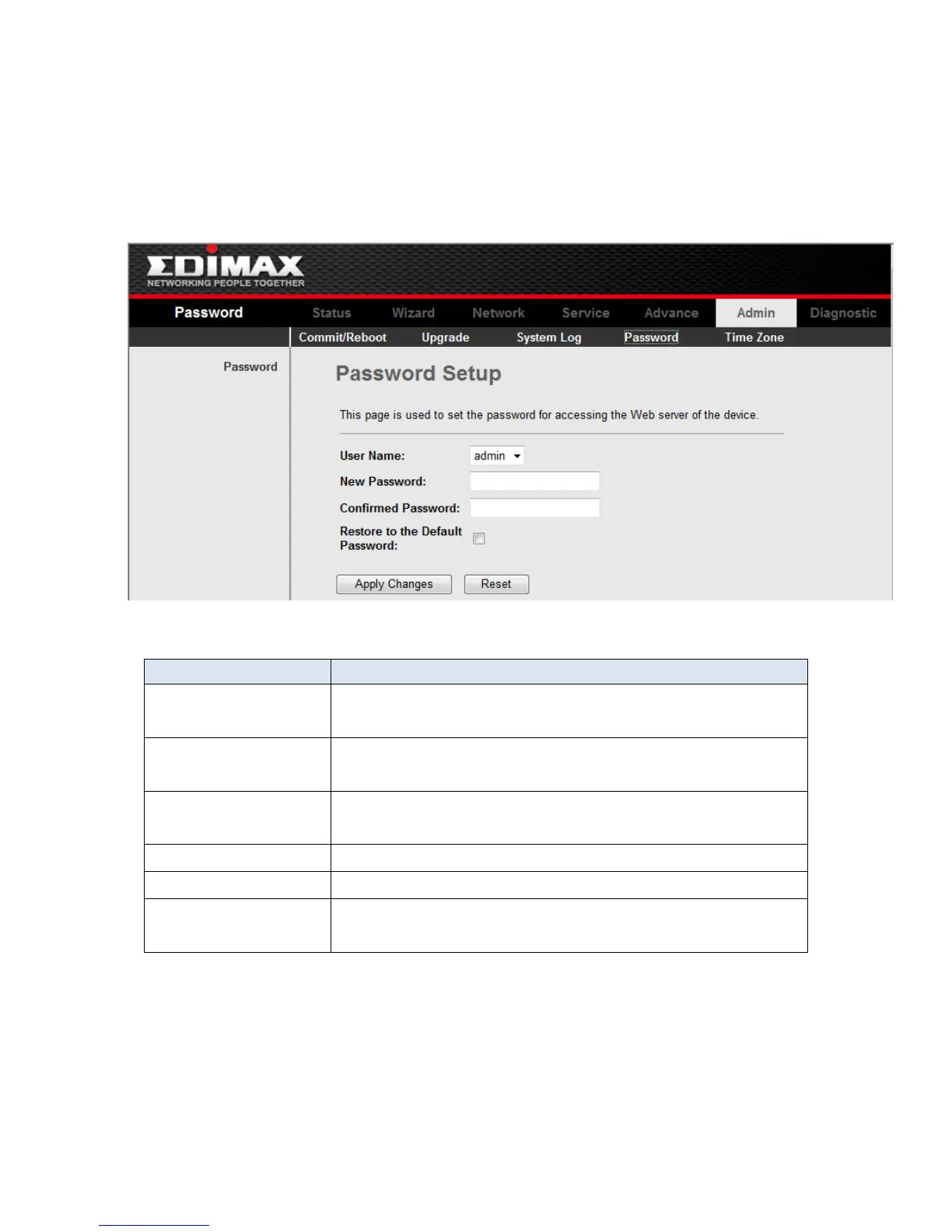
3-7-2 Password
Click Password in the sub-menu to open the screen of Fig 3.7.3. In this page, you can
change the password of the user, include admin and user. The super user name and
password are admin/admin as default, and the The common user name and password are
user/user.
Fig 3.7.3
Select the user name in the drop-down list box. The
choices are admin and user.
After selected the user name, input the old password
of the user here.
Input the new password what you want to set of the
user.
Input the new password again.
Click this button to save the settings of this page.
Click this button to begin configuring the password
afresh.



 To Next Page